
Introducing AI Navigator: Your Secure Desktop Gateway to Generative AI

Editor’s Note: As of Sept. 30, 2024, Anaconda AI Navigator is now officially in GA. Learn more here The Anaconda team is thrilled to announce the public beta launch of AI Navigator, Anaconda’s newest product designed to bring the power of large language models (LLMs) directly to your desktop. Getting started is as simple as downloading AI […]
New Release: Anaconda Distribution 2024.06

We are excited to announce the 2024.06 release of Anaconda Distribution, Anaconda’s free data science distribution installer, which includes: Python – the most widely used programming language for data science and machine learning conda – the open-source, cross-platform package and environment manager Anaconda Navigator – our desktop application, built on conda, that enables you to […]
Anaconda Recognized in insideBIGDATA’s IMPACT 50 List

We’re thrilled to announce that Anaconda has been named one of the most impactful companies in the industry by insideBIGDATA, securing the 19th position on their prestigious IMPACT 50 List. This recognition underscores our commitment to democratizing access to cutting-edge data science and AI tools. insideBIGDATA, a trusted source for news and insights in the […]
Anaconda Not Affected by Malicious xz Code
What Happened? A March 29, 2024 announcement brought to light malicious code that affects the latest version of the “xz” tools and libraries. This was an identified level 10 severity CVE. We want to take this opportunity to reassure you that Anaconda products and packages were not impacted by this incident and our customers are […]
Visual Data Analysis with Python in Excel: Using Line Charts
This is the fifth and final in a series of blog posts that teach you to analyze data using Python code in Microsoft Excel visually. If you are new to Python in Excel, you should start with my Python for Excel Analysts blog series, which covers many concepts that will be assumed in this blog series. This […]
Visual Data Analysis with Python in Excel: Using Bar Charts
This is the fourth in a series of blog posts that teach you to analyze data using Python code in Microsoft Excel visually. If you are new to Python in Excel, you should start with my Python for Excel Analysts blog series, which covers many concepts that will be assumed in this blog series. This series will […]
Visual Data Analysis with Python in Excel: Using Scatter Plots
This is the third in a series of blog posts that teach you to analyze data using Python code in Microsoft Excel visually. If you are new to Python in Excel, you should start with my Python for Excel Analysts blog series, which covers many concepts that will be assumed in this blog series. This series will […]
Visual Data Analysis with Python in Excel: Using Boxplots
This is the second in a series of blog posts that teach you to analyze data using Python code in Microsoft Excel visually. If you are new to Python in Excel, you should start with my Python for Excel Analysts blog series, which covers many concepts that will be assumed in this blog series. This series will […]
Visual Data Analysis with Python in Excel: Using Histograms
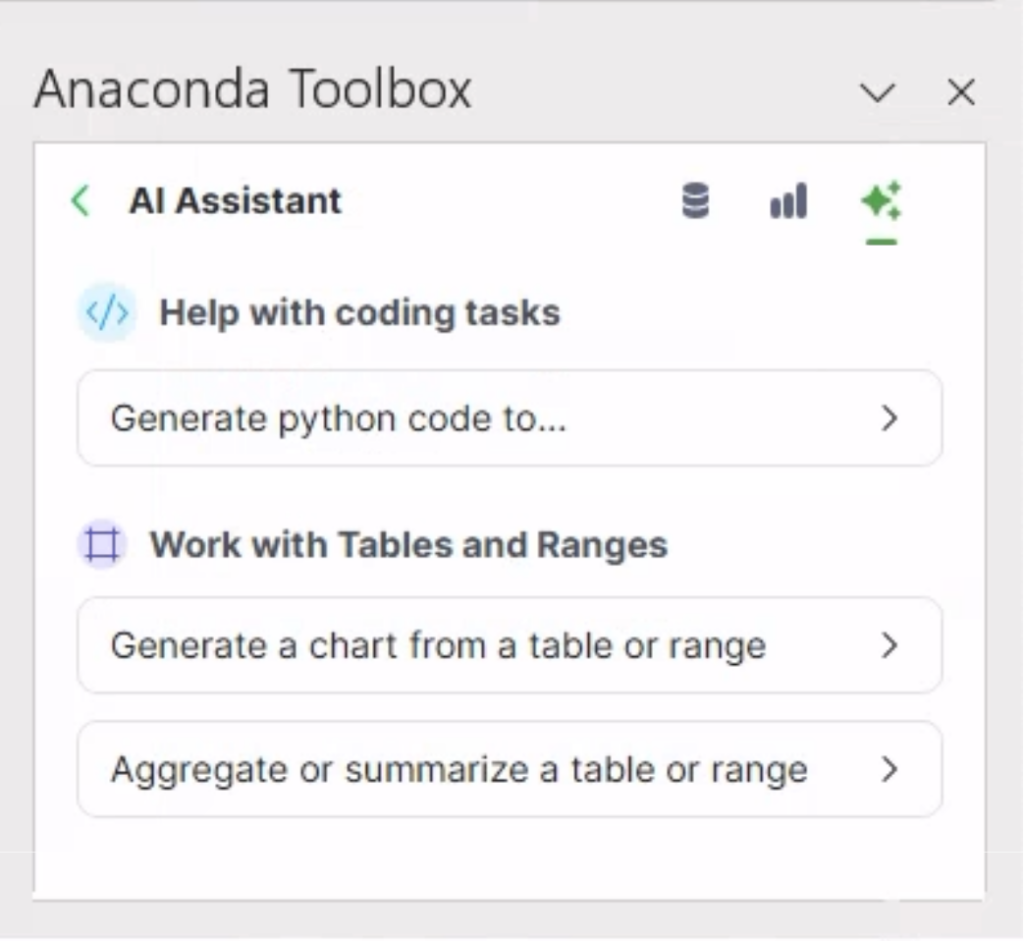
Many types of professionals analyze data using different skills. Microsoft Excel users analyze data using Excel PivotTables, while data scientists use statistical and machine learning models. Despite this diversity, Excel users, data scientists, and statisticians share one universal data analysis skill: visually analyzing data. This is the first in a five-part blog series introducing you […]
Easily manage and auto-grade your student’s coding work with EduBlocks
In the ever-evolving landscape of education technology, our educational coding platform EduBlocks is quickly becoming a critical tool within educators’ toolboxes for introducing text-based coding to their students. EduBlocks is a drag and drop block-based coding tool that helps introduce text-based coding concepts, specifically with Python, to younger students. It also features a text-only code […]