
OpenAI models have ranked at the top of the Kilo Leaderboard since Kilo Code launched, and developers can now bring their ChatGPT accounts and plans directly into Kilo. With Sign in with ChatGPT, a developer can create a Kilo account using their ChatGPT subscription, then connect their ChatGPT plan to run inference on every Kilo coding surface: VS Code, JetBrains, the CLI, Cloud Agents, Code Reviews, and the mobile app.
For teams adopting Kilo, this means developers can start with an account and a subscription that they already have.
One login for your developers
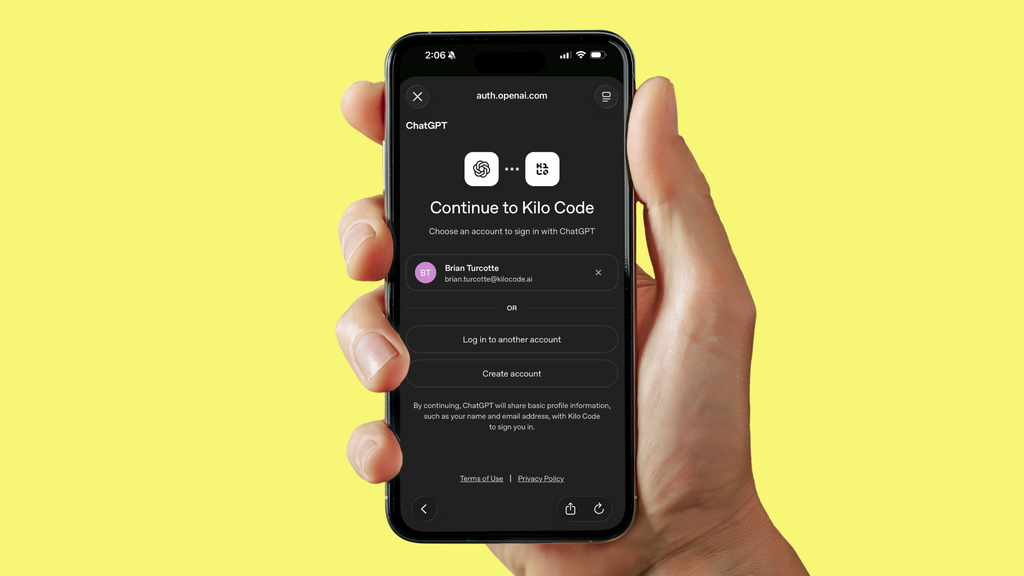
Sign in with ChatGPT works like signing in with Google or GitHub. A developer authenticates with OpenAI, and Kilo uses that identity to create their account or sign them in. Their ChatGPT account then serves as the login source for Kilo’s cloud services, so each developer has one less account to set up and one less password to manage before they write any code.
Existing ChatGPT plans now cover Kilo work
Developers can use up to 100% of the ChatGPT Work and Codex usage included with their plan inside Kilo. If a developer wants Kilo to use less than that, they can set a lower app-specific limit in their ChatGPT settings.
Before this update, a ChatGPT plan only reached Kilo through the local harness, which sent requests from the developer’s machine straight to OpenAI. That setup covered VS Code and the terminal, but anything running on Kilo’s infrastructure had no way to reach the subscription, so Cloud Agents and the mobile app needed a different model provider.
Developers now add their ChatGPT plan to Kilo as a BYOK provider, and their requests draw on that plan across ALL Kilo interfaces.
Cloud work without new credentials
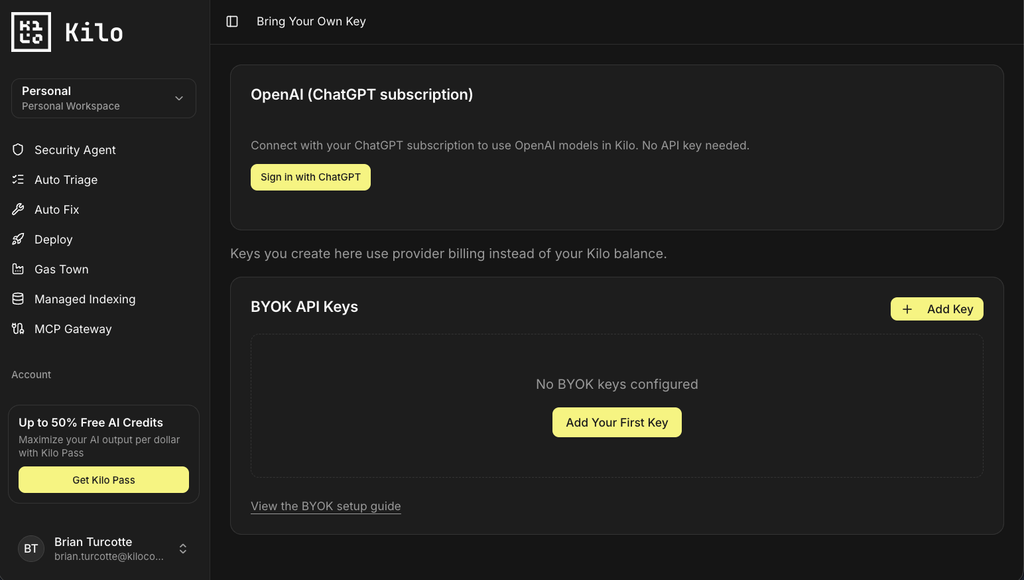
With the plan connected, a developer can start a Cloud Agent session from their phone and have it run on the same ChatGPT plan they use in their editor. Nobody has to create an OpenAI API key or set up a second provider account for that agent to work.
The plan covers local work as well. Developers can use the GPT models it includes in every Kilo mode on every surface, whether they’re asking a quick question in Ask mode or running 10 agents at the same time in the VS Code extension’s Agent Manager.
Get started
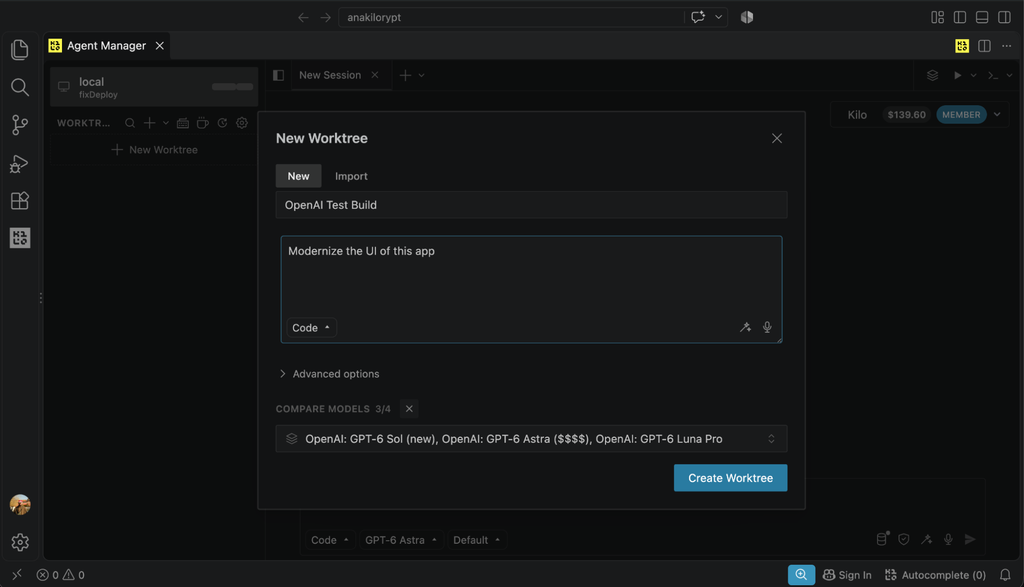
Once developers connect their ChatGPT plan, the GPT models it includes are available in every Kilo mode on every surface.
The same model dropdown also lists the 500+ models in the Kilo Gateway, so developers can use their plan and the Kilo Gateway side by side. To get started, sign in to Kilo with ChatGPT. You can read OpenAI’s perspective in their DevDay 2026 recap.