
Publishing your package is part of an automated workflow
What's New
If you’ve built, maintained, and published conda packages, you’ll be familiar with this process: you tag a release (mark the version you’re shipping) and your pipeline takes it from there. It builds the package, runs the tests and (fingers crossed) everything comes back green.
Ball’s back in your court. One last step is getting the package onto your channel. You open a terminal, dig up your token, run the upload, and hope you copied it right. And then Slack pings and you drift into some rabbit hole.
On a busy Friday afternoon, that’s the step that breaks, gets skipped, runs from the wrong laptop, or is forgotten until someone asks why the new version is still not on the channel. The release you worked on never actually ships…
That’s the gap Anaconda GitHub Actions closes. A GitHub Action is a small automated step GitHub runs for you when something happens in your repo, like tagging that release. (For more, see GitHub’s documentation.)
Our action, Upload Package, makes that final upload part of the same pipeline that already built and tested your package.
Tag the release and it publishes itself. No laptop, no token to manage by hand, nothing to remember.
It’s open source and available today.
Let's Dig Deeper
Once it’s in your workflow, Upload Package is just another step: it runs when your build runs, and publishes what your build produced.
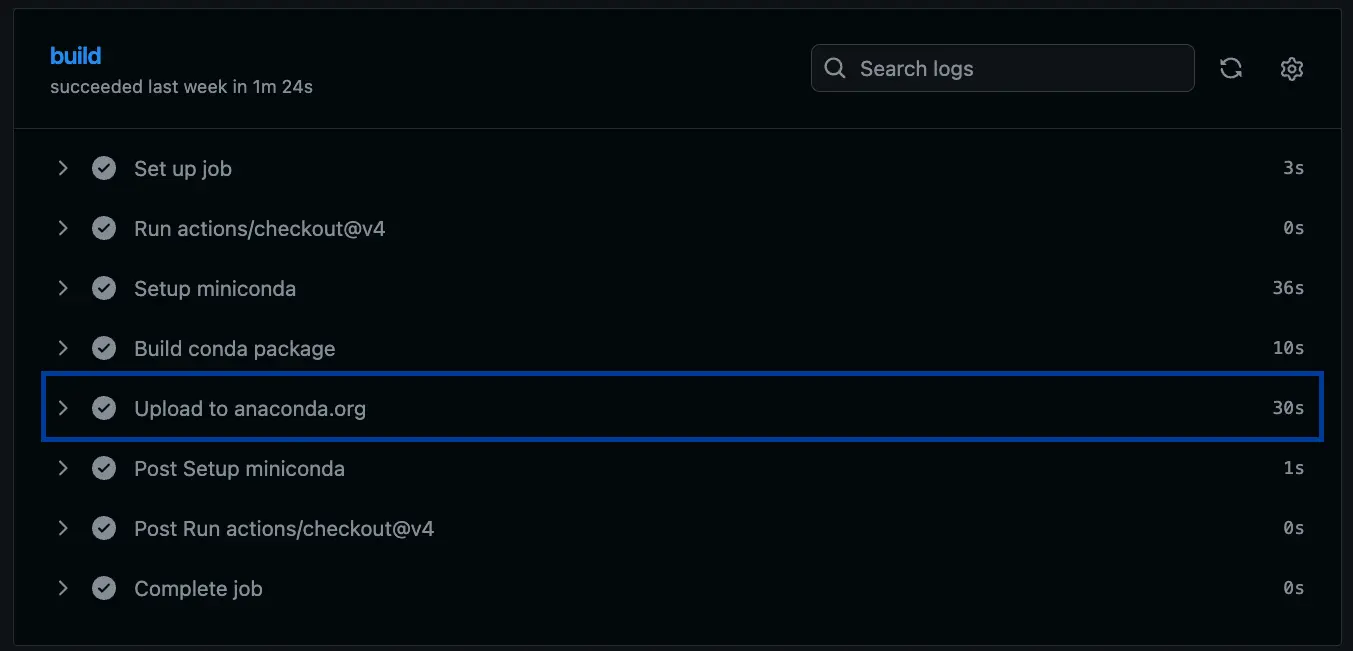
Upload Package running as a step in the workflow. Once build and test pass, it publishes on its own, with no separate upload to run.- Pinned dependencies, not whatever’s newest. The action runs from a lock file, so an upstream CLI change or a setuptools bump doesn’t silently break your release. You find out when you decide to upgrade, not when continuous integration (CI) fails.
- One setup, regardless of where you’re publishing: anaconda.org, on-prem, or self-hosted Anaconda registry. It’s the same action, same configuration surface. There’s no separate tool to learn for each target.
- The plumbing is already wired. You configure the values, not the logic. Token handling, release trigger, and file selection are all handled for you.
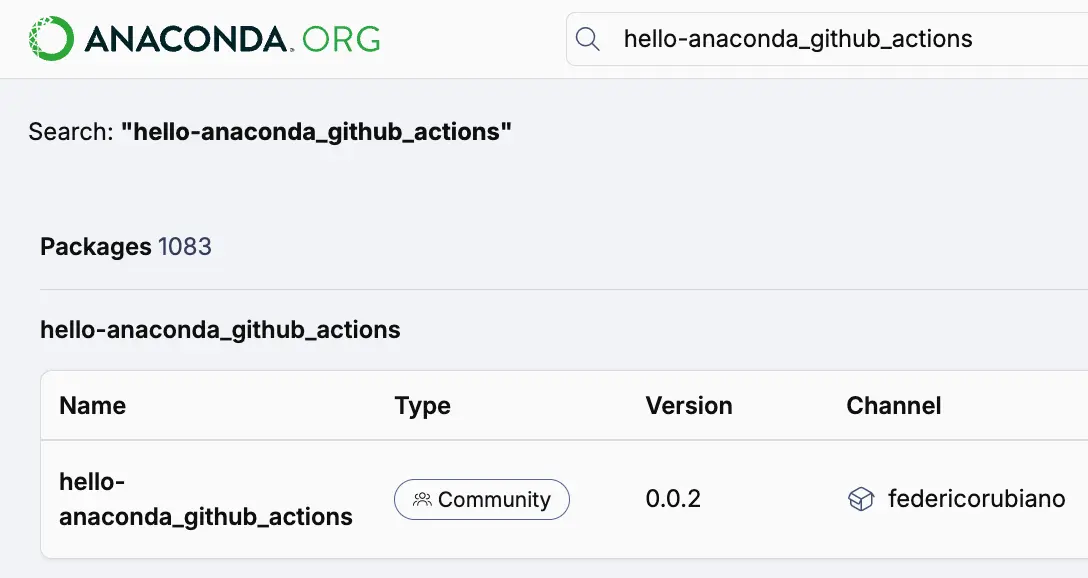
Why This Matters
When you stop doing a repeatable step by hand, it reduces the room for human error, and the package that ships is the one your pipeline produced.
What that’s worth depends on who you are:
- If you maintain a package on your own (a community channel on anaconda.org, a side project more people quietly depend on than you’d think), it’s one less manual chore between a finished build and the version your users actually get.
- If you publish as a team (to a shared channel, or to your own on-prem or self-hosted Anaconda registry), it’s about consistency. Every release goes out the same way, from the same pipeline. The process doesn’t leave when your team member is out.
Either way, the release you worked on actually ships, without requiring someone remembering to push it.
Where Does It Work
The same action publishes conda packages and Python wheels to anaconda.org. It isn’t limited to the public registry: point it at your own on-prem or self-hosted Anaconda registry and it publishes there too, through the same interface. It runs as an ordinary step on the machines GitHub hosts for you, across Linux, macOS, and Windows.
Give It a Shot
If you publish conda packages, you can wire this in quickly:
- Generate an Anaconda token and add it to your repo as a secret named
ANACONDA_ORG_TOKEN. - Add the
Upload Packagestep to your workflow and pointchannelat your channel. - Tag a release and watch it publish without you.
Publishing to your own registry instead of anaconda.org? Point it at your registry’s URL and swap in a registry token for the anaconda.org one.
Hit a rough edge, or want something it doesn’t do yet? Open an issue here and we’ll get back to you. For more information you can read our documentation.