
These free Python libraries span every domain, from data manipulation to machine learning and everything in between. Whether you’re looking for open-source Python libraries for data science, building AI applications, or just starting your Python programming journey as a beginner, this guide covers the essential tools you need.
New to Python? Start with the fundamental data science tools (Jupyter, pandas, NumPy, and Matplotlib.) These beginner-friendly libraries provide the foundation for more advanced work and come pre-installed with Anaconda Distribution.
Fundamental Tools for Data Science
Jupyter
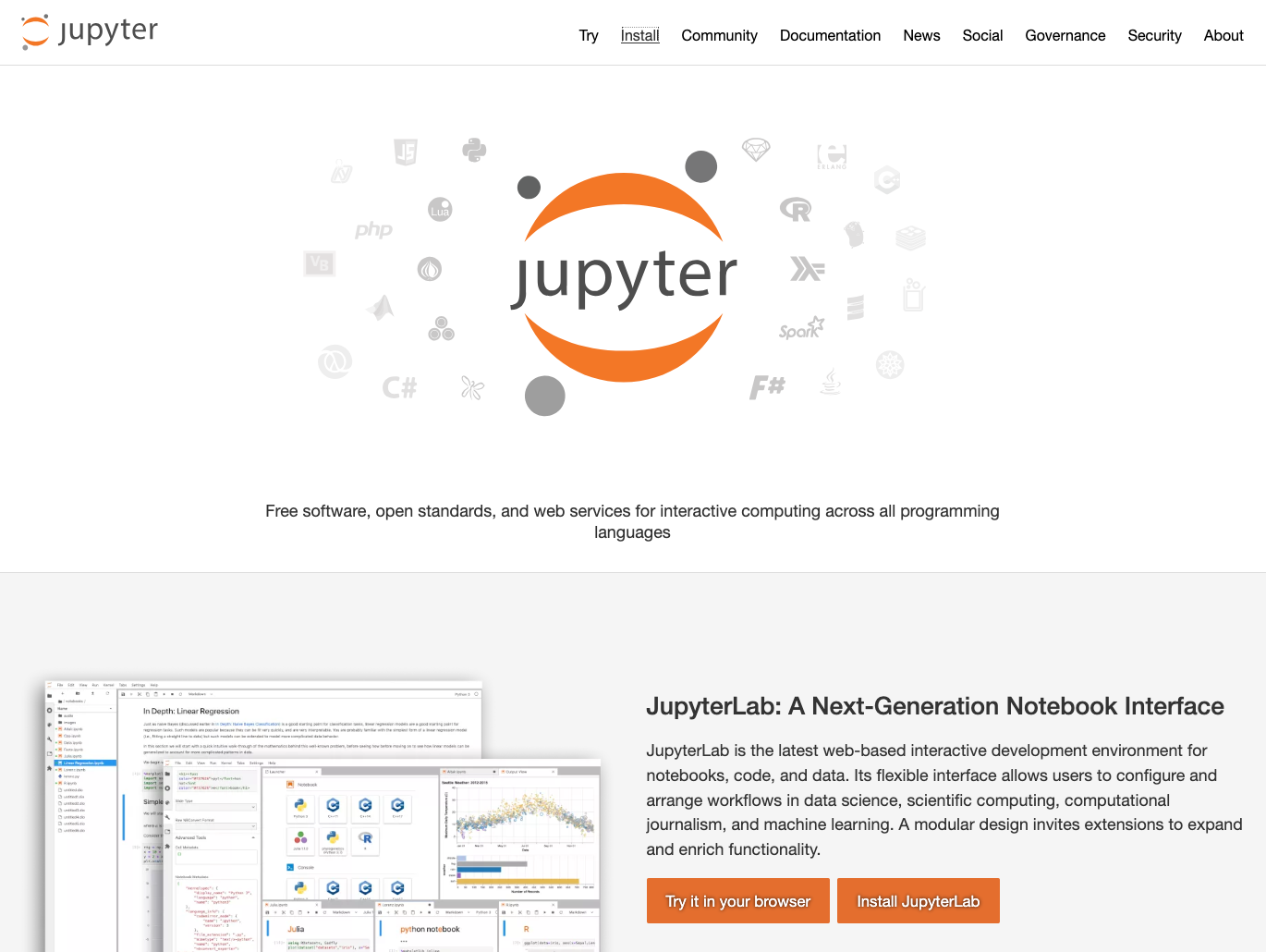
Jupyter is the industry-standard interactive notebook environment for writing code, visualizing data, and documenting your analysis.
Jupyter is an open-source project that combines code execution, rich text, visualizations, and narrative documentation in a single interface. You can run code in small chunks, see immediate results, iterate quickly, and explain your thinking alongside the code.
It’s available in two main interfaces: the classic Notebook and the more feature-rich JupyterLab. It integrates with virtually every Python data science library and supports multiple programming languages through different kernels.
Common use cases for Jupyter include:
- Analyzing and visualizing exploratory data
- Developing and testing machine learning models
- Creating data science tutorials and educational content
- Sharing reproducible research and analysis
- Building interactive reports that combine code and narrative
Jupyter comes pre-installed with Anaconda Distribution. View the package details here.
To install Jupyter with conda, run: conda install main::jupyter
pandas
pandas is the essential library for working with tabular data. It’s like combining Excel spreadsheets with the power and flexibility of Python.
pandas is an open-source Python library for data manipulation and analysis. It comes with two main structures: Series (one-dimensional) and DataFrame (two-dimensional), which let you store and manipulate data with labeled rows and columns.
What sets pandas apart is its intuitive syntax for common data operations that would otherwise require dozens of lines of code, such as filtering rows, grouping data, handling missing values, merging datasets, and performing time series analysis. It’s built on NumPy and includes built-in visualization capabilities through integration with Matplotlib.
Common use cases for pandas include:
- Loading and cleaning messy real-world datasets
- Performing aggregations, groupbys, and pivot table operations
- Merging and joining multiple datasets
- Handling time series data and date-based calculations
- Conducting quick exploratory analysis and statistical summaries
pandas comes pre-installed with Anaconda Distribution. View the package details here.
To install pandas with conda, run: conda install main::pandas
SciPy
SciPy provides a collection of mathematical algorithms and functions for scientific computing, optimization, and statistical analysis.
SciPy is an open-source Python library that provides efficient implementations of mathematical algorithms for scientific and technical computing. Built on top of NumPy, SciPy extends Python’s capabilities into specialized domains like signal processing, optimization, statistics, linear algebra, integration, and interpolation.
While libraries like pandas focus on data manipulation and NumPy handles arrays, SciPy provides the sophisticated mathematical operations you need to analyze and model that data.
Common use cases for SciPy include:
- Solving optimization problems to find minimum and maximum values
- Performing statistical testing and working with probability distributions
- Processing signals and images
- Conducting numerical integration and solving differential equations
- Fitting curves and interpolating data
SciPy comes pre-installed with Anaconda Distribution. View the package details here.
To install SciPy with conda, run: conda install main::scipy
NumPy
NumPy is the foundation that makes Python fast for numerical computing, powering nearly every data science library.
NumPy is the underlying data structure for pandas, scikit-learn, TensorFlow, and most other data science libraries, making it the universal data format across the Python data science ecosystem.
Its arrays are homogeneous and stored contiguously in memory, and operations on them are implemented in highly optimized C code. That means you can perform element-wise operations on millions of numbers almost instantly. NumPy also provides myriad mathematical functions that work efficiently on arrays, and it handles broadcasting to make code more concise and powerful.
Common use cases for NumPy include:
- Storing and manipulating numerical data efficiently
- Performing mathematical operations on entire datasets at once
- Conducting linear algebra operations like matrix multiplication and eigenvalue calculations
- Generating random numbers and performing statistical sampling
NumPy comes pre-installed with Anaconda Distribution. View the package details here.
To install NumPy with conda, run: conda install main::numpy
Polars
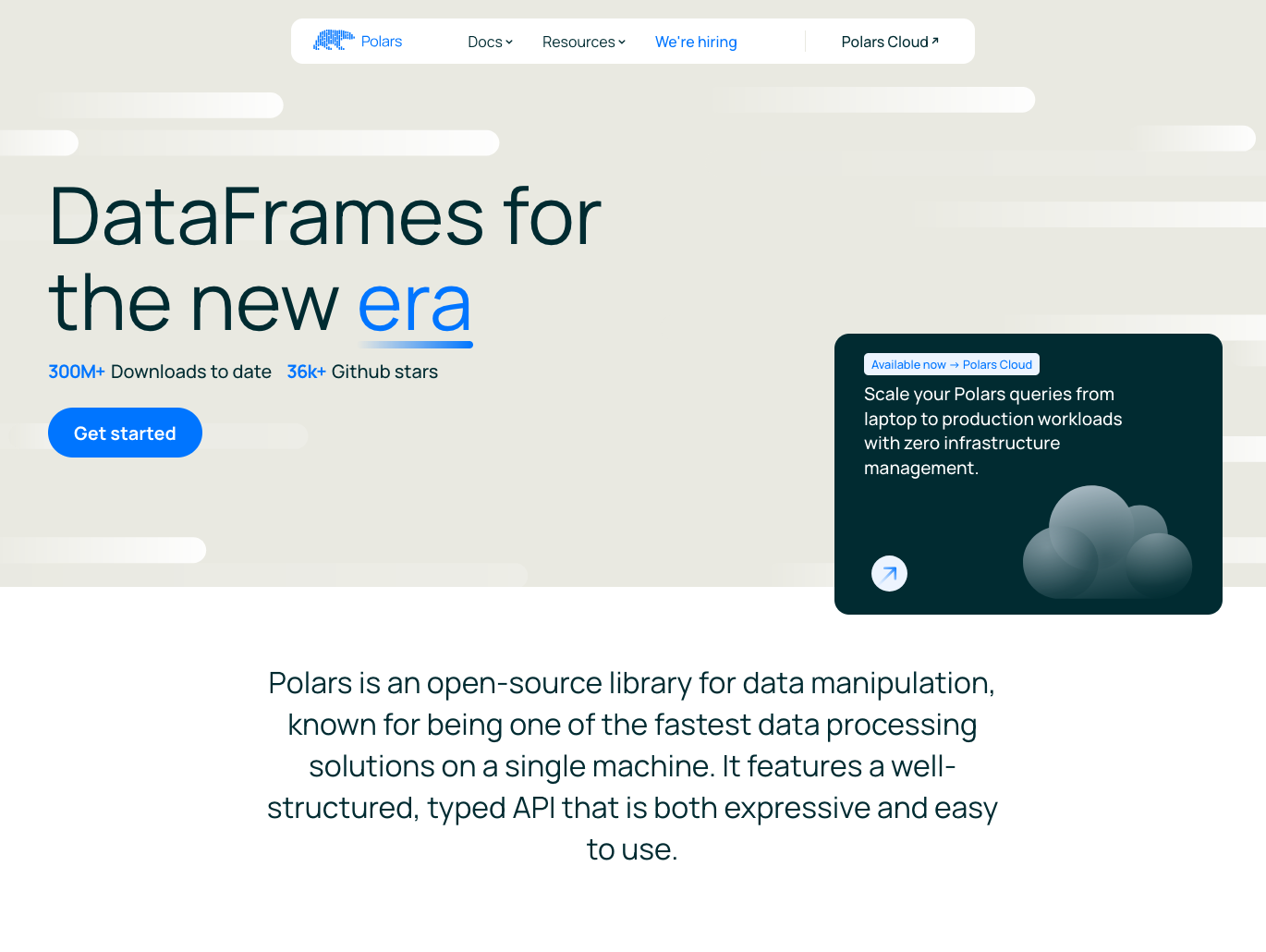
Polars is a blazingly fast DataFrame library with an intuitive API and powerful query optimization.
Polars is a modern DataFrame library written in Rust that provides a pandas-like interface with significantly faster performance on many operations. It uses Apache Arrow for memory representation and lazy evaluation for query optimization, analyzing your entire query before execution to find the most efficient plan.
The library handles larger-than-memory datasets efficiently and provides excellent parallel processing capabilities. For users familiar with pandas, Polars offers a natural migration path with performance advantages for large-scale data processing.
Common use cases for Polars include:
- Processing large datasets with improved performance
- Building optimized data transformation pipelines with lazy evaluation
- Handling CSV and Parquet files efficiently
- Performing complex aggregations and joins at scale
- Working with datasets approaching memory limits
Polars is available in Anaconda’s curated repository and can be found here.
To install Polars with conda, run: conda install main::polars
Data Visualization
Matplotlib
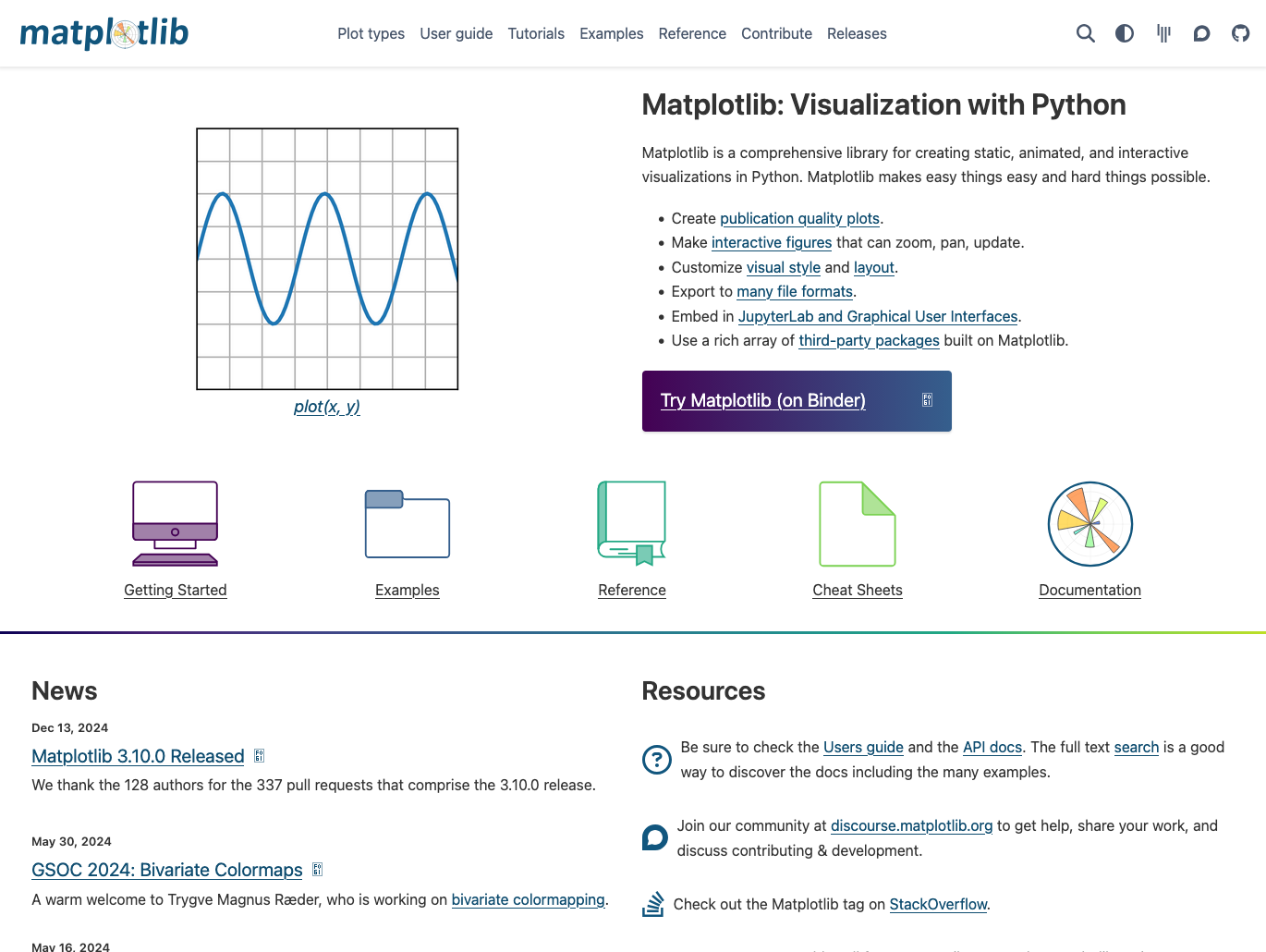
Matplotlib is the most established open-source Python library for creating static, publication-quality plots and charts.
Matplotlib provides comprehensive tools for creating two-dimensional plots, including line charts, bar charts, scatter plots, histograms, and more. It also gives you precise control over every element of a figure, from axis labels and tick marks to colors and line styles.
The library works with many GUI interfaces and can export to virtually any file format. It integrates with NumPy arrays and pandas DataFrames, making it a natural choice for visualizing scientific and statistical data.
Common use cases for Matplotlib include:
- Creating publication-quality figures for research papers and reports
- Generating statistical plots and exploratory data visualizations
- Building custom charts with precise control over appearance
- Visualizing NumPy arrays and pandas DataFrames
- Producing plots that can be embedded in applications
Matplotlib comes pre-installed with Anaconda Distribution. View the package details here.
To install Matplotlib with conda, run: conda install main::matplotlib
Seaborn
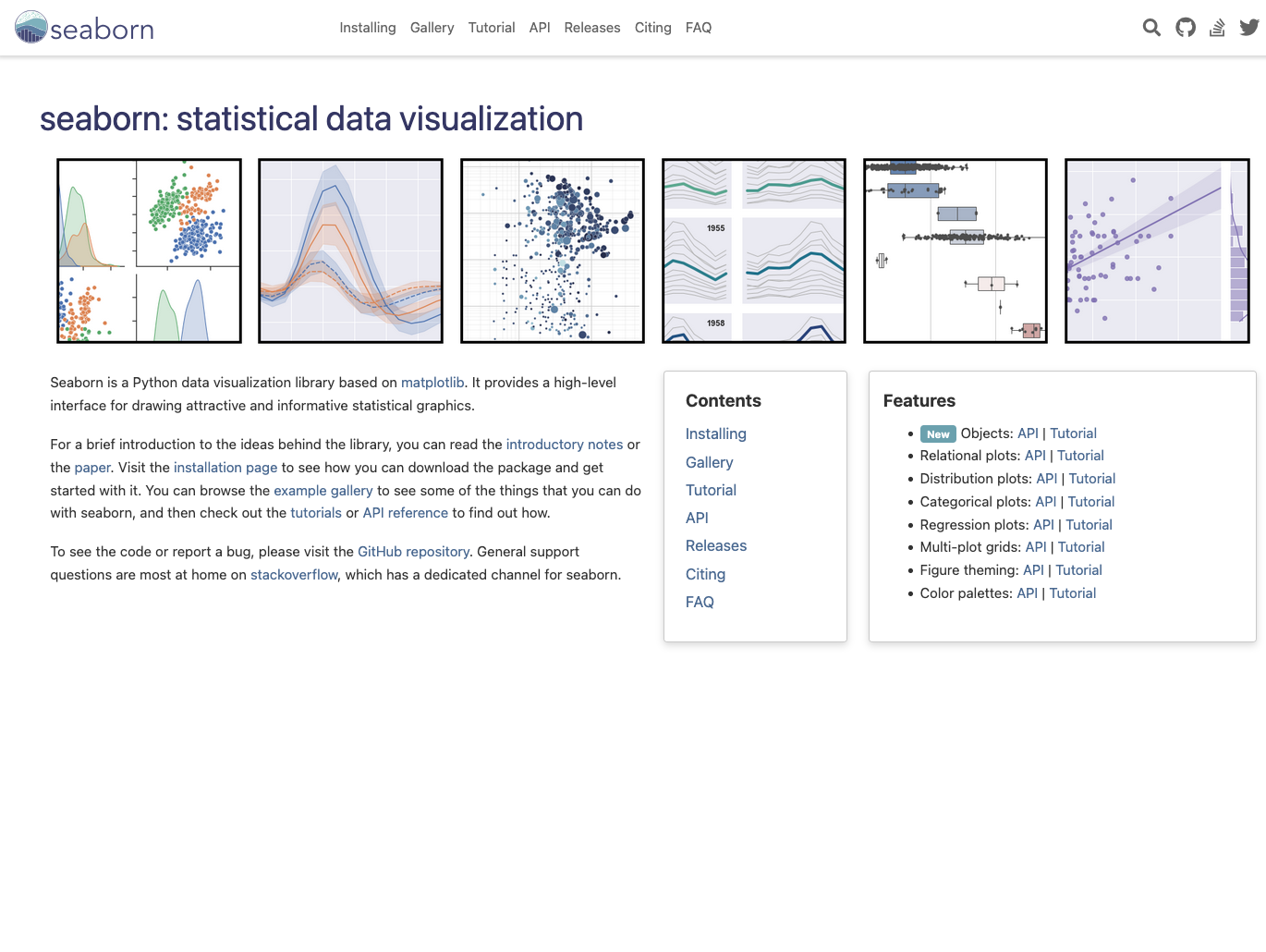
Seaborn is a statistical data visualization library built on Matplotlib that provides beautiful, informative default styles and color palettes.
Seaborn makes it remarkably easy to create complex statistical visualizations with just a few lines of code. It’s designed specifically for statistical graphics and integrates tightly with pandas DataFrames, automatically handling data aggregation and semantic mapping.
Seaborn includes specialized plot types for distributions, categorical data, regression relationships, and matrix visualizations that would require significant custom code in Matplotlib. Its high-level interface focuses on what you want to show rather than how to show it.
Common use cases for Seaborn include:
- Creating statistical plots with attractive default styling
- Visualizing distributions and relationships in datasets
- Building heatmaps and correlation matrices
- Generating multi-plot grids for comparative analysis
- Producing publication-ready statistical graphics quickly
Seaborn comes pre-installed with Anaconda Distribution. View the package details here.
To install Seaborn with conda, run: conda install main::seaborn
Bokeh
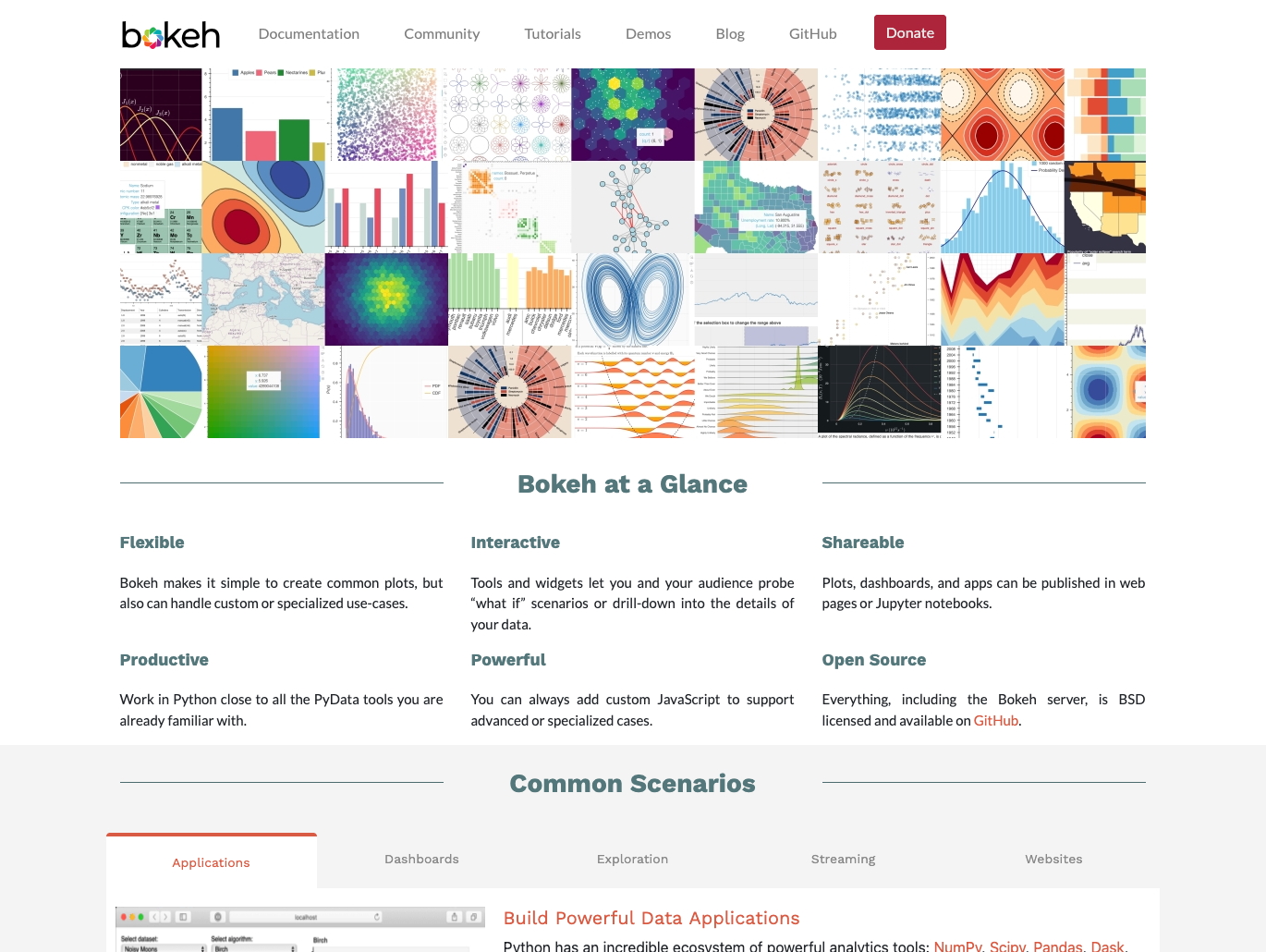
Bokeh is an interactive visualization library designed for modern web browsers with high-performance interactivity.
Bokeh lets you create interactive plots, dashboards, and data applications that run in web browsers without requiring JavaScript knowledge.
Unlike Matplotlib which primarily creates static images, Bokeh generates interactive visualizations with features like panning, zooming, hovering for tooltips, and linked brushing across multiple plots. It’s built on modern web technologies and can handle large datasets efficiently through server-side rendering.
Common use cases for Bokeh include:
- Building interactive dashboards for data exploration
- Creating web-based data applications with custom interactions
- Visualizing streaming or real-time data
- Generating plots with hover tooltips and zoom capabilities
- Developing linked visualizations where selections affect multiple plots
Bokeh comes pre-installed with Anaconda Distribution. View the package details here.
To install Bokeh with conda, run: conda install main::bokeh
Plotly
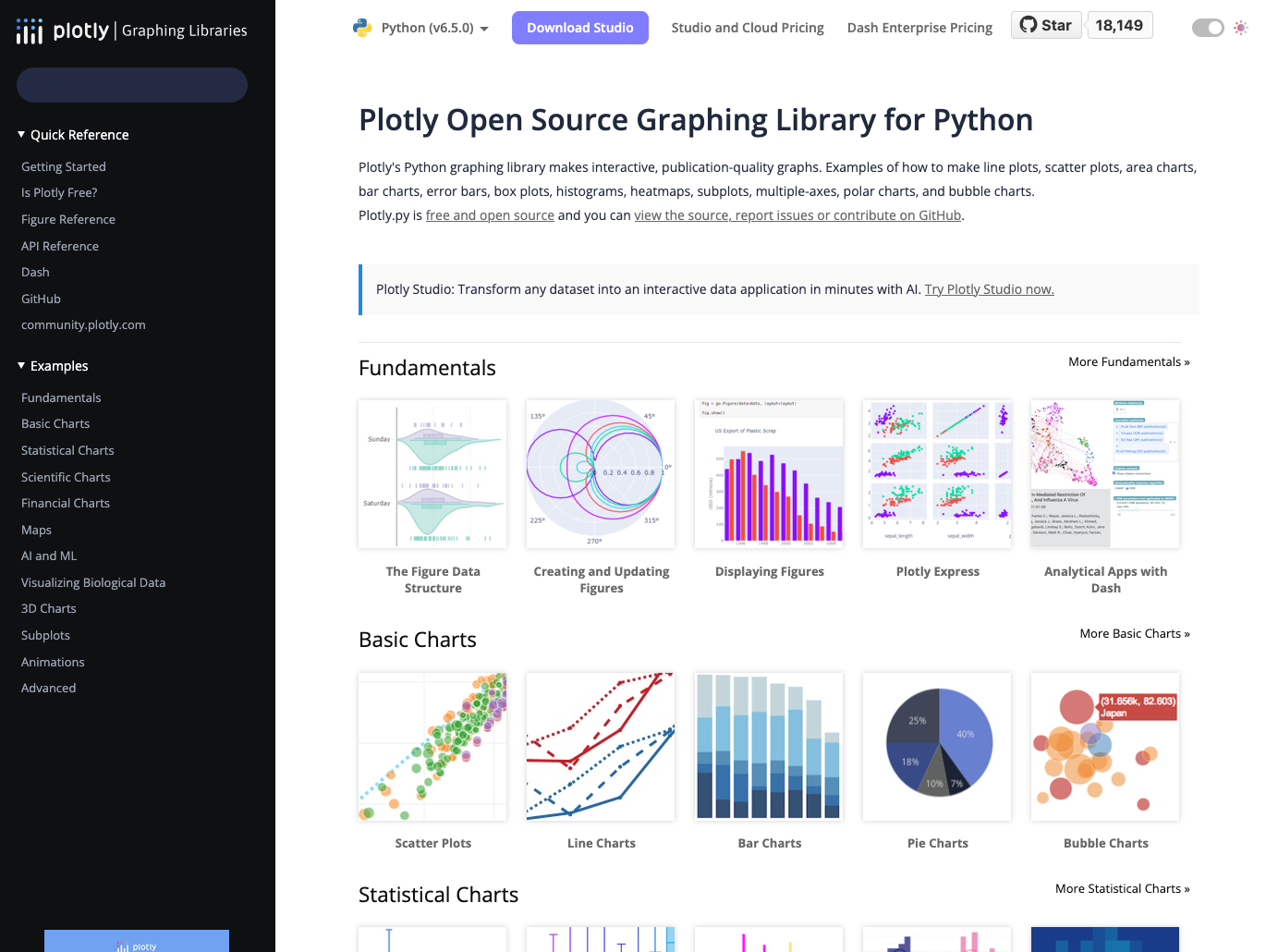
Plotly is a powerful open-source Python library for creating interactive, publication-quality graphs that work seamlessly in web browsers and notebooks.
Plotly lets you create interactive, JavaScript-based plots using Python syntax. It supports a wide range of chart types—from basic line and scatter plots to complex 3D visualizations, statistical charts, and geographic maps.
Plotly integrates with Jupyter notebooks and can export visualizations as standalone HTML files or embed them in web applications. It also powers Dash, a framework for building analytical web applications.
Common use cases for Plotly include:
- Creating interactive plots for Jupyter notebooks and reports
- Building 3D visualizations and geographic maps
- Generating statistical charts like box plots and violin plots
- Exporting interactive visualizations as standalone HTML files
- Developing web-based analytical applications with Dash
Plotly comes pre-installed with Anaconda Distribution. View the package details here.
To install Plotly with conda, run: conda install main::plotly
HoloViz
HoloViz is a suite of Anaconda-developed open-source tools designed to make Python-based visualization more accessible and powerful.
HoloViz consists of seven complementary libraries, including Datashader for high-performance server-side rendering of large datasets, hvPlot for simple conversion of pandas and other data structures into interactive Bokeh plots, and HoloViews for building complex visualizations with declarative code. It also includes Panel (covered separately in the Dashboarding section), which allows you to build interactive web applications from your visualizations.
HoloViz solves common visualization challenges like working with datasets too large to display in a browser, creating complex multi-panel layouts, and building interactive applications without writing extensive code. For more about HoloViz, check out our Q&A.
Common use cases for HoloViz include:
- Visualizing datasets with millions or billions of data points
- Creating interactive plots from pandas DataFrames with minimal code
- Building complex multi-panel dashboards and layouts
- Rendering geographic data and spatial visualizations
- Developing data exploration tools without extensive programming
HoloViz components, including HoloViews, Datashader, and hvPlot, come pre-installed with Anaconda Distribution.
To install HoloViews with conda, run: conda install main::holoviews
To install Datashader with conda, run: conda install main::datashader
To install hvPlot with conda, run: conda install main::hvplot
Machine Learning (ML)
Keras
Keras is a high-level neural networks API that makes deep learning accessible with simple, intuitive code for building and training models.
Keras provides a user-friendly interface for building neural networks by offering pre-built layers, loss functions, optimizers, and metrics that work together seamlessly.
It runs on top of TensorFlow, allowing you to leverage TensorFlow’s production-grade capabilities while writing code that’s significantly more readable and beginner-friendly. It’s also one of the most popular choices for prototyping deep learning models and moving them into production.
Common use cases for Keras include:
- Building and training convolutional neural networks for image classification
- Creating recurrent neural networks for time series prediction
- Developing natural language processing models
- Prototyping deep learning architectures quickly
- Teaching and learning deep learning concepts
Keras is available in Anaconda’s curated repository and can be found here.
To install Keras with conda, run: conda install main::keras
TensorFlow
TensorFlow is an end-to-end open-source platform for building and deploying ML-powered applications.
TensorFlow is a complete machine learning framework that handles everything from model development to production deployment. It provides flexible tools for building custom neural networks, pre-trained models you can fine-tune for your needs, and production-ready deployment options for mobile, web, and server environments.
What sets TensorFlow apart is its scalability: models can run on CPUs, GPUs, or TPUs, and can scale from your laptop to massive distributed clusters. It also includes TensorBoard for visualization, TensorFlow Lite for mobile deployment, and TensorFlow.js for running models in web browsers.
Common use cases for TensorFlow include:
- Training large-scale deep learning models on distributed systems
- Deploying machine learning models to production environments
- Building computer vision applications with pre-trained models
- Creating recommendation systems and natural language processing solutions
- Developing custom neural network architectures for research
TensorFlow is available in Anaconda’s curated repository and can be found here.
To install TensorFlow with conda, run: conda install main::tensorflow
PyTorch
PyTorch is an open-source deep learning framework known for its intuitive Python-first approach and dynamic computational graphs.
Unlike frameworks with static computational graphs, PyTorch uses dynamic computation. That means you can modify your network architecture on the fly while the model is running, which makes debugging and experimentation significantly easier.
PyTorch also integrates seamlessly with the Python ecosystem and NumPy, with minimal abstraction between your code and the underlying operations.
Common use cases for PyTorch include:
- Conducting deep learning research with flexible model architectures
- Building computer vision models for object detection and image segmentation
- Developing natural language processing models and working with transformers
- Prototyping custom neural networks with easy debugging
- Training reinforcement learning agents
PyTorch is available in Anaconda’s curated repository and can be found here.
To install PyTorch with conda, run: conda install main::pytorch
scikit-learn
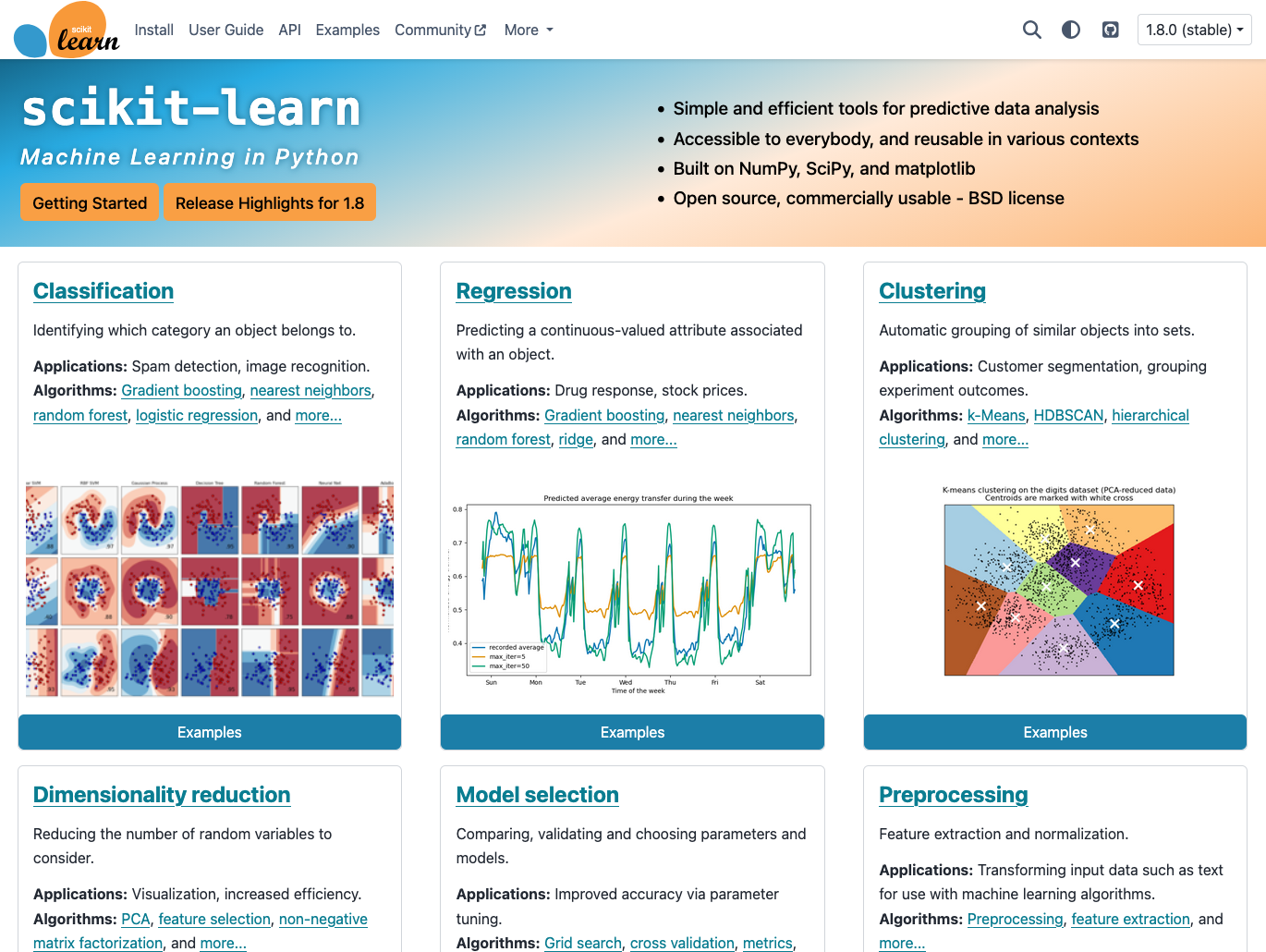
scikit-learn is the most widely used library for traditional machine learning.
Scikit-learn provides simple, efficient tools for classification, regression, and clustering. It has clean and consistent APIs for dozens of learning algorithms, including decision trees, random forests, support vector machines, k-means clustering, and linear regression.
The open-source Python library comes with essential utilities for data preprocessing, feature selection, cross-validation, and model evaluation. It’s built on NumPy and SciPy, and it integrates seamlessly with the broader Python data science ecosystem.
Common use cases for scikit-learn include:
- Building classification models to categorize data into groups
- Creating regression models to predict continuous values
- Performing clustering analysis to discover patterns in data
- Conducting feature engineering and selection for model improvement
- Evaluating and comparing model performance with cross-validation
Scikit-learn comes pre-installed with Anaconda Distribution. View the package details here.
To install scikit-learn with conda, run: conda install main::scikit-learn
XGBoost
XGBoost is a high-performance gradient boosting framework optimized for speed and accuracy in structured data problems.
XGBoost (Extreme Gradient Boosting) implements gradient boosting algorithms with optimizations that make it faster and more accurate than traditional implementations. It handles missing data automatically, includes built-in regularization to prevent overfitting, and supports parallel processing for faster training.
It consistently wins machine learning competitions and performs exceptionally well on tabular data. It integrates seamlessly with scikit-learn’s API, works with pandas DataFrames, and can run on CPUs, GPUs, and distributed systems.
Common use cases for XGBoost include:
- Building high-accuracy classification models for tabular data
- Creating regression models with better performance than linear methods
- Handling datasets with missing values automatically
- Training models faster with parallel processing and GPU support
- Winning machine learning competitions and benchmarks
XGBoost is available in Anaconda’s curated repository and can be found here.
To install XGBoost with conda, run: conda install main::xgboost
MLflow
MLflow is an open-source platform for managing the complete machine learning lifecycle from experimentation to deployment.
MLflow provides tools for tracking experiments, packaging code into reproducible runs, and sharing and deploying models. It works with any machine learning library and includes four main components: Tracking for logging parameters and results, Projects for packaging code, Models for deployment, and Registry for centralized model storage.
MLflow’s library-agnostic design means you can use it with TensorFlow, PyTorch, scikit-learn, or any other framework. It’s particularly valuable for teams that need to collaborate on ML projects and maintain production models.
Common use cases for MLflow include:
- Tracking machine learning experiments and comparing results
- Packaging ML code for reproducible runs across environments
- Deploying models to production with versioning and monitoring
- Managing model registries for team collaboration
- Automating ML workflows from training to deployment
MLflow is available in Anaconda’s curated repository and can be found here.
To install MLflow with conda, run: conda install main::mlflow
Natural Language Processing (NLP)
NLTK
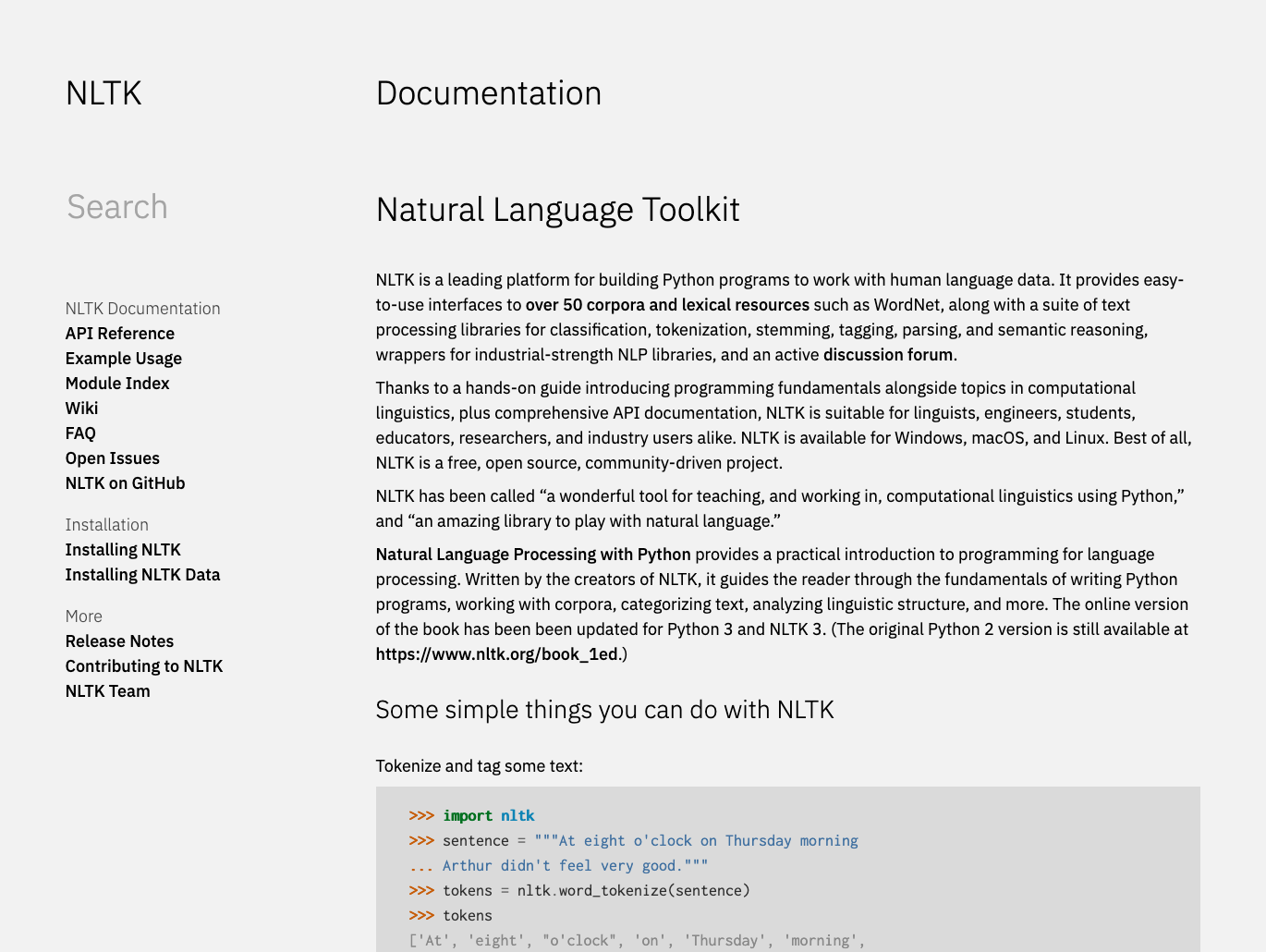
NLTK is a comprehensive toolkit for symbolic and statistical natural language processing with extensive text processing libraries.
NLTK is an open-source Python library that provides text-processing tools for classification, tokenization, stemming, tagging, parsing, and semantic reasoning. It supports work in multiple languages and includes access to over 50 corpora and lexical resources.
You can use NLTK to break text into words and sentences, identify parts of speech, extract named entities, analyze sentiment, and much more. It’s especially valuable for projects where interpretability and access to linguistic resources are important.
Common use cases for NLTK include:
- Tokenizing and preprocessing text for analysis
- Performing part-of-speech tagging and syntactic parsing
- Extracting named entities from documents
- Analyzing sentiment in text data
- Teaching and learning NLP concepts and techniques
NLTK comes pre-installed with Anaconda Distribution. View the package details here.
To install NLTK with conda, run: conda install main::nltk
Gensim
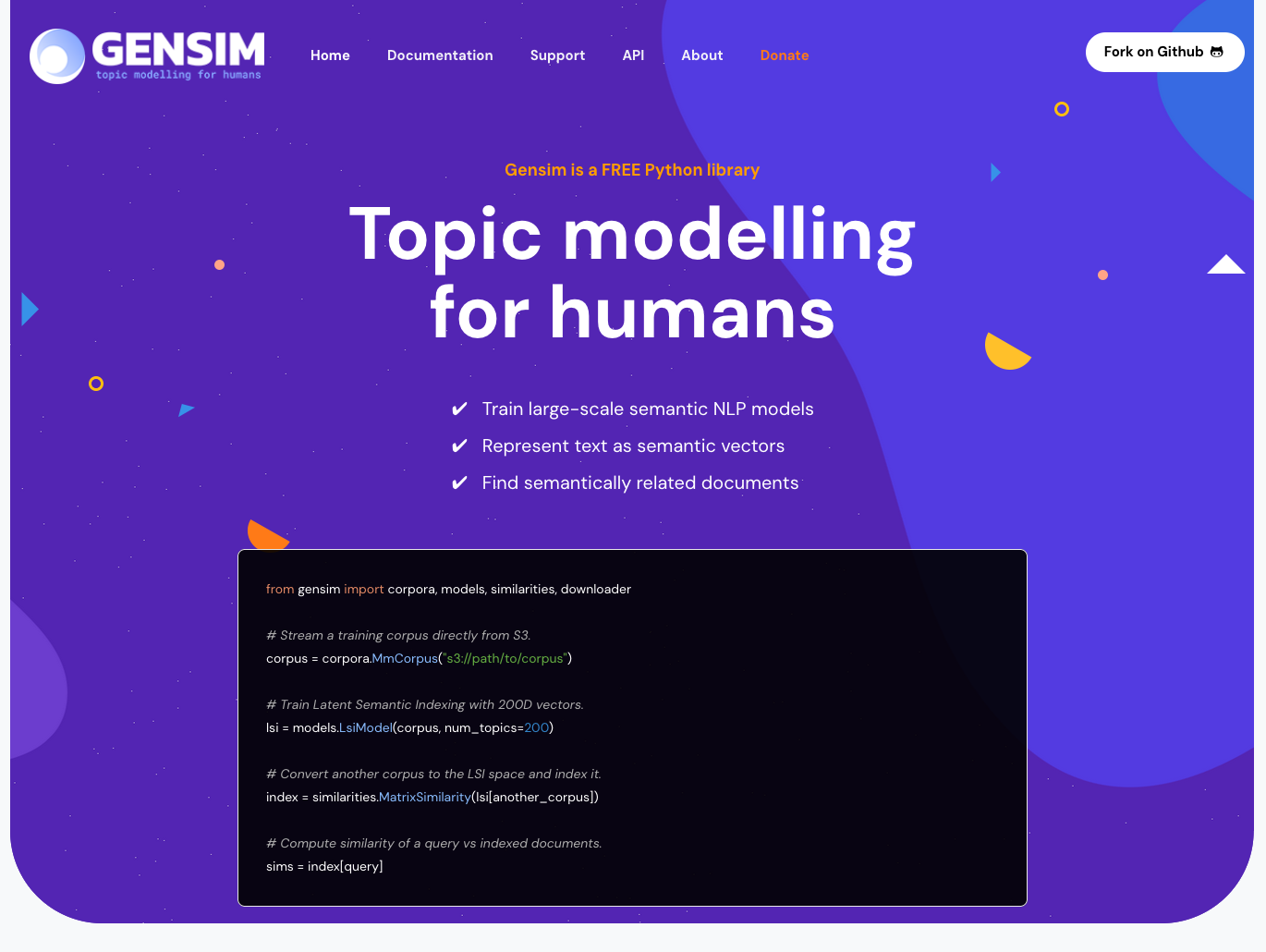
Gensim is an open-source Python library for topic modeling, document indexing, and similarity retrieval with large text collections.
Gensim is designed to handle large text corpora using data streaming and incremental algorithms, meaning it can process texts that don’t fit in RAM.
Its memory-efficient design makes it particularly suitable for processing large bodies of text like news archives, scientific papers, or social media data where traditional in-memory approaches would fail.
Common use cases for Gensim include:
- Discovering topics in large document collections
- Building word and document embedding models
- Finding semantically similar documents
- Creating search and recommendation systems based on content
- Analyzing themes and trends in text corpora
Gensim is available in Anaconda’s curated repository and can be found here.
To install Gensim with conda, run: conda install main::gensim
spaCy
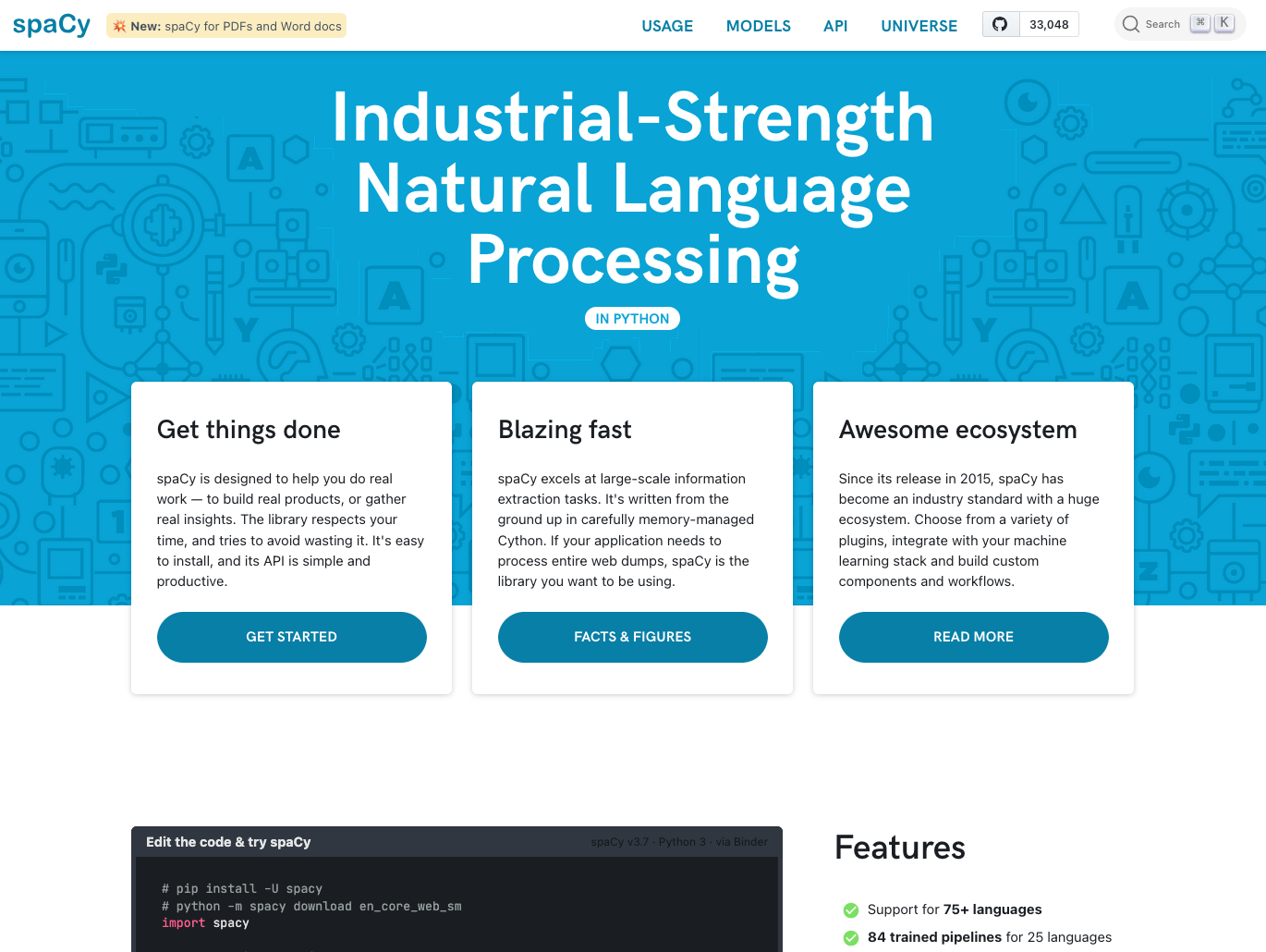
spaCy is an industrial-strength NLP library designed for production use with fast performance and modern neural network models.
spaCy is written in memory-managed Cython, making it one of the fastest NLP libraries available. It provides pre-trained models for many languages that can perform tokenization, part-of-speech tagging, named entity recognition, and dependency parsing in a single pipeline.
What sets spaCy apart is its focus on production-ready NLP. It includes modern transformer-based models, integrates with deep learning frameworks, and provides tools for training custom models on your data. It excels at large-scale information extraction tasks and can efficiently process millions of documents.
Common use cases for spaCy include:
- Extracting named entities from large document collections
- Building production NLP pipelines with custom components
- Performing fast syntactic parsing and dependency analysis
- Processing text at scale for information extraction
- Training custom NER models for domain-specific applications
spaCy is available in Anaconda’s curated repository and can be found here.
To install spaCy with conda, run: conda install main::spacy
Haystack
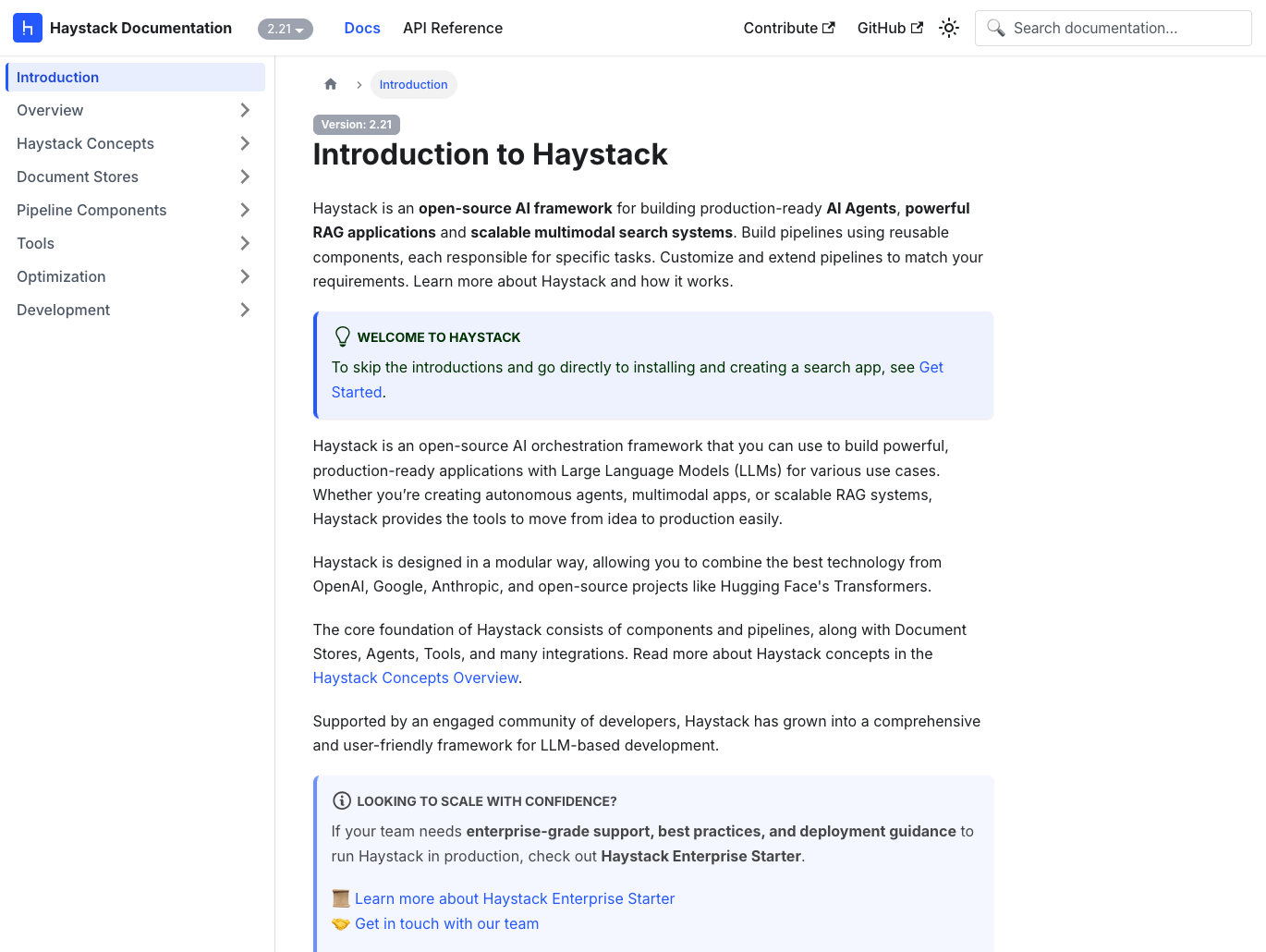
Haystack is an open-source framework for building production-ready search systems and question-answering applications.
Haystack provides end-to-end components for building search systems powered by neural networks and LLMs. It includes document stores, retrievers, readers, and generators that work together to create question-answering pipelines. Haystack supports both traditional keyword search and modern semantic search using embeddings.
The framework is designed for production use with pipeline caching, batch processing, and REST API deployment. It integrates with popular vector databases and supports hybrid search approaches that combine keyword and semantic methods.
Common use cases for Haystack include:
- Building semantic search systems over document collections
- Creating question-answering applications with neural retrievers
- Developing hybrid search combining keywords and embeddings
- Implementing retrieval-augmented generation pipelines
- Deploying production search APIs with document understanding
Dashboarding
Panel
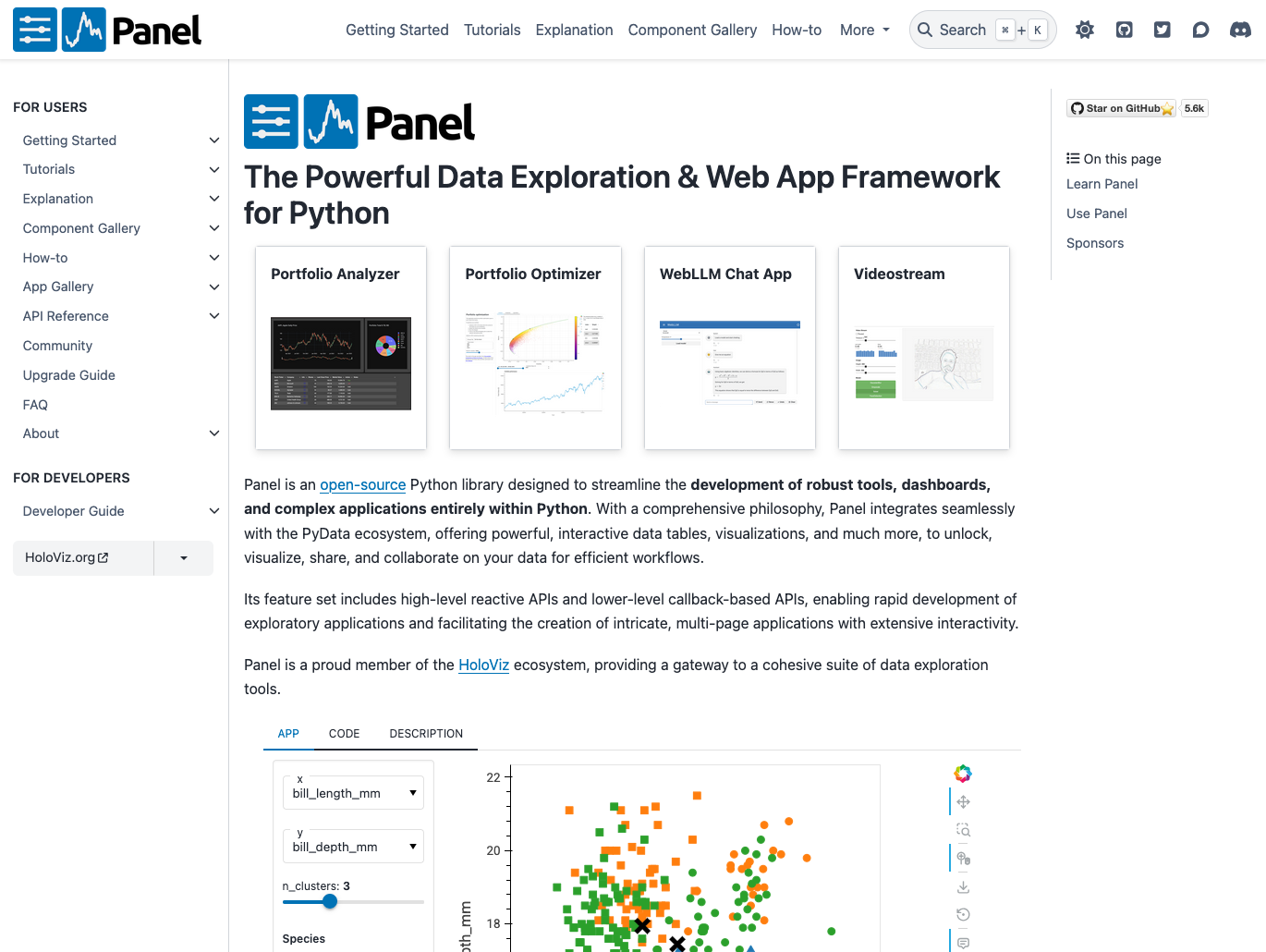
Panel is an open-source Python library for creating custom interactive web apps and dashboards with minimal code.
Panel lets you build sophisticated dashboards by connecting user-defined widgets to plots, images, tables, or text. It works with visualization libraries like Matplotlib, Bokeh, Plotly, and others, allowing you to add interactivity without rewriting your existing code.
Panel handles web infrastructure automatically, so you can focus on your data and analysis rather than web development. It’s part of the HoloViz ecosystem and is ideal for data scientists who want to share interactive analyses without learning web frameworks.
Common use cases for Panel include:
- Building interactive dashboards from existing Python visualizations
- Creating data exploration tools with widgets and controls
- Deploying Jupyter notebook analyses as web applications
- Developing custom analytical applications for stakeholders
- Prototyping interactive interfaces quickly without web development expertise
Panel comes pre-installed with Anaconda Distribution. View the package details here.
To install Panel with conda, run: conda install main::panel
Dash
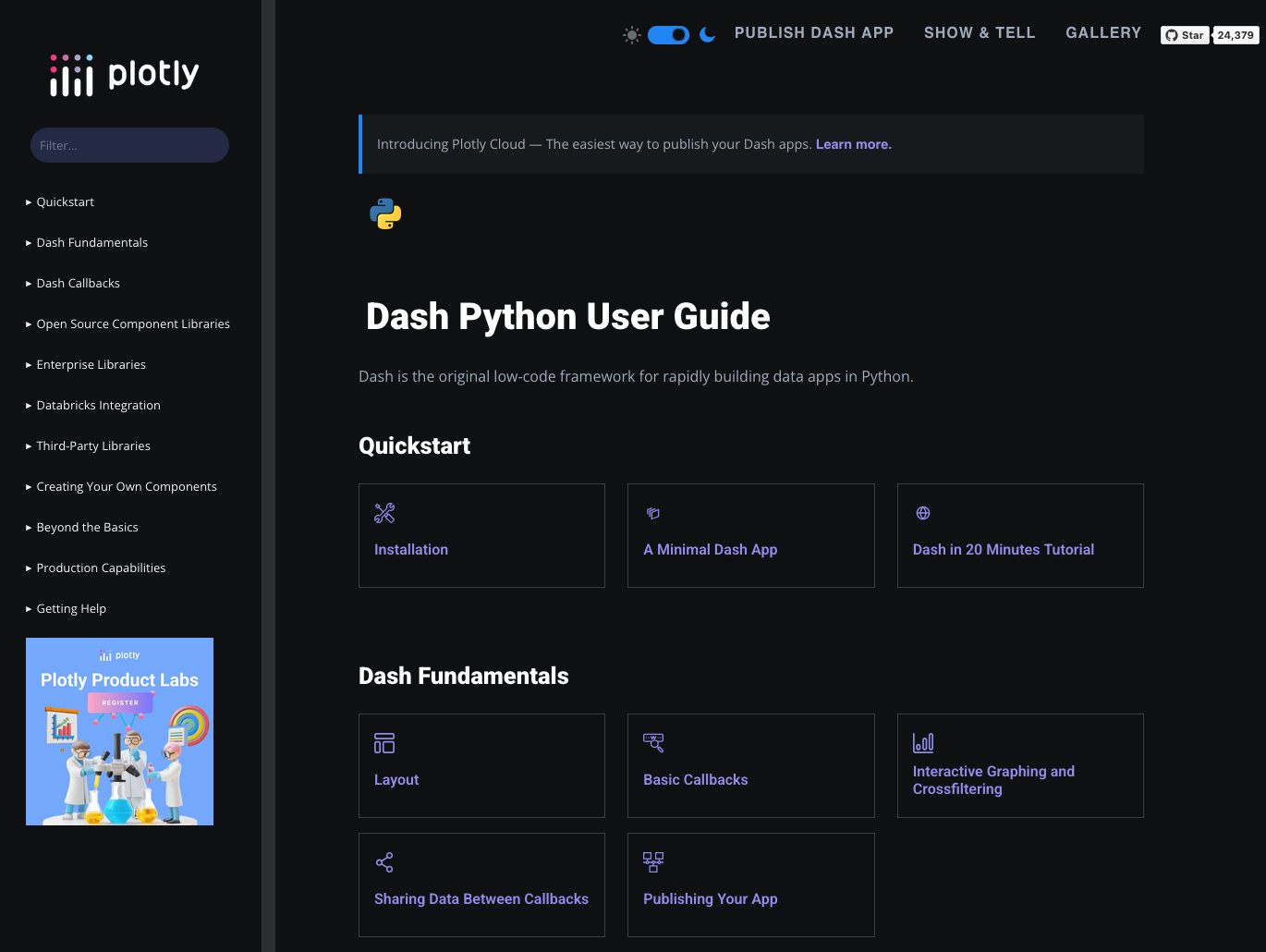
Dash is a productive Python framework for building analytical web applications with pure Python.
Built on top of Plotly, Flask, and React, Dash handles all the technologies and protocols required to build interactive web-based applications. You write Python functions that define your app’s layout and interactivity, and Dash takes care of rendering it in the browser.
What makes Dash powerful is its callback system. You define which components trigger updates and which components display the results, and Dash manages the data flow automatically.
Common use cases for Dash include:
- Building enterprise dashboards for business intelligence
- Creating multi-page analytical applications with complex workflows
- Developing data visualization tools for non-technical users
- Deploying production-grade dashboards with authentication and databases
- Sharing interactive reports that update with live data
Dash is available in Anaconda’s curated repository and can be found here.
To install Dash with conda, run: conda install main::dash
Voilà
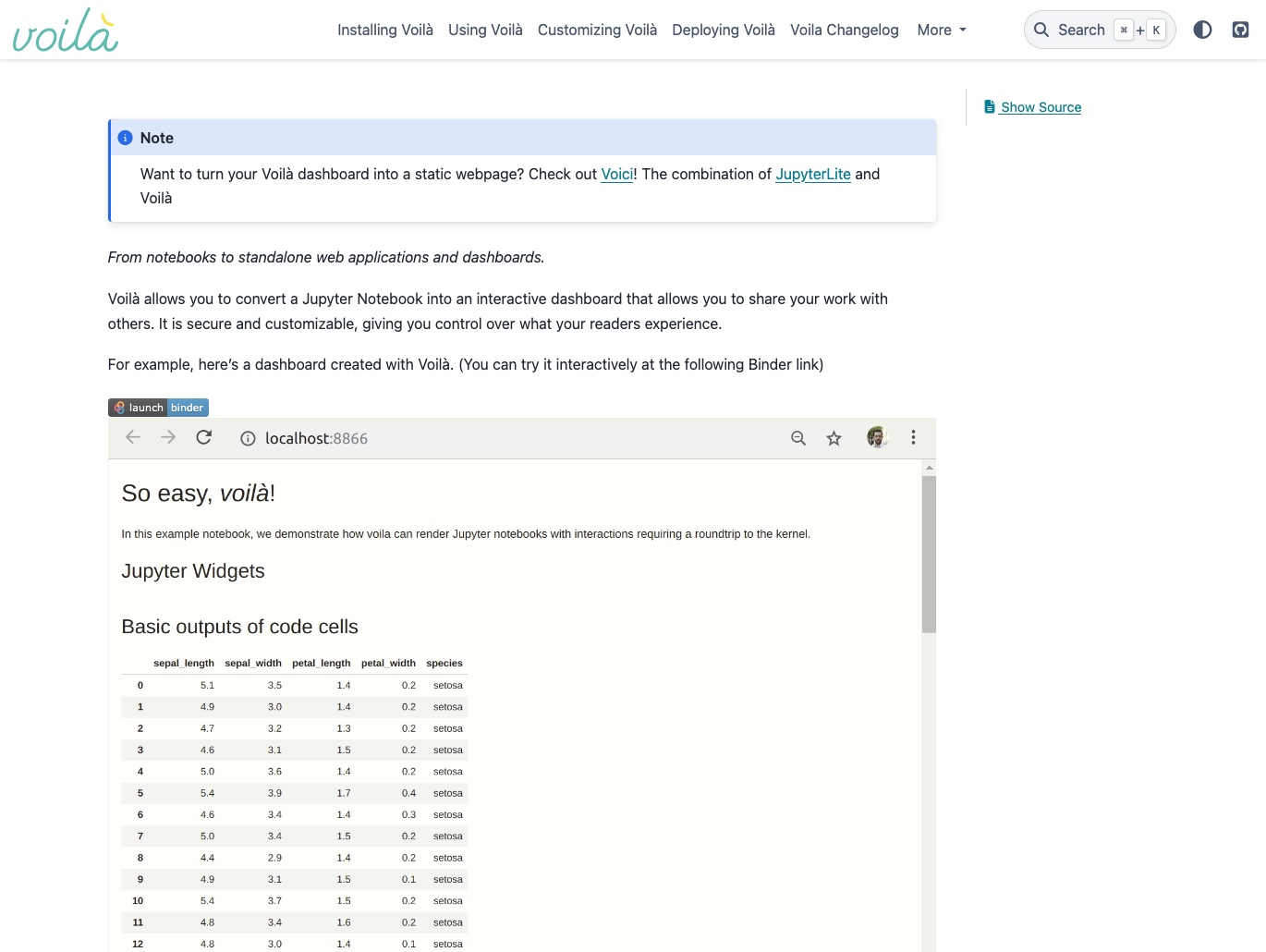
Voilà is a tool that turns Jupyter notebooks into standalone web applications with live computation.
Voilà renders Jupyter notebooks as interactive web applications, hiding the code cells and displaying only the results and widgets. Unlike HTML-converted notebooks, each user connected to Voilà gets a dedicated Jupyter kernel that can execute callbacks and respond to widget interactions.
Voilà bridges the gap between exploratory analysis in notebooks and shareable applications. It’s particularly useful for sharing analyses with stakeholders who need interactivity, but not code access.
Common use cases for Voilà include:
- Sharing interactive Jupyter notebooks without exposing code
- Creating simple data applications from existing notebook analyses
- Building interactive reports with widgets and live computation
- Deploying prototype applications quickly from notebook work
- Presenting analyses where users can adjust parameters and see results
Voilà is available in Anaconda’s curated repository and can be found here.
To install Voilà with conda, run: conda install main::voila
Streamlit
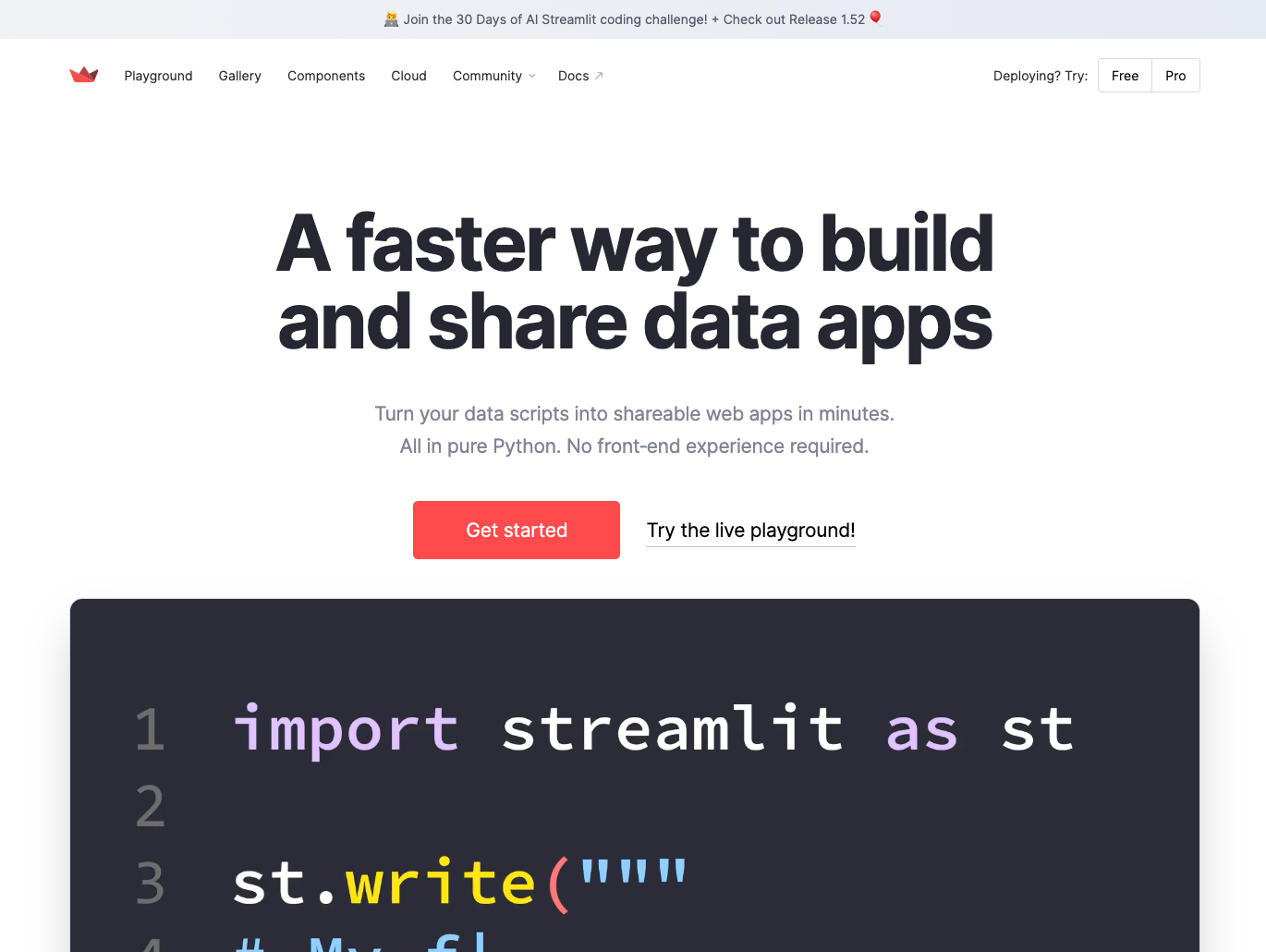
Streamlit is an open-source framework that makes it easy to build beautiful web apps and rich UIs for machine learning and data science.
Streamlit turns Python scripts into interactive web applications with remarkably little code. It uses a simple imperative model: you write a Python script, and Streamlit automatically creates an interactive user interface. When users interact with widgets, Streamlit reruns your script with the new inputs and automatically updates the display.
Streamlit handles all the complexity of web development, state management, and reactivity. It’s especially popular for rapid prototyping and sharing machine learning models.
Common use cases for Streamlit include:
- Building quick prototypes of machine learning applications
- Creating interactive model demos for stakeholders
- Developing data exploration tools with minimal code
- Sharing data science projects as web applications
- Building internal tools for data teams
Streamlit comes pre-installed with Anaconda Distribution. View the package details here.
To install Streamlit with conda, run: conda install main::streamlit
Image Processing
Pillow
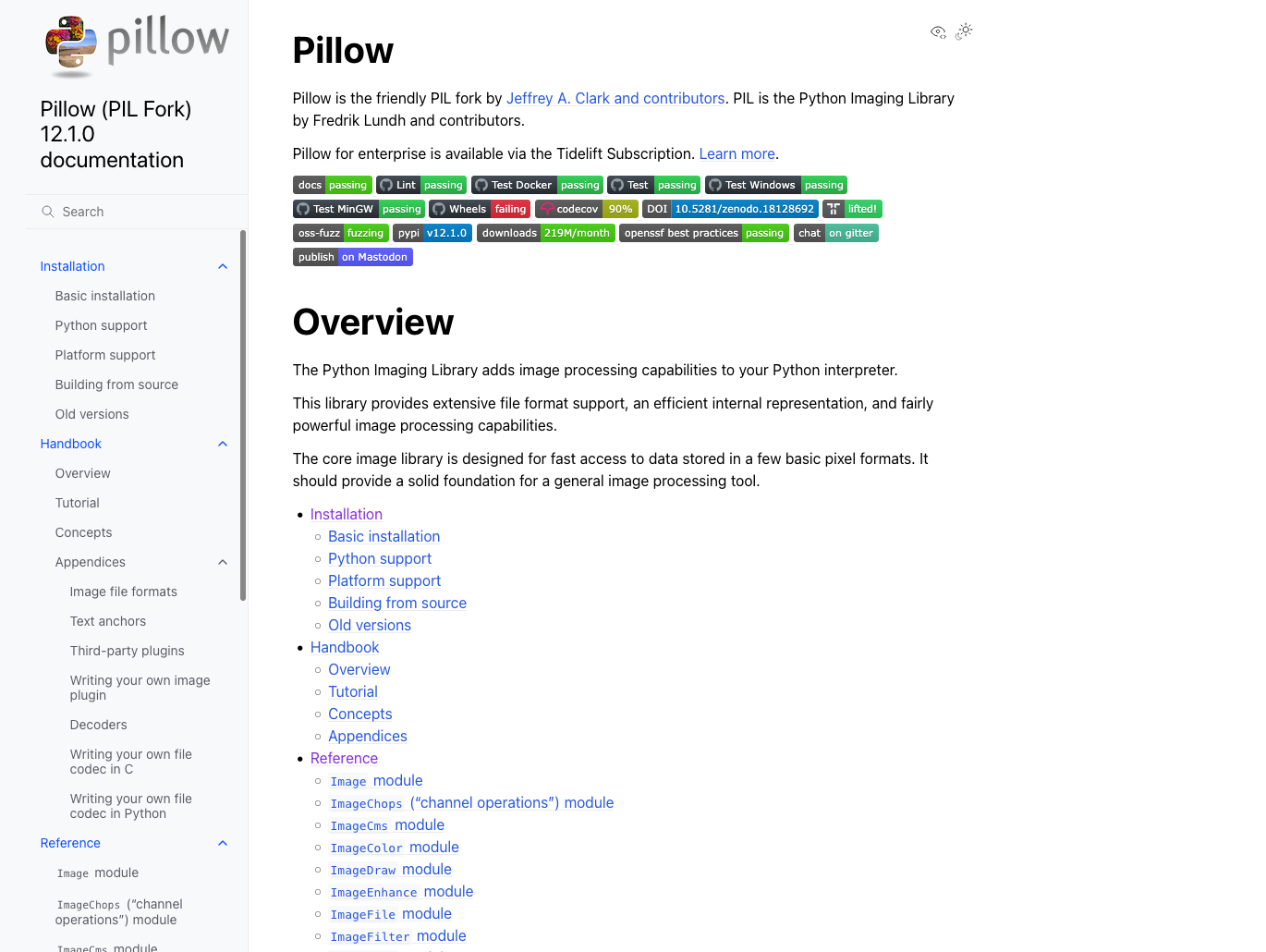
Pillow is a Python imaging library for opening, manipulating, and saving images in many different file formats.
Pillow, a friendly fork of the older PIL (Python Imaging Library), is a general-purpose image processing tool. It provides straightforward methods for common image operations like resizing, rotating, cropping, filtering, and converting between formats.
Pillow is designed for ease of use rather than advanced computer vision tasks. It’s ideal for basic image manipulation workflows and supports a wide range of image file formats, including JPEG, PNG, GIF, and TIFF, among others.
Common use cases for Pillow include:
- Resizing and cropping images for web applications
- Converting images between different file formats
- Creating thumbnails and image previews
- Adding text, shapes, or watermarks to images
- Batch processing photos with filters and adjustments
Pillow comes pre-installed with Anaconda Distribution. View the package details here.
To install Pillow with conda, run: conda install main::pillow
scikit-image
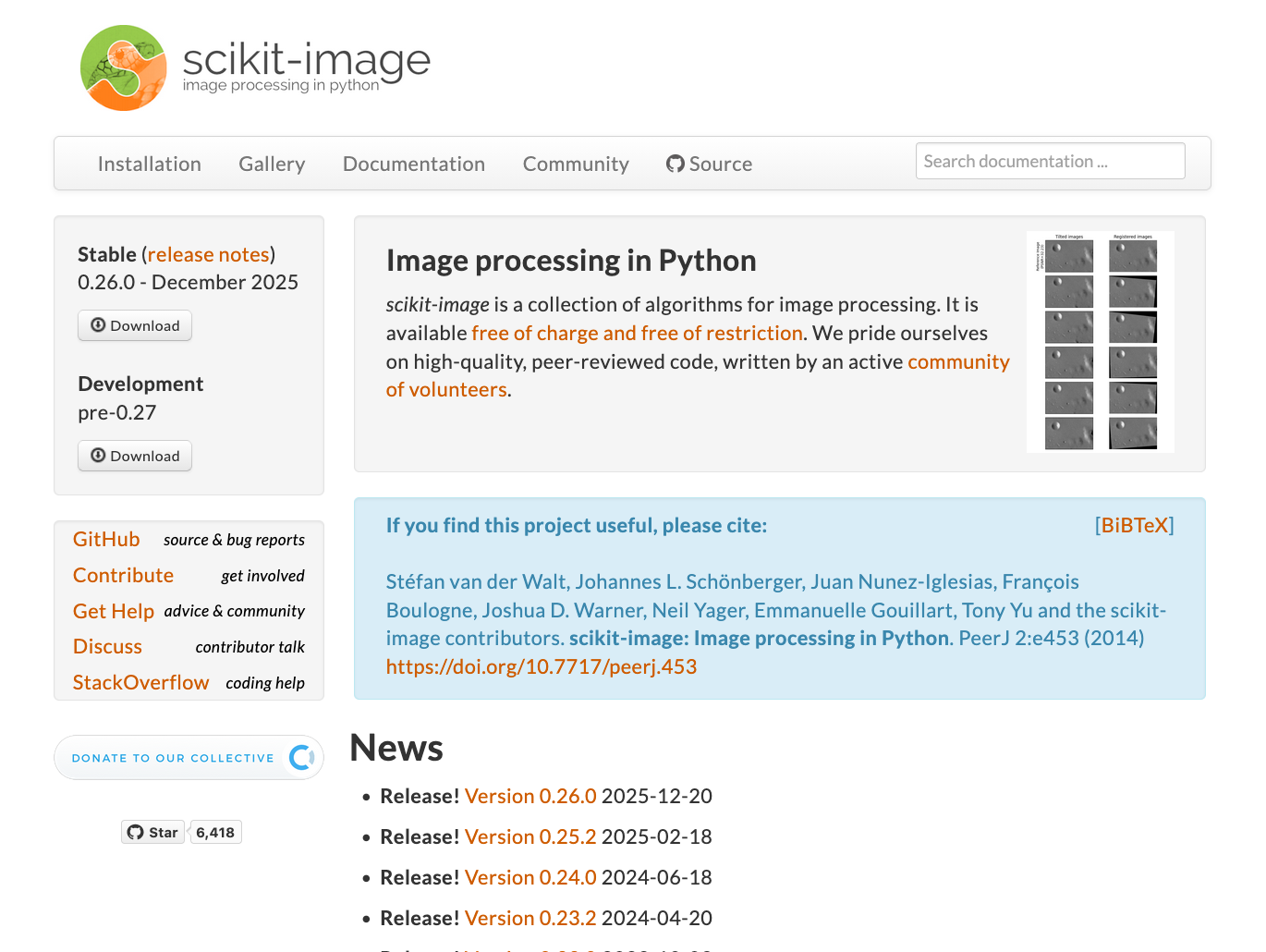
Scikit-image is an open-source Python library containing a collection of algorithms for image processing and computer vision tasks.
Scikit-image provides a comprehensive set of image processing algorithms built on scientific Python principles. It includes tools for segmentation, geometric transformations, color space manipulation, feature detection, filtering, and morphology.
It follows scikit-learn’s API design philosophy, providing consistent interfaces across different algorithms. It includes both classical image processing techniques and modern computer vision algorithms, which makes it suitable for scientific research, medical imaging, and advanced image analysis applications.
Common use cases for scikit-image imclude:
- Segmenting images to identify regions and objects
- Detecting edges, corners, and other image features
- Applying geometric transformations and image registration
- Analyzing medical and scientific imagery
- Preprocessing images for machine learning models
Scikit-image comes pre-installed with Anaconda Distribution. View the package details here.
To install scikit-image with conda, run: conda install main::scikit-image
OpenCV

OpenCV is an open-source computer vision and machine learning library with extensive tools for real-time image and video processing.
OpenCV (Open Source Computer Vision Library) includes thousands of optimized algorithms for face detection, object recognition, motion tracking, image stitching, and much more. It also has interfaces for C++, Java, Python, and MATLAB.
The library can process video streams, perform complex image analysis with high performance, and integrate with cameras and video sources. It’s widely used in robotics, autonomous vehicles, surveillance systems, and augmented reality applications where speed and accuracy are critical.
Common use cases for OpenCV include:
- Detecting and recognizing faces and objects in images
- Tracking motion and objects in video streams
- Processing real-time camera feeds for computer vision applications
- Performing image stitching and panorama creation
- Building robotics and autonomous vehicle vision systems
OpenCV is available in Anaconda’s curated repository and can be found here.
To install OpenCV with conda, run: conda install main::opencv
ImageIO
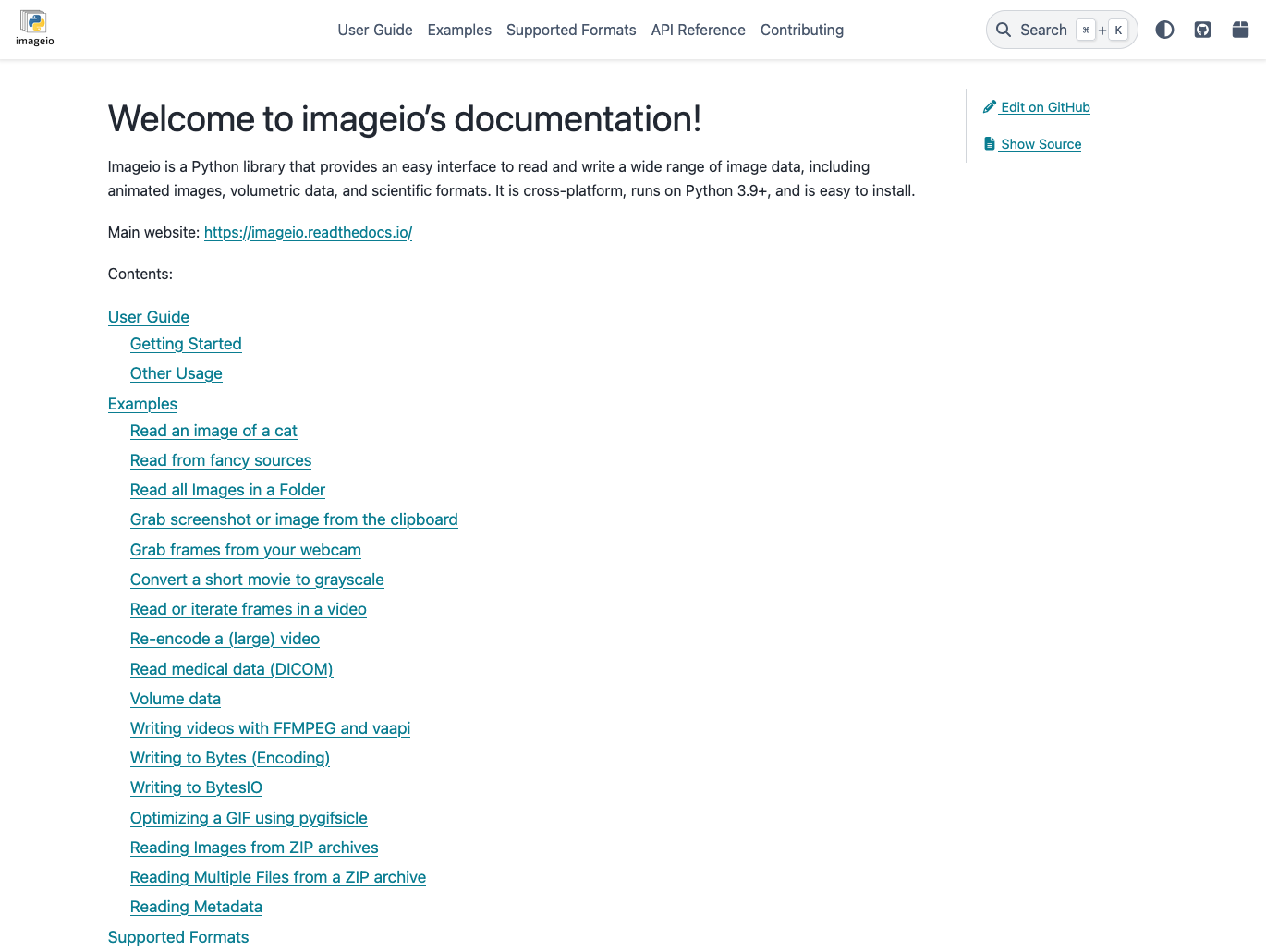
ImageIO is a Python library for reading and writing image and video data in a wide variety of formats.
ImageIO provides a simple, consistent interface for working with image and video files. It supports dozens of formats including standard images (PNG, JPEG, TIFF), scientific formats (FITS, DICOM), and video formats (MP4, AVI, GIF). The library automatically selects the appropriate backend for each format.
ImageIO uses NumPy arrays as its data format, integrating naturally with the scientific Python ecosystem. It also supports reading from URLs, streams, and other sources beyond just local files.
Common use cases for ImageIO include:
- Reading and writing images in scientific and standard formats
- Loading video frames for computer vision processing
- Converting between different image and video formats
- Creating animated GIFs from image sequences
- Accessing image data from URLs and remote sources
ImageIO comes pre-installed with Anaconda Distribution. View the package details here.
To install ImageIO with conda, run: conda install main::imageio
Artificial Intelligence (AI)
Fairlearn
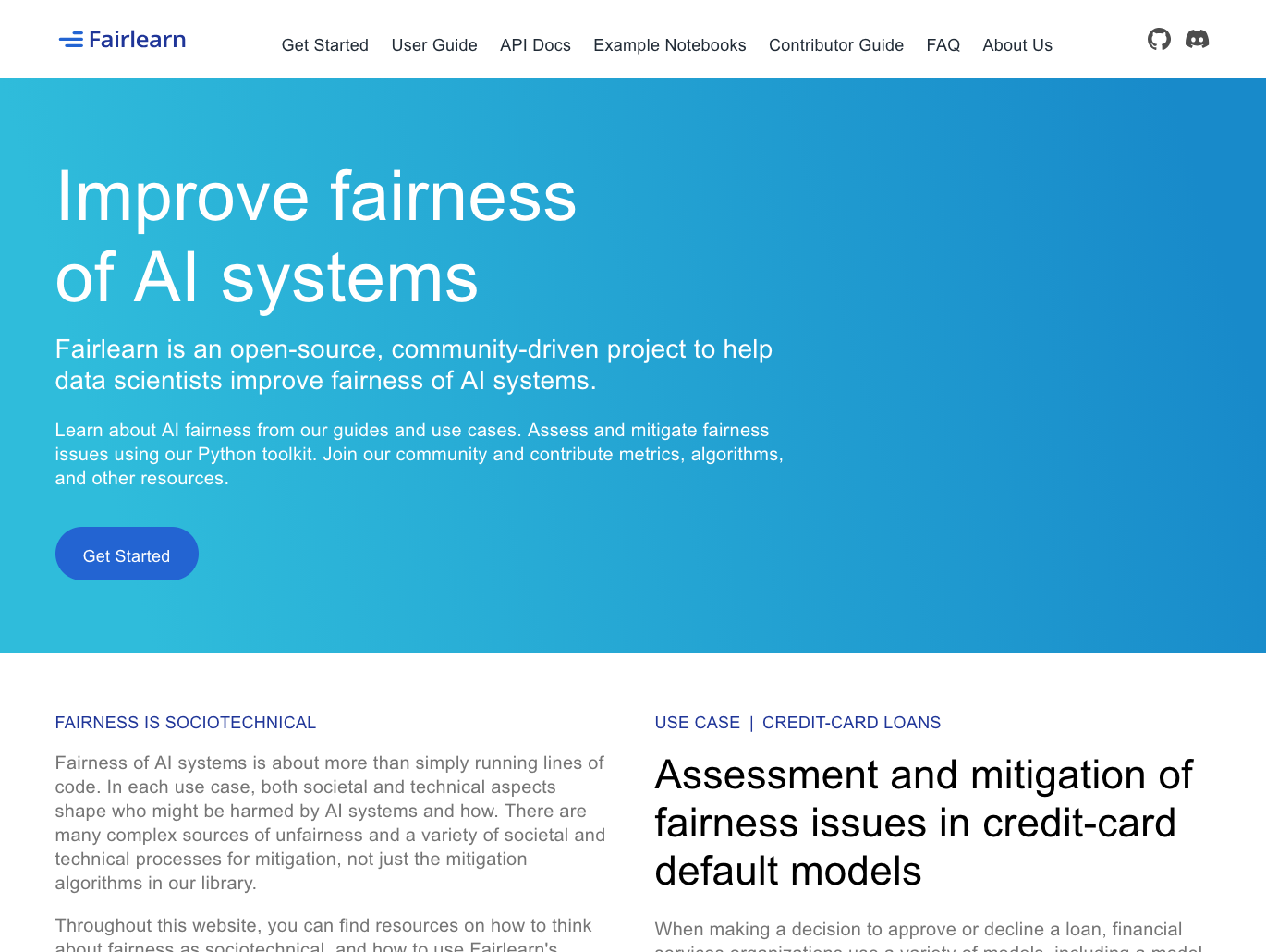
Fairlearn is a toolkit for assessing and mitigating unfairness in machine learning and AI models.
Fairlearn, an open-source project by Microsoft, helps data scientists evaluate fairness and reduce bias in AI systems. It provides algorithms for mitigating unfairness during model training and tools for analyzing how models perform across different demographic groups.
Fairlearn addresses both allocation harms (when AI systems extend or withhold opportunities unfairly) and quality-of-service harms (when systems work better for some groups than others). It provides multiple fairness definitions and mitigation strategies, and it integrates seamlessly with scikit-learn.
Common use cases for Fairlearn include:
- Evaluating model fairness across demographic groups
- Mitigating bias in classification and regression models
- Comparing fairness-accuracy tradeoffs across different strategies
- Ensuring AI systems comply with fairness requirements
- Building responsible AI applications for regulated industries
AI Fairness 360 (AIF360)
AI Fairness 360 (AIF360) is IBM’s comprehensive toolkit for detecting and mitigating bias in machine learning models and datasets.
AIF360 helps teams examine, report, and mitigate discrimination throughout the AI application lifecycle. It can detect bias in datasets before training, during model development, and in model predictions.
It includes preprocessing algorithms that modify training data, in-processing methods that adjust the training process, and post-processing techniques that calibrate model outputs. It also includes educational resources and tutorials that help practitioners understand different definitions of fairness and when to apply specific techniques.
Common use cases for AIF360 include:
- Measuring bias in datasets before model training
- Applying bias mitigation at various pipeline stages
- Comparing multiple fairness definitions for specific applications
- Auditing AI systems for discrimination
- Implementing fairness requirements in enterprise AI
InterpretML
InterpretML is Microsoft’s open-source package for training interpretable models and explaining black-box AI systems.
InterpretML makes it easy to compare different interpretability approaches through a unified API. It provides an interactive visualization dashboard for comparing explanations across algorithms and understanding model behavior.
InterpretML addresses a critical need in AI deployment: making models understandable to stakeholders. It supports both global and local explanations, which helps data scientists debug models during development and helps end users trust AI decisions in production.
Common use cases for InterpretML include:
- Training inherently interpretable models for regulated industries
- Explaining predictions from complex AI systems
- Comparing interpretability methods for model debugging
- Building trust in AI decisions with stakeholders
- Meeting explainability requirements for AI governance
LIME
LIME is a model-agnostic tool for explaining individual predictions from any machine learning or AI model.
LIME approximates complex models locally with simpler, interpretable ones. It works with any classifier or regressor and can explain predictions for text, images, and tabular data.
You can use LIME with any AI system without modifying the underlying model. It’s useful when explaining why a model made a specific decision, debugging unexpected predictions, or building confidence in critical AI applications.
Common use cases for LIME include:
- Explaining individual AI predictions to stakeholders
- Debugging unexpected model behavior on specific instances
- Building trust in AI decisions for critical applications
- Validating that models use appropriate features
- Meeting explainability requirements for high-stakes decisions
LIME is available in Anaconda’s curated repository and can be found here.
To install LIME with conda, run: conda install main::lime
Large Language Models (LLMs)
LangChain
LangChain is a framework for developing LLM-powered applications with composable components.
LangChain provides abstractions and tools for common patterns like prompt management, chains of reasoning, memory, and agent behaviors. It enables applications that can retrieve information, execute code, or act based on LLM outputs.
LangChain supports major LLM providers including OpenAI, Anthropic, and open-source models, making it easy to switch between different models or use multiple models in one application.
Common use cases for LangChain include:
- Building chatbots that answer questions from custom documents
- Creating AI agents that can use tools and APIs
- Developing retrieval-augmented generation (RAG) applications
- Chaining multiple LLM calls for complex reasoning tasks
- Managing prompts and conversation memory systematically
LangChain is available in Anaconda’s curated repository and can be found here.
To install LangChain with conda, run: conda install main::langchain
LlamaIndex

LlamaIndex is a data framework for connecting custom data sources to LLMs.
LlamaIndex specializes in indexing and querying private or custom data with LLMs. It provides data connectors for loading information from APIs, databases, PDFs, and other sources, then structures that data for efficient retrieval. It also builds indexes optimized for different query patterns, which enables LLMs to answer questions grounded in your specific data.
LlamaIndex supports various indexing strategies, from simple vector stores to more sophisticated approaches like knowledge graphs. You can use it to build question-answering systems over proprietary documents, internal wikis, or any custom data source.
Common use cases for LlamaIndex include:
- Building question-answering systems over private documents
- Creating chatbots that understand company-specific knowledge
- Indexing large document collections for semantic search
- Developing AI assistants with access to structured data
- Implementing retrieval-augmented generation with custom data
OpenAI Python SDK
OpenAI Python SDK is the official Python client for accessing OpenAI’s API, including GPT models and other AI services.
The OpenAI SDK provides a straightforward interface for integrating OpenAI’s models into your applications. It handles authentication, request formatting, and response parsing, letting you call GPT models with simple Python functions.
It manages API communication details like rate limiting, retries, and streaming responses, allowing you to focus on application logic. It also makes it easy to switch between models and experiment with parameters like temperature and token limits.
Common use cases for the OpenAI Python SDK include:
- Integrating GPT models into applications for text generation
- Creating conversational AI interfaces and chatbots
- Generating embeddings for semantic search applications
- Building AI assistants with function calling capabilities
- Fine-tuning models on custom datasets
vLLM
vLLM is a high-performance inference and serving engine for deploying LLMs efficiently.
vLLM uses continuous batching and optimized CUDA kernels to maximize GPU utilization, making it significantly faster than standard inference approaches. It also provides an OpenAI-compatible API for easy integration.
Its memory optimizations allow serving larger models or handling more concurrent requests with the same hardware. It supports various decoding algorithms, tensor parallelism for multi-GPU setups, and streaming outputs for real-time applications.
Common use cases for vLLM include:
- Deploying open-source LLMs in production environments
- Serving models with high throughput and low latency
- Running LLM inference on resource-constrained infrastructure
- Building scalable LLM APIs for multiple users
- Optimizing inference costs for LLM applications
Scalable Computing
Numba
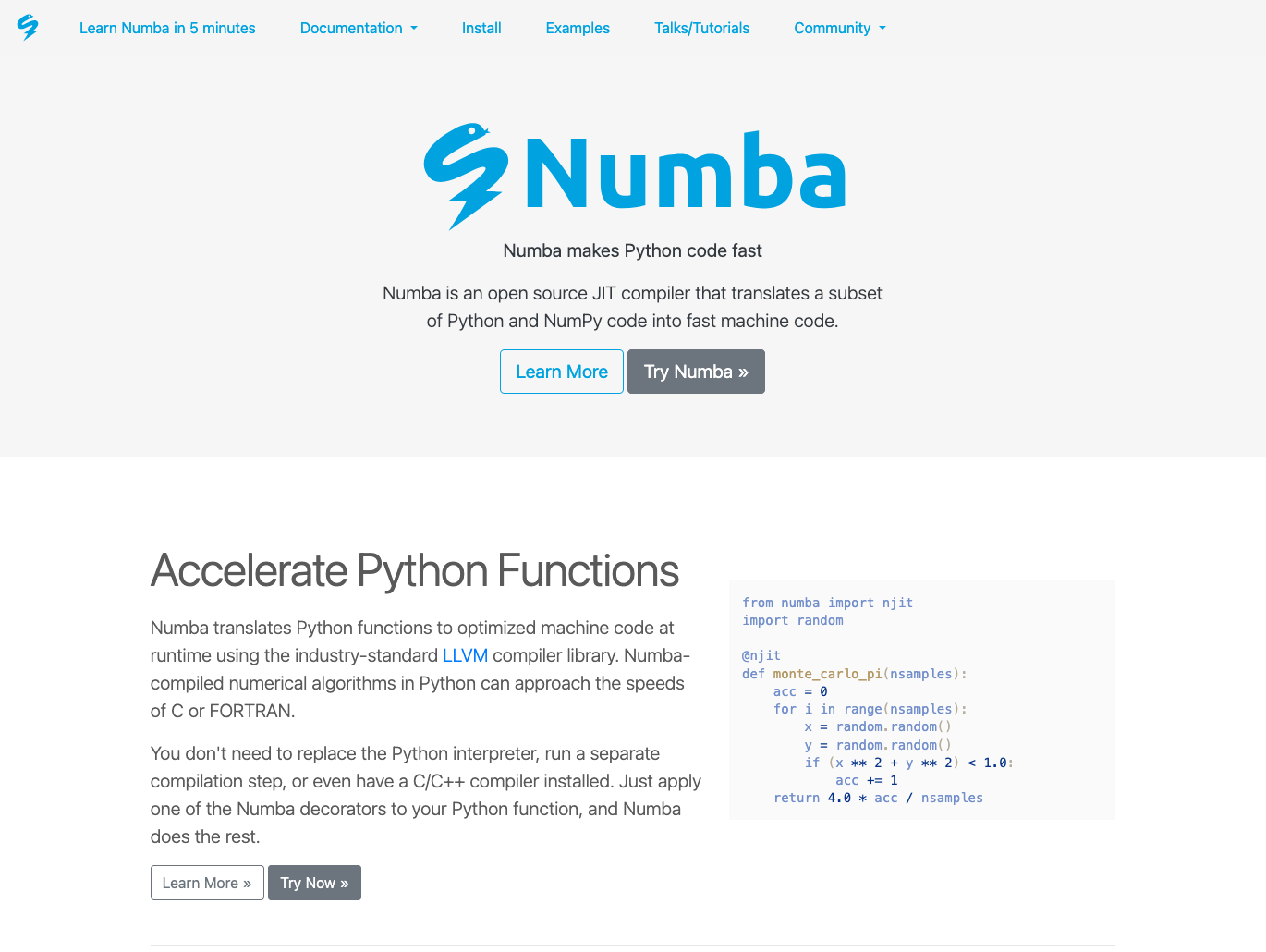
Numba is a high-performance Python compiler that speeds up numerical computations without changing Python code.
Numba makes Python code run at speeds comparable to C or FORTRAN without requiring a separate compilation step. You simply add a decorator to your Python functions, and Numba compiles them to run efficiently on CPUs and GPUs.
It’s particularly effective for code that uses NumPy arrays and performs mathematical operations in loops. It bypasses Python’s interpreter overhead and generates native code that executes directly on the hardware.
Common use cases for Numba include:
- Accelerating numerical computations with NumPy arrays
- Speeding up loops that perform mathematical operations
- Optimizing scientific simulations and computational models
- Processing large datasets with near-native performance
- Running parallel computations on CPUs and GPUs
Numba comes pre-installed with Anaconda Distribution. View the package details here.
To install Numba with conda, run: conda install main::numba
Dask
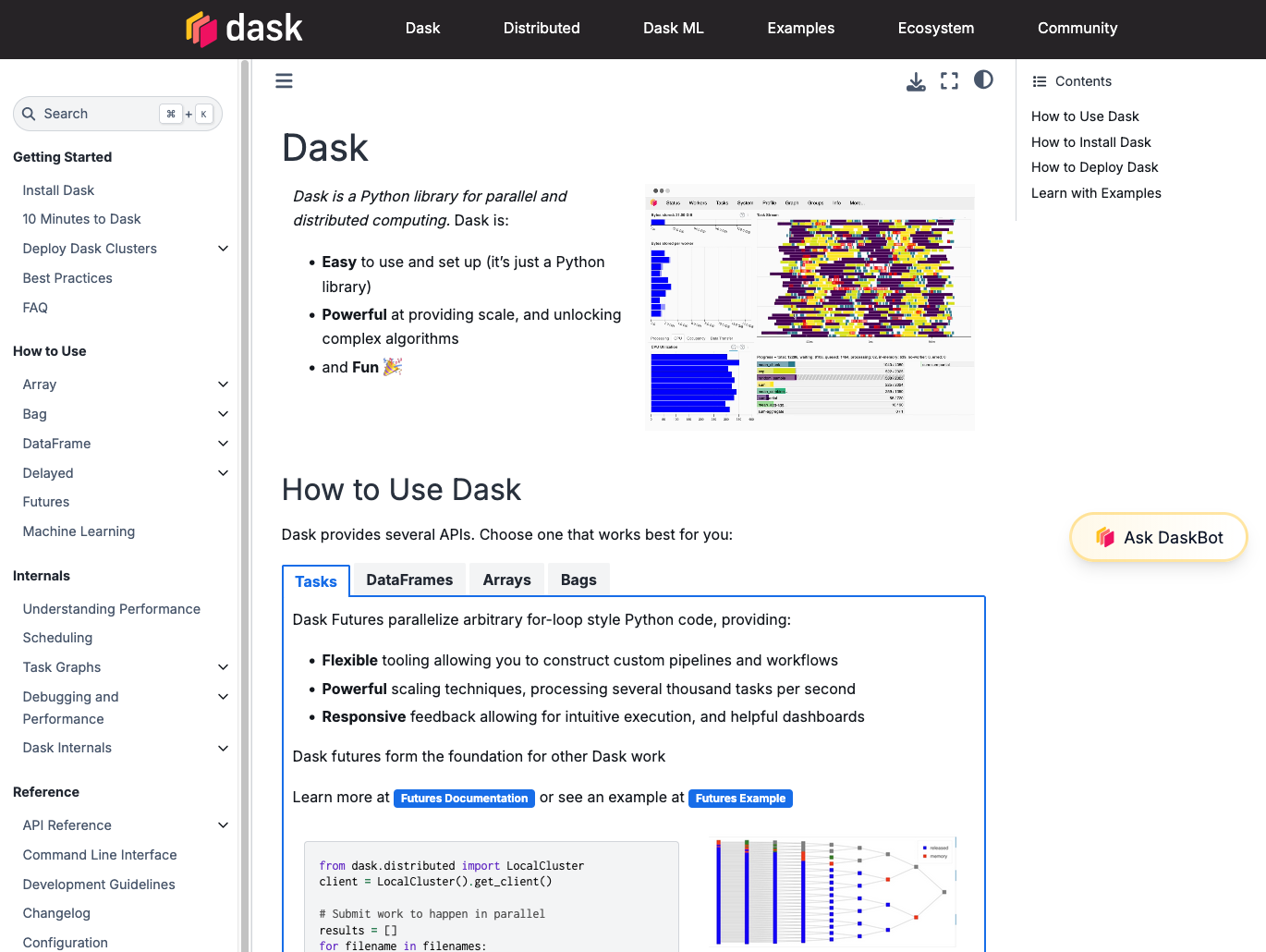
Dask is a flexible parallel computing library that scales Python workflows from laptops to clusters.
Dask enables parallel processing for analytics workloads, allowing you to work with datasets larger than your computer’s RAM. It breaks large computations into smaller tasks and executes them in parallel across multiple cores or machines.
Dask can scale down to run on a single laptop or scale out to thousand-node clusters. It integrates with the broader Python ecosystem and automatically handles scheduling, memory management, and data movement.
Common use cases for Dask include:
- Processing datasets larger than available RAM
- Parallelizing NumPy and pandas operations across multiple cores
- Scaling machine learning workflows to larger datasets
- Performing distributed computations on clusters
- Analyzing time series and multi-dimensional data efficiently
Dask comes pre-installed with Anaconda Distribution. View the package details here.
To install Dask with conda, run: conda install main::dask
DuckDB
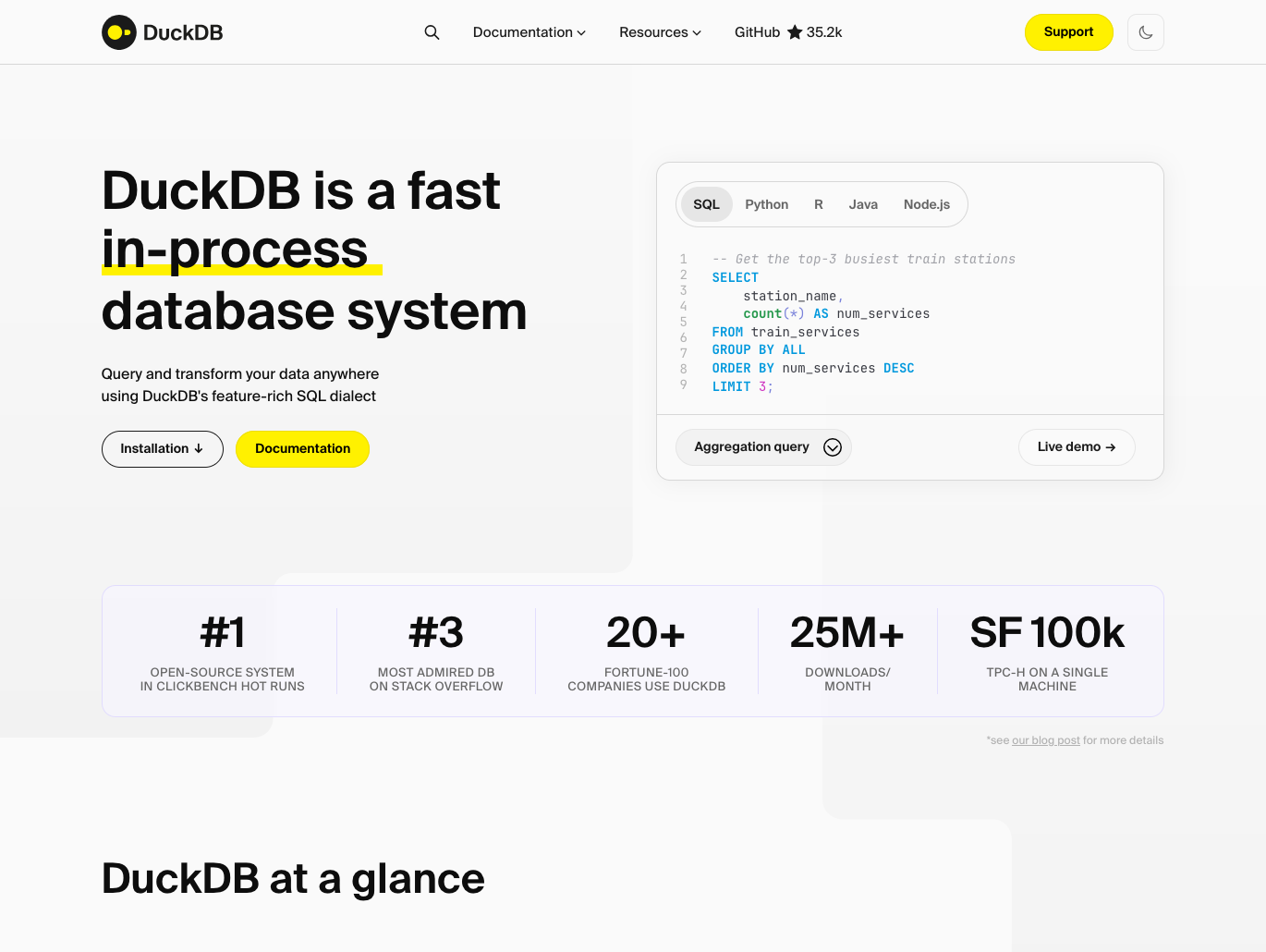
DuckDB is an in-process analytical database designed for fast OLAP queries on large datasets.
DuckDB is an embedded database optimized for analytical queries rather than transactional workloads. It provides SQL query capabilities directly in Python without requiring a separate database server. DuckDB can query data in memory, CSV files, Parquet files, and pandas DataFrames with impressive performance.
It executes queries using vectorized operations and parallel processing, making it significantly faster than pandas for many analytical operations. It also integrates with the Python data science ecosystem and requires no configuration or management.
Common use cases for DuckDB include:
- Running fast SQL queries on pandas DataFrames and CSV files
- Analyzing Parquet files without loading them entirely into memory
- Performing complex aggregations faster than pandas
- Joining large datasets efficiently with SQL syntax
- Embedding analytical database capabilities in Python applications
DuckDB is available in Anaconda’s curated repository and can be found here.
To install DuckDB with conda, run: conda install main::duckdb
RAPIDS
RAPIDS is a suite of GPU-accelerated data science libraries that run end-to-end pipelines entirely on NVIDIA GPUs.
RAPIDS provides GPU-accelerated versions of popular data science tools with APIs that mirror pandas, scikit-learn, and NetworkX. This allows you to process massive datasets much faster than CPU-only approaches.
The RAPIDS ecosystem includes cuDF (GPU DataFrames), cuML (GPU machine learning), and cuGraph (GPU graph analytics). You can often take existing pandas or scikit-learn code and switch to RAPIDS with minimal changes to immediately gain GPU acceleration.
Common use cases for RAPIDS include:
- Accelerating data preprocessing and ETL workflows with GPU power
- Training machine learning models on large datasets faster
- Performing graph analytics on massive networks
- Processing time series data with GPU acceleration
- Running data science pipelines entirely on GPUs
Apache Spark
Apache Spark is a unified engine for big data processing and large-scale analytics, with support for SQL, streaming, and machine learning.
Developed for the Java/Hadoop ecosystem but with support for Python, Apache Spark is a distributed computing framework for big data processing. It processes data across clusters of computers, distributing computations to handle datasets that would be impossible to process on a single machine.
Spark is widely used in enterprise environments for ETL pipelines, data warehousing, and large-scale analytics where data volumes exceed what single-machine tools can handle.
Common use cases for Apache Spark include:
- Processing petabyte-scale datasets across distributed clusters
- Running SQL queries on massive data warehouses
- Building real-time streaming data pipelines
- Training machine learning models on huge datasets
- Performing ETL operations on enterprise data
Ray
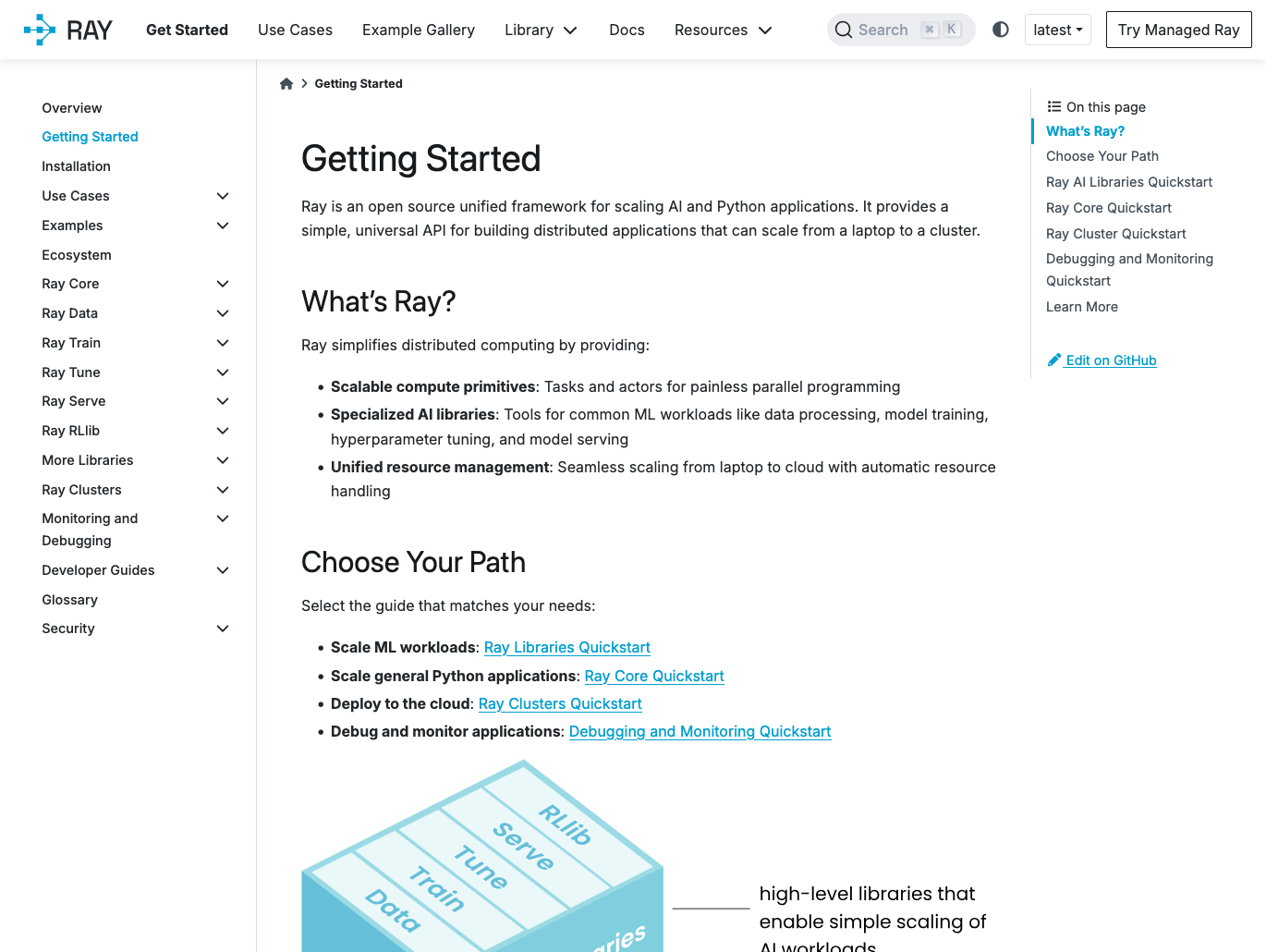
Ray is a distributed computing framework for scaling Python applications from laptops to clusters.
Ray provides simple APIs for building distributed applications and parallelizing Python code. It handles the complexity of distributed computing—scheduling tasks, managing memory, and handling failures—while letting you write code that looks like normal Python. Ray includes libraries for distributed machine learning (Ray Train), hyperparameter tuning (Ray Tune), and reinforcement learning (RLlib).
You can parallelize existing Python functions with a single decorator, and Ray handles distributing work across cores or machines. The framework scales from your laptop to thousands of nodes and integrates with popular ML libraries.
Common use cases for Ray include:
- Parallelizing Python code across multiple cores or machines
- Distributing machine learning training across clusters
- Running hyperparameter tuning experiments at scale
- Building distributed reinforcement learning systems
- Scaling data processing pipelines beyond single-machine limits
Data Engineering
Apache Airflow
Apache Airflow is an open-source Python platform for programmatically authoring, scheduling, and monitoring data workflows.
Apache Airflow lets you define data pipelines as code using Python, which makes workflows version-controllable, testable, and maintainable. It provides a rich web interface that lets you visualize pipelines, track execution history, and troubleshoot failures.
Airflow integrates with multiple cloud providers, including AWS, Azure, and Google Cloud. Its extensibility through custom operators and hooks makes it adaptable to virtually any data engineering workflow.
Common use cases for Apache Airflow include:
- Orchestrating ETL pipelines across multiple data sources
- Scheduling batch data processing jobs
- Coordinating machine learning model training and deployment workflows
- Managing data warehouse loading and transformation processes
- Monitoring and alerting on data pipeline health
Intake
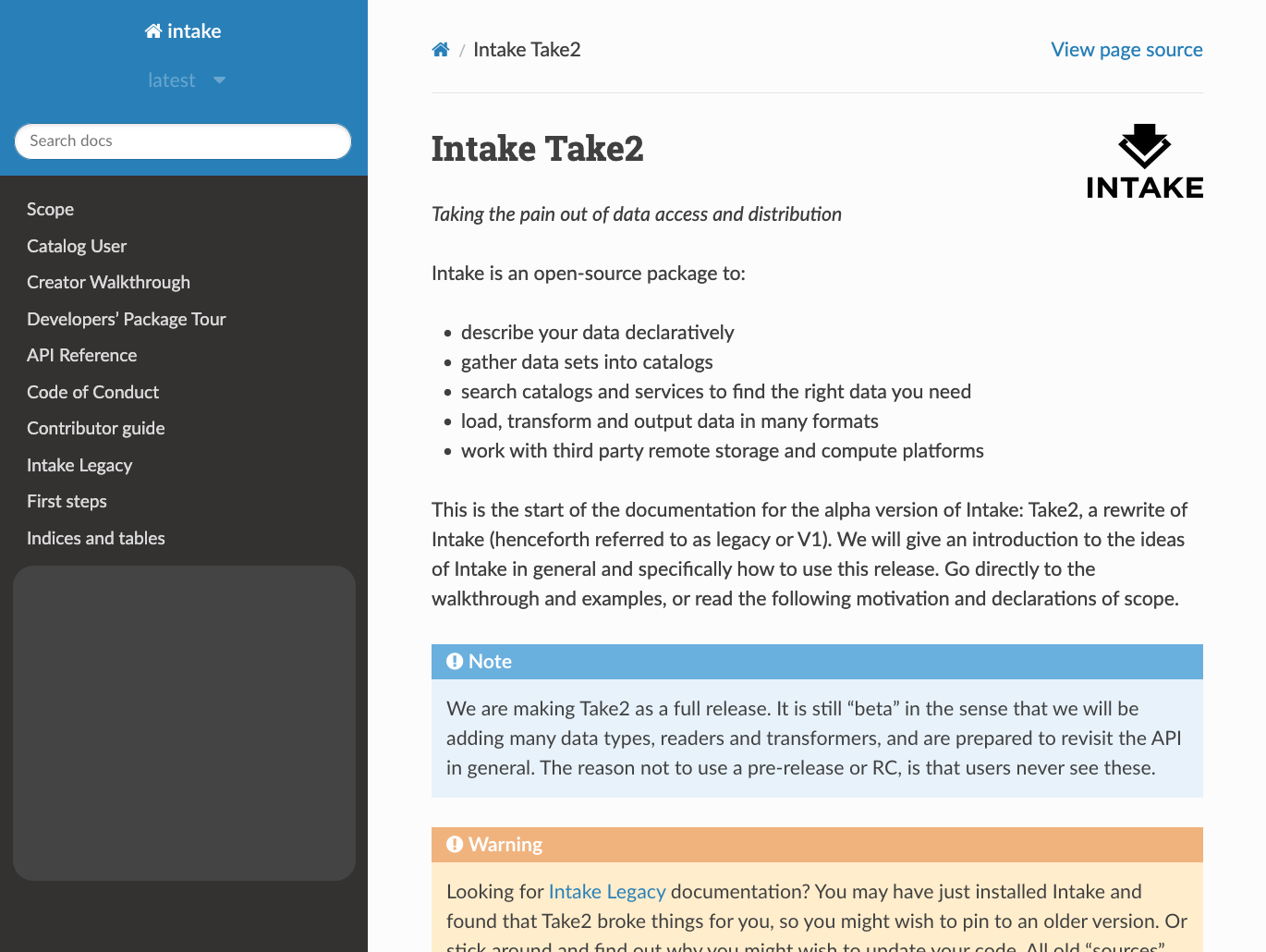
Intake is a data cataloging and loading library that provides unified access to diverse data sources.
Intake simplifies data access by creating catalogs that describe where data lives and how to load it. You can define catalog entries that specify data locations, formats, and loading parameters, then load data with simple commands.
It supports a wide variety of file formats and data services with hierarchical cataloging, searching, and interactivity. Intake also handles authentication and data transfer automatically, which makes it work particularly well with remote storage platforms.
Common use cases for Intake include:
- Creating centralized catalogs of organizational data assets
- Simplifying access to data across local and cloud storage
- Loading data from multiple formats with consistent interfaces
- Sharing data sources across teams with standardized access
- Managing data dependencies for reproducible analysis
Intake comes pre-installed with Anaconda Distribution. View the package details here.
To install Intake with conda, run: conda install main::intake
Prefect
Prefect is a modern workflow orchestration platform for building, scheduling, and monitoring data pipelines.
Prefect provides a Python-native approach to workflow automation with a focus on developer experience. Unlike traditional workflow tools, Prefect uses standard Python code with decorators to define tasks and flows, making pipelines easy to write, test, and debug. It includes built-in features for retries, caching, logging, and observability.
Prefect’s architecture separates workflow definition from execution, allowing you to develop locally and deploy to various environments without code changes. It provides a modern UI for monitoring runs and debugging failures.
Common use cases for Prefect include:
- Orchestrating ETL pipelines with automatic retries and error handling
- Scheduling data processing jobs with complex dependencies
- Building event-driven workflows that respond to data changes
- Monitoring and debugging data pipeline failures
- Deploying workflows across local, cloud, and hybrid environment
Portability and Deployment
FastAPI
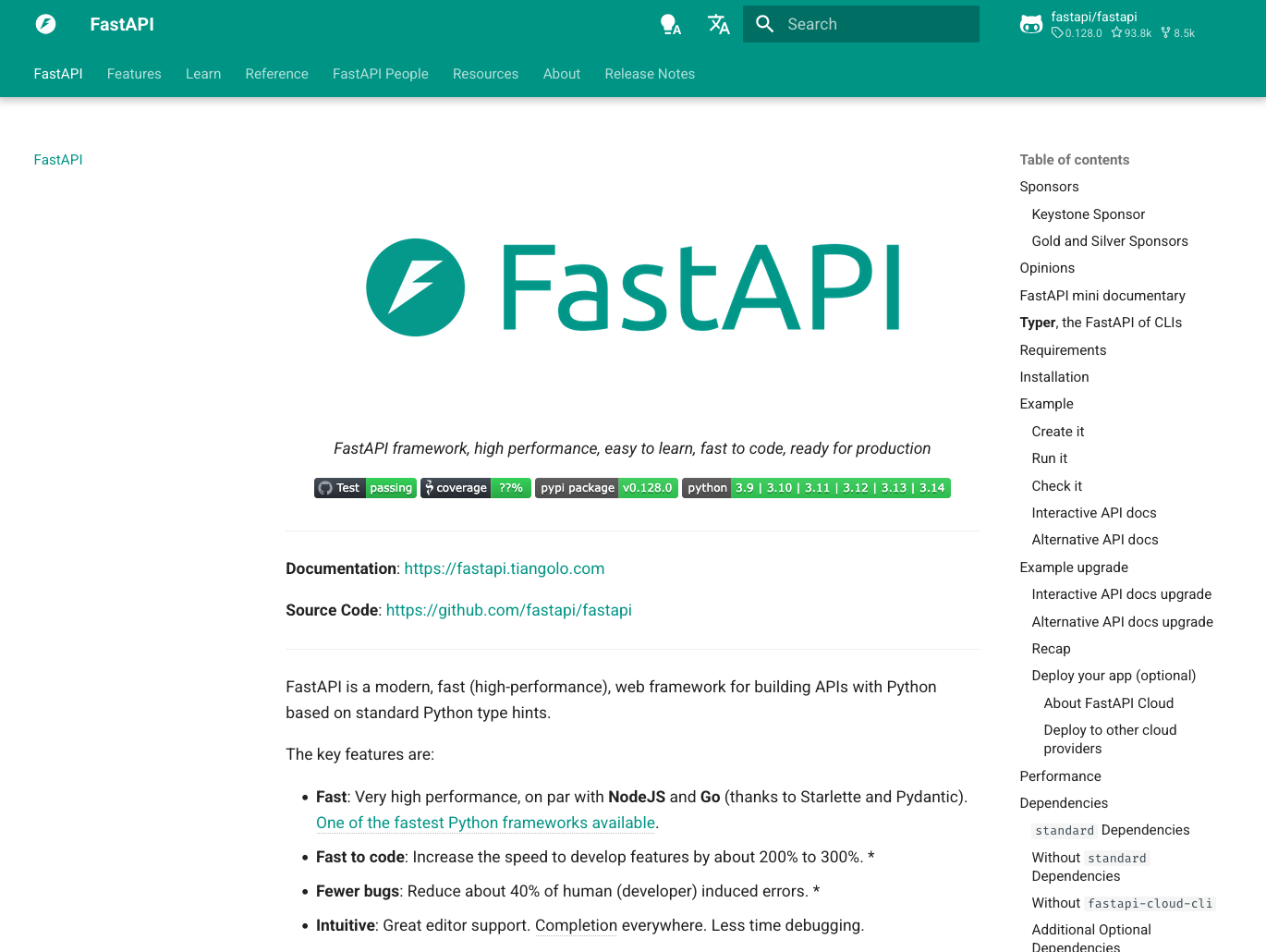
FastAPI is a modern, high-performance web framework for building APIs with Python based on standard type hints.
FastAPI makes it easy to build production-ready APIs for machine learning models and data applications. It uses Python type hints to automatically generate API documentation, validate requests, and serialize responses.
It generates interactive documentation automatically, includes built-in authentication features, and supports WebSocket connections for real-time applications. While Django remains popular for full-stack web applications, FastAPI excels at building lightweight APIs for machine learning models, data services, and even web-scraping backends where speed and simplicity are priorities.
Common use cases for FastAPI include:
- Deploying machine learning models as REST APIs
- Building high-performance data services and microservices
- Creating real-time APIs with WebSocket support
- Generating automatic API documentation with OpenAPI
- Developing production-ready services with built-in validation
FastAPI is available in Anaconda’s curated repository and can be found here.
To install FastAPI with conda, run: conda install main::fastapi
Flyte
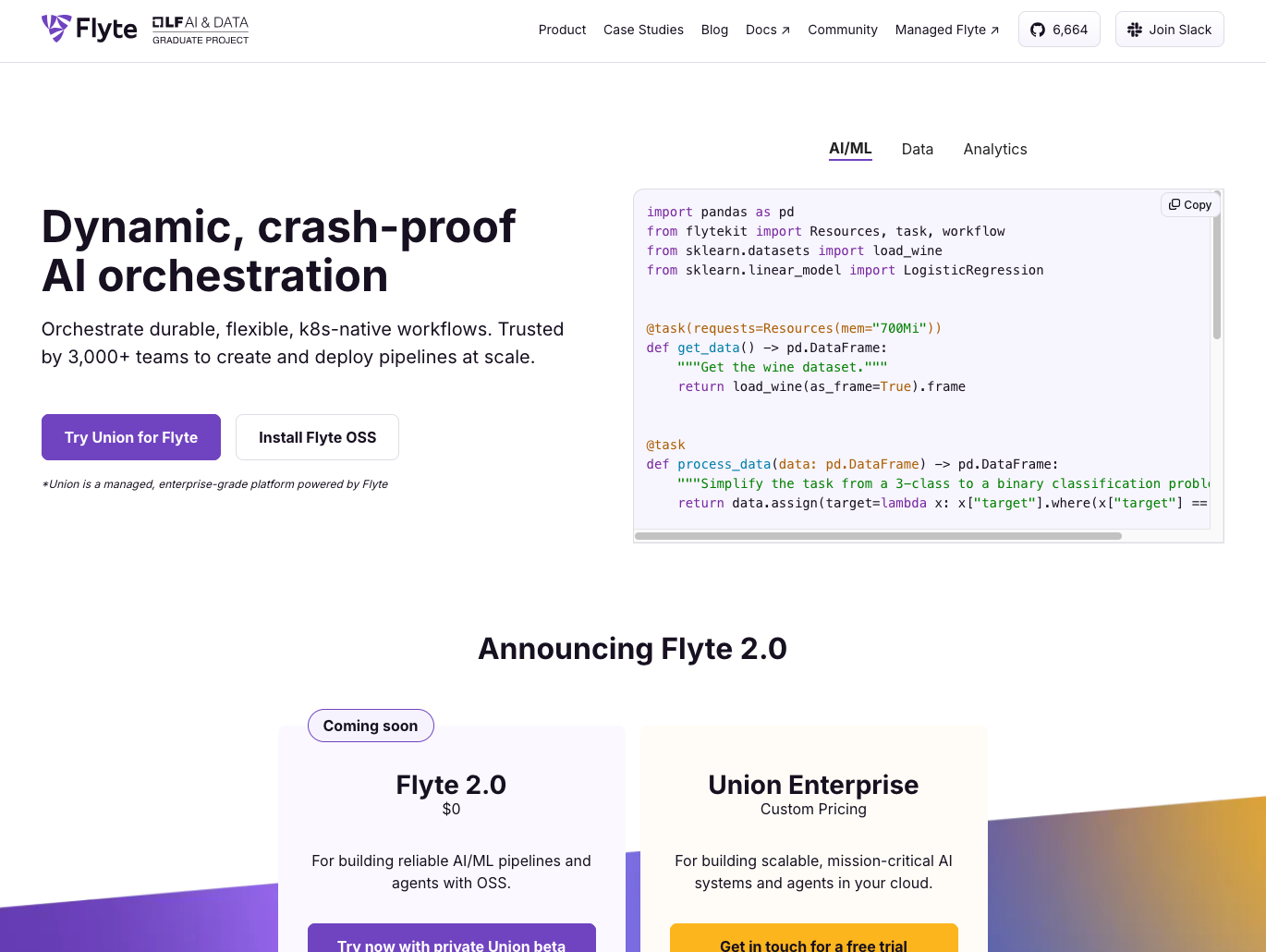
Flyte is a workflow orchestration platform built specifically for data and machine learning workflows at scale.
Flyte provides infrastructure for building, deploying, and monitoring ML and data pipelines with strong reproducibility guarantees. It uses containerized tasks and versioned workflows, ensuring pipelines produce consistent results across different environments. Flyte handles compute resource management, allowing workflows to request specific CPU, GPU, or memory requirements per task.
It integrates with Kubernetes for scalable execution and includes features like automatic retries, caching, and dynamic task generation. It’s particularly valuable for organizations running complex ML pipelines that need strict version control.
Common use cases for Flyte include:
- Orchestrating end-to-end ML pipelines from data prep to deployment
- Running workflows that require specific compute resources per task
- Building reproducible ML workflows with version control
- Managing complex dependencies between data and ML tasks
- Deploying scalable pipelines on Kubernetes infrastructure
ONNX
ONNX is an open standard for making machine learning models portable between different frameworks and optimizing LLM inference.
ONNX provides a common format for representing AI models, enabling you to train in one framework and deploy in another. It’s particularly valuable for LLM deployment, where you can convert models between TensorFlow, PyTorch, and other frameworks, then use ONNX Runtime for high-performance inference across different hardware.
ONNX helps bridge the gap between model development and production deployment, ensuring your LLMs can run efficiently regardless of where they were originally trained.
Common use cases for ONNX include:
- Converting LLMs between frameworks for optimized deployment
- Running models on edge devices or specialized hardware
- Optimizing inference performance for production LLM applications
- Deploying models to platforms with different framework requirements
- Standardizing model formats across development teams
ONNX is available in Anaconda’s curated repository and can be found here.
To install ONNX with conda, run:conda install main::onnx
Managing Your Libraries With Conda
With hundreds of open-source Python libraries available, managing dependencies and environments can quickly become complex. An open-source package and environment manager like conda simplifies this process, making it easier to install, update, and organize the libraries covered in this guide.
Evaluating Python platforms for your organization? Read our checklist for selecting an enterprise platform.
Why use conda?
Unlike Python’s default package manager, conda manages dependencies for C, C++, and other languages that many libraries rely on. It works seamlessly across operating systems—including Windows, Linux, and BSD variants—to keep your environments consistent, regardless of platform.
When you install a library like NumPy or TensorFlow with conda, it automatically resolves all dependencies and ensures compatibility across your entire environment. This prevents “dependency hell,” where conflicting package versions break your setup.
Conda also provides built-in environment management, which means you can create isolated environments for different projects. Each environment can have its own Python version and package versions so you can work on multiple projects without conflicts. This is particularly valuable in industries where different projects may require different tool versions, such as data science and machine learning. For comprehensive workflows, see our ML and deep learning documentation or download our whitepaper on why you need ML.
Anaconda Distribution
Anaconda Distribution comes with conda pre-installed, along with 300+ of the most popular Python packages (including many of the libraries featured in this guide). This means you can start working immediately without manually installing dozens of dependencies.
Ready to simplify your Python library management? Download Anaconda Distribution to get started with conda and access a curated collection of data science tools.
Download Anaconda Distribution
Want to learn more about conda specifically? Visit the conda documentation for detailed guides and commands.