

Anaconda Platform
7.0.0 is available through a limited early access program. Contact your Anaconda Technical Account Manager (TAM) if you’re interested in adopting the latest version.- Log in to the admin console.
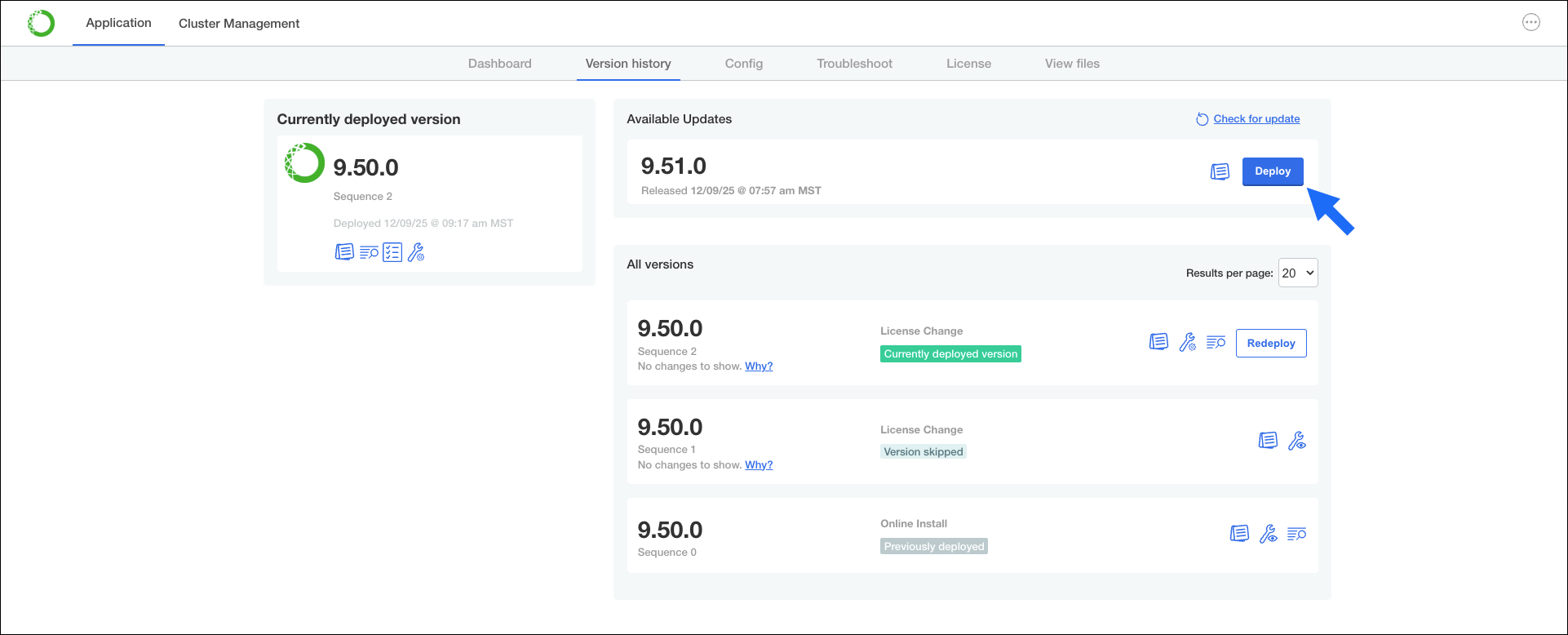
- Click the Version history tab.
-
Under Available Updates, click Deploy beside the version you want to update to.
- Review platform configurations to ensure they are still correct, then click Next.
- Allow the preflight checks to complete, and address any issues detected.
- Click Deploy to update your instance.