- Uploading an environment.yml file
- Viewing environment dependencies
- Viewing environment metadata
- Managing an environment
Uploading an environment.yml file
- Create your environment file
-
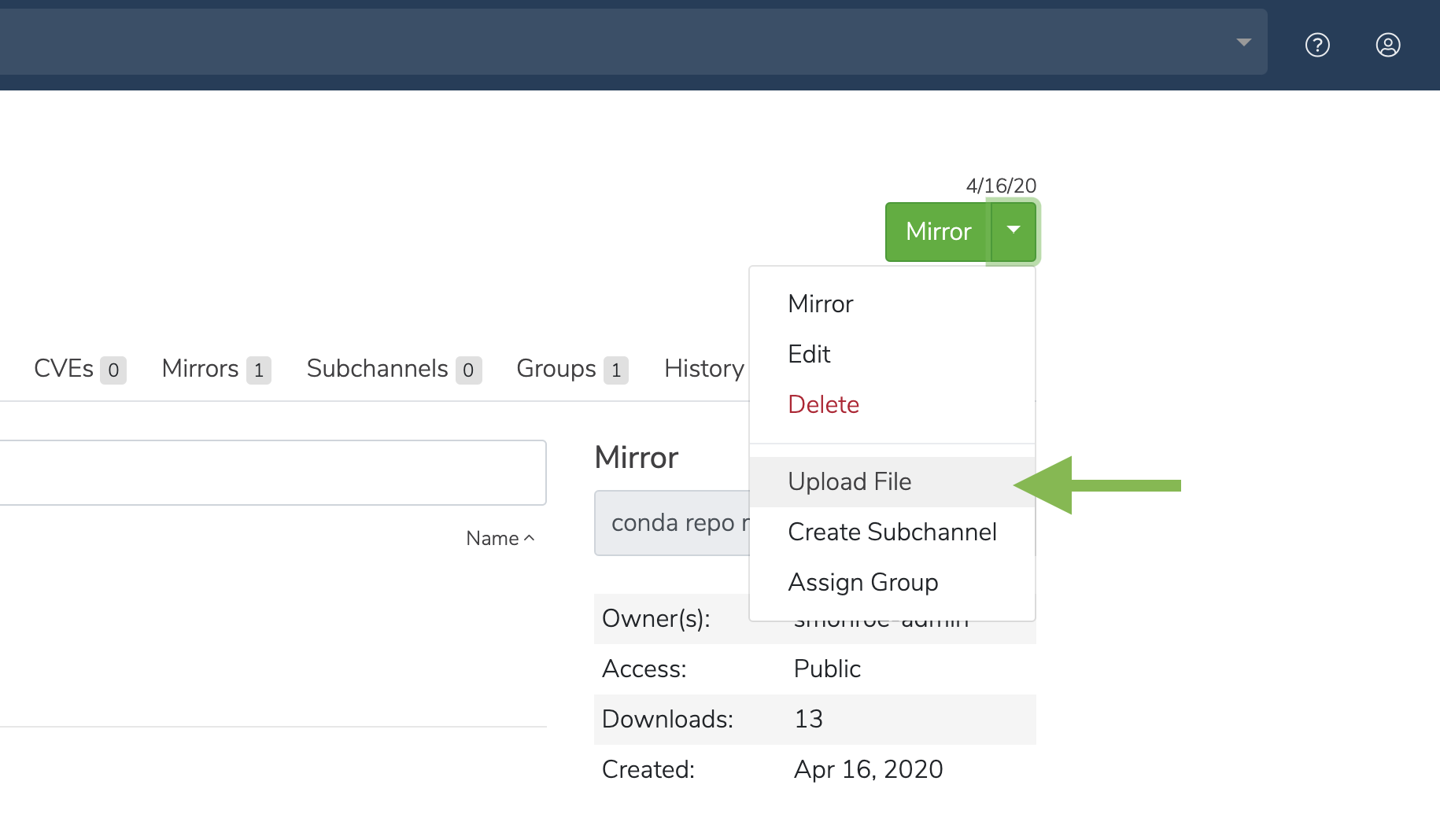
Click the green dropdown button in the top right corner, and then click Upload File.
- On the Upload a File screen, select the type of file you’d like to upload from the dropdown.
- Click the Browse button to find your file and add it to the page.
- Click Upload.
Viewing environment dependencies
On the Environments tab, click anywhere on an environment to view its details.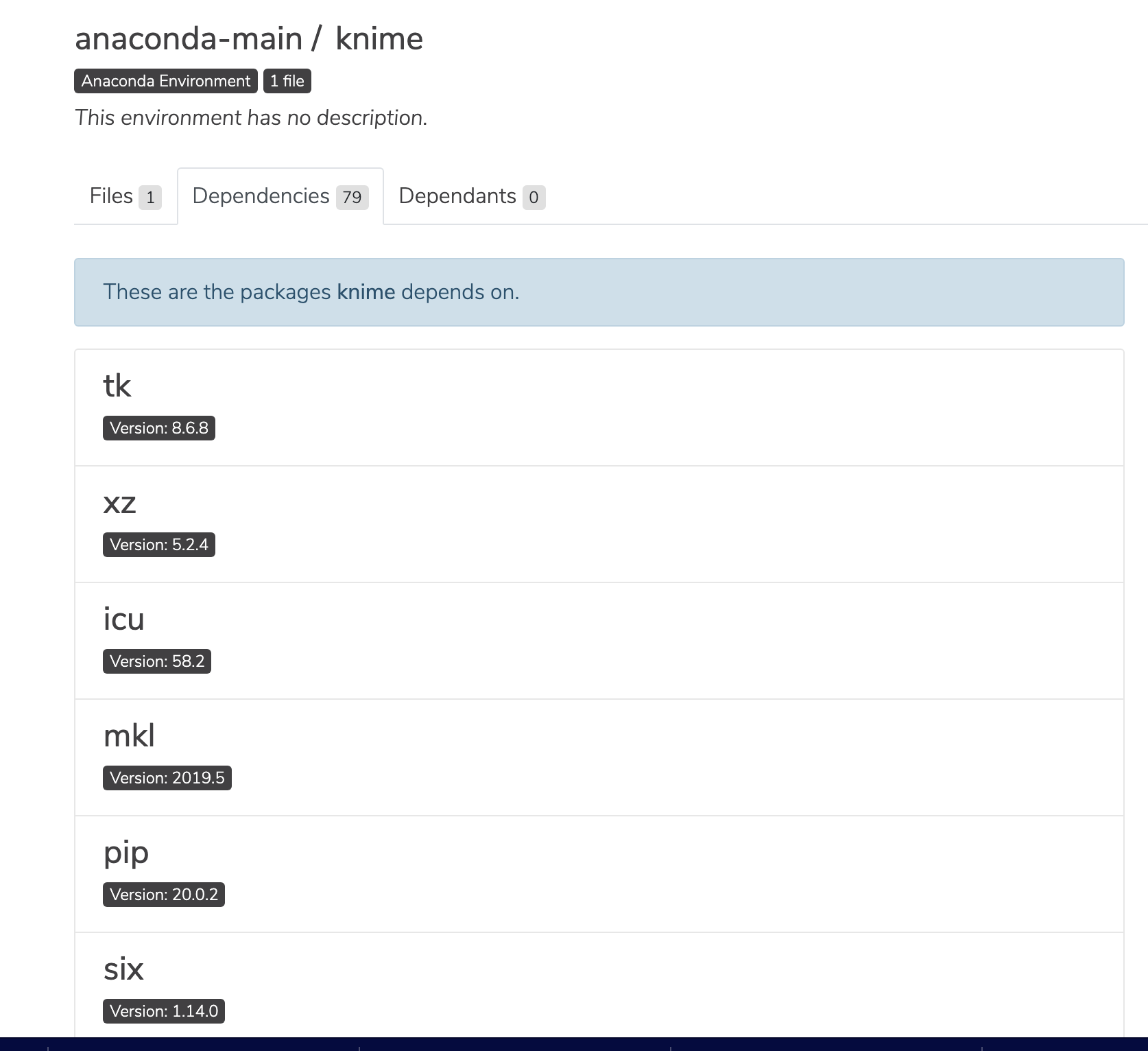
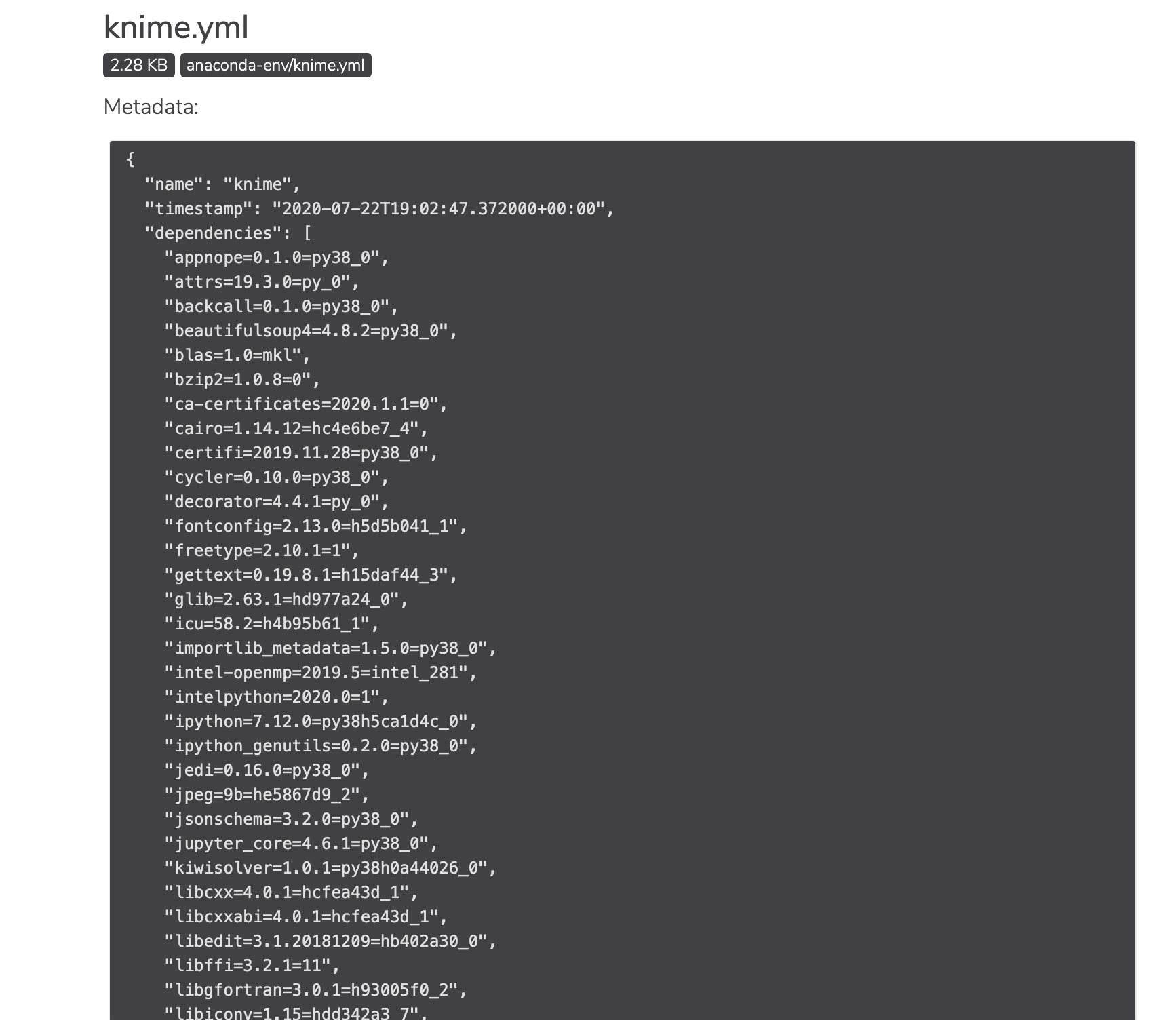
Viewing environment metadata
Click the information icon to view a file’s metadata.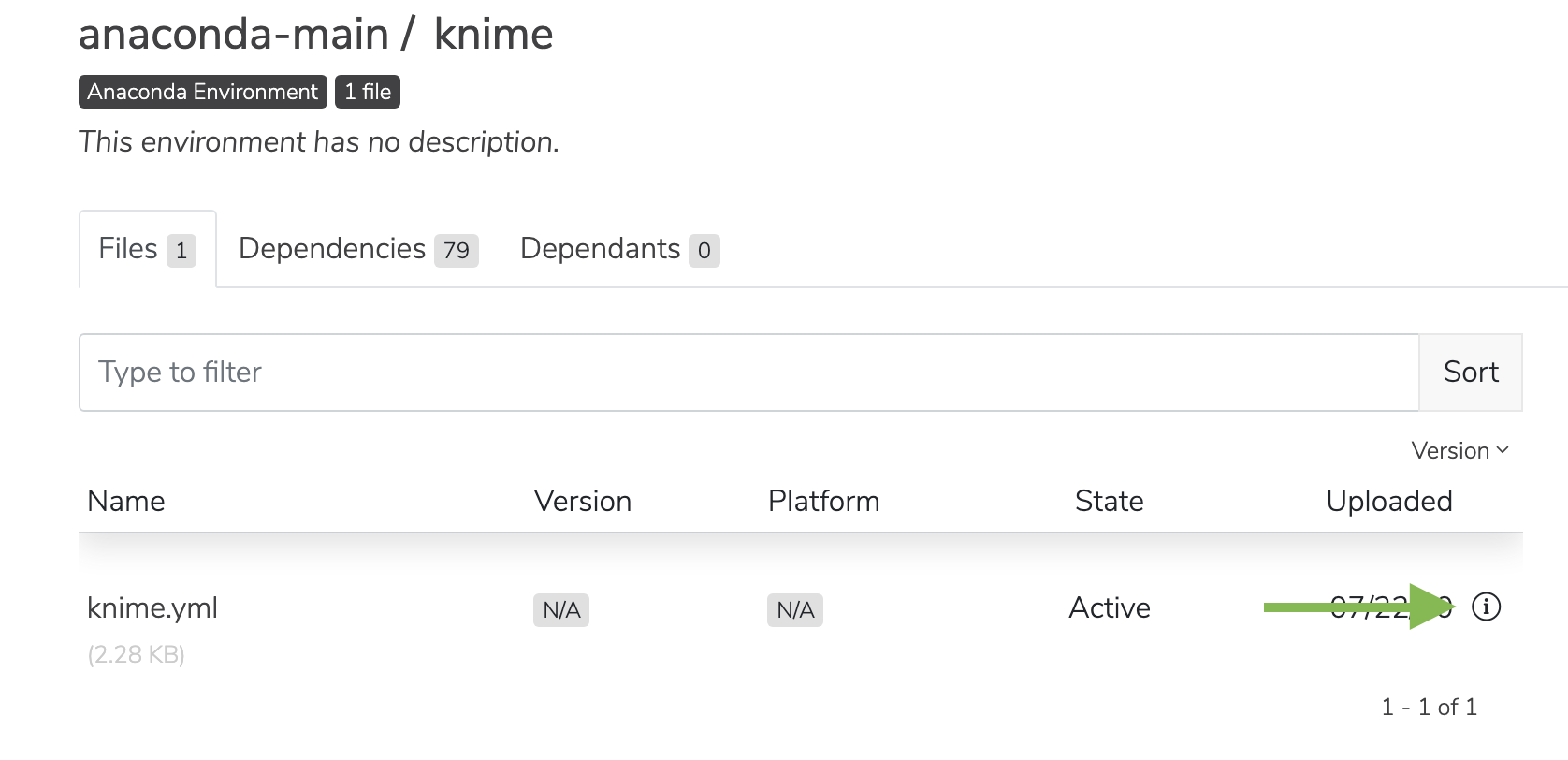
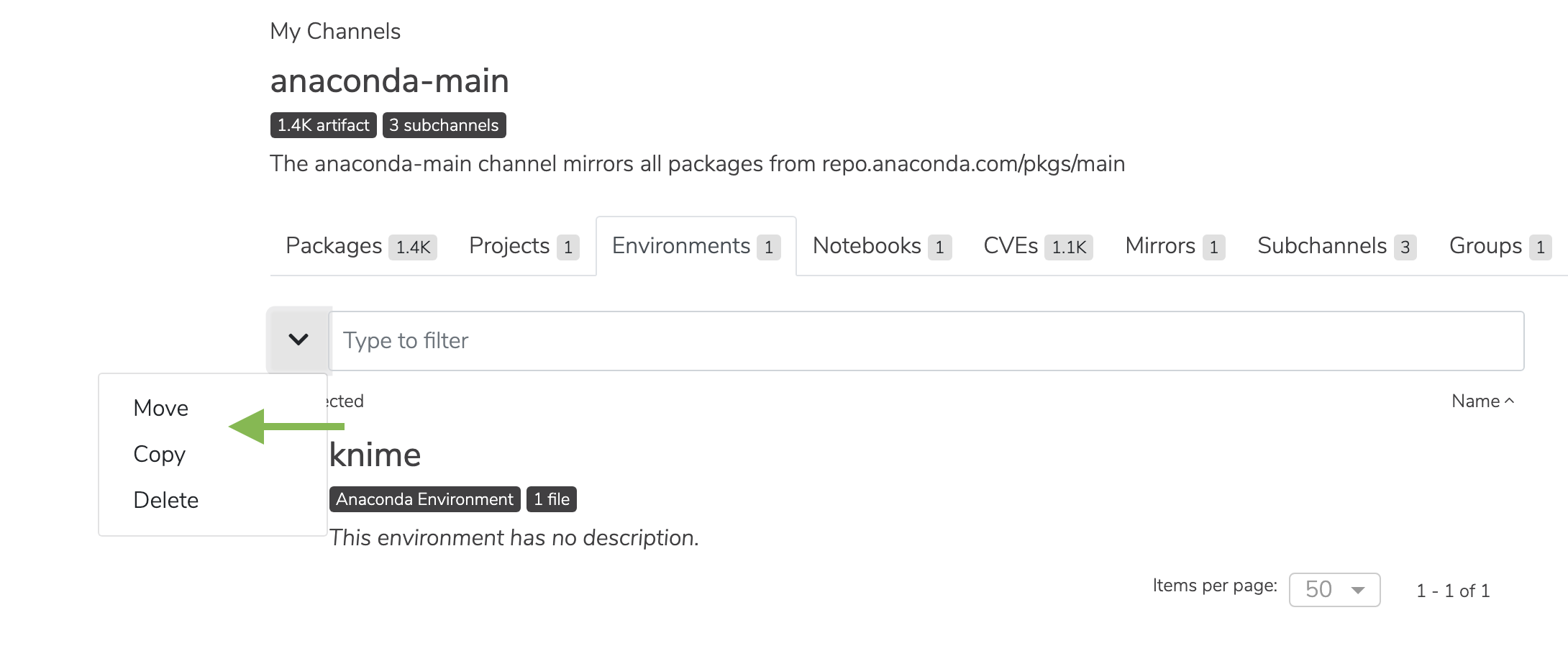
Managing an environment
Select the checkbox next to an environment. Then, click the dropdown next to the search bar. You may then move, copy, or delete the environment.