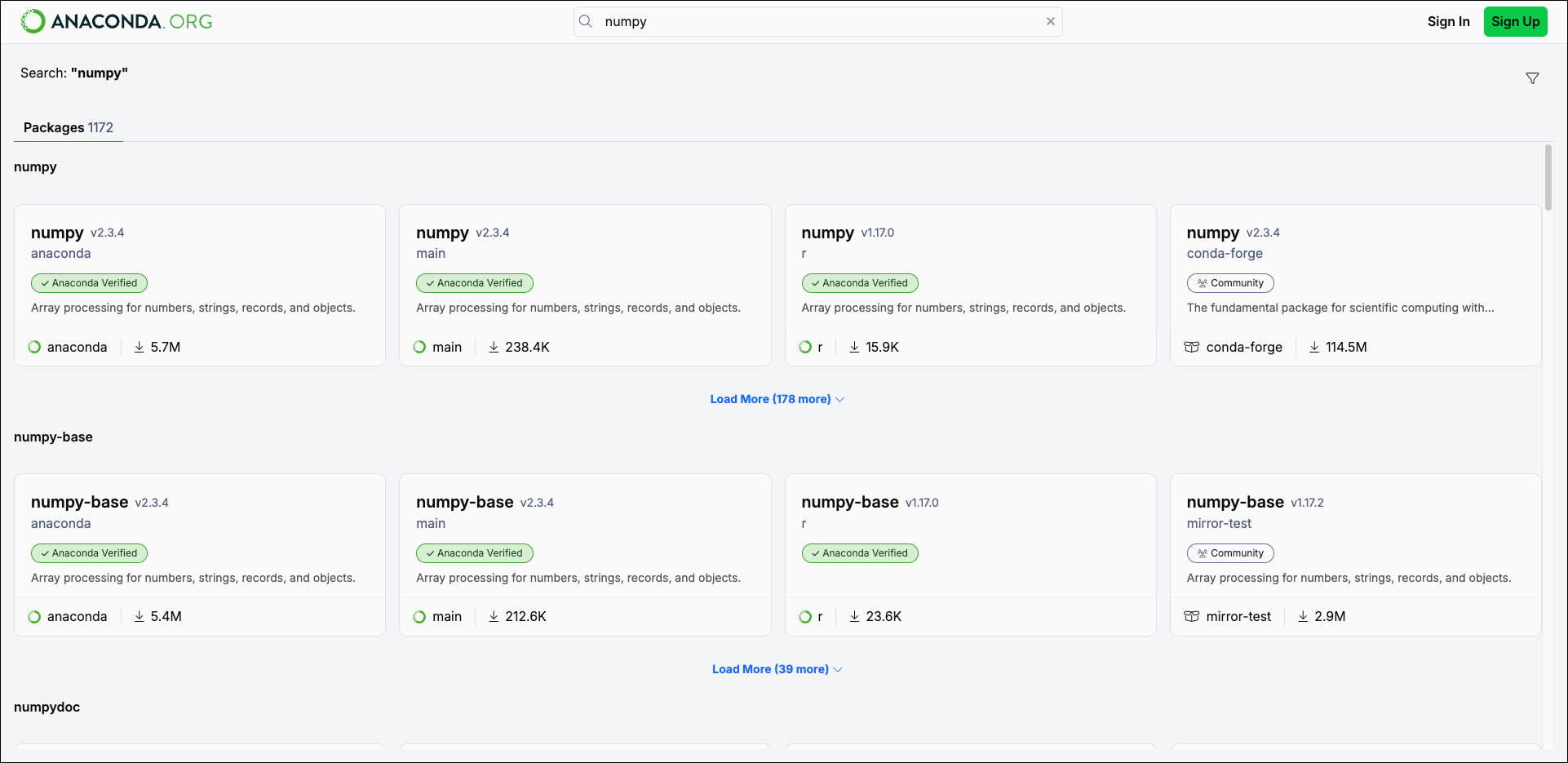
As of November 20, 2025, connecting Navigator to Anaconda.org with the Connect button is deprecated.Instead, use the Anaconda Cloud connection, log in with the CLI using
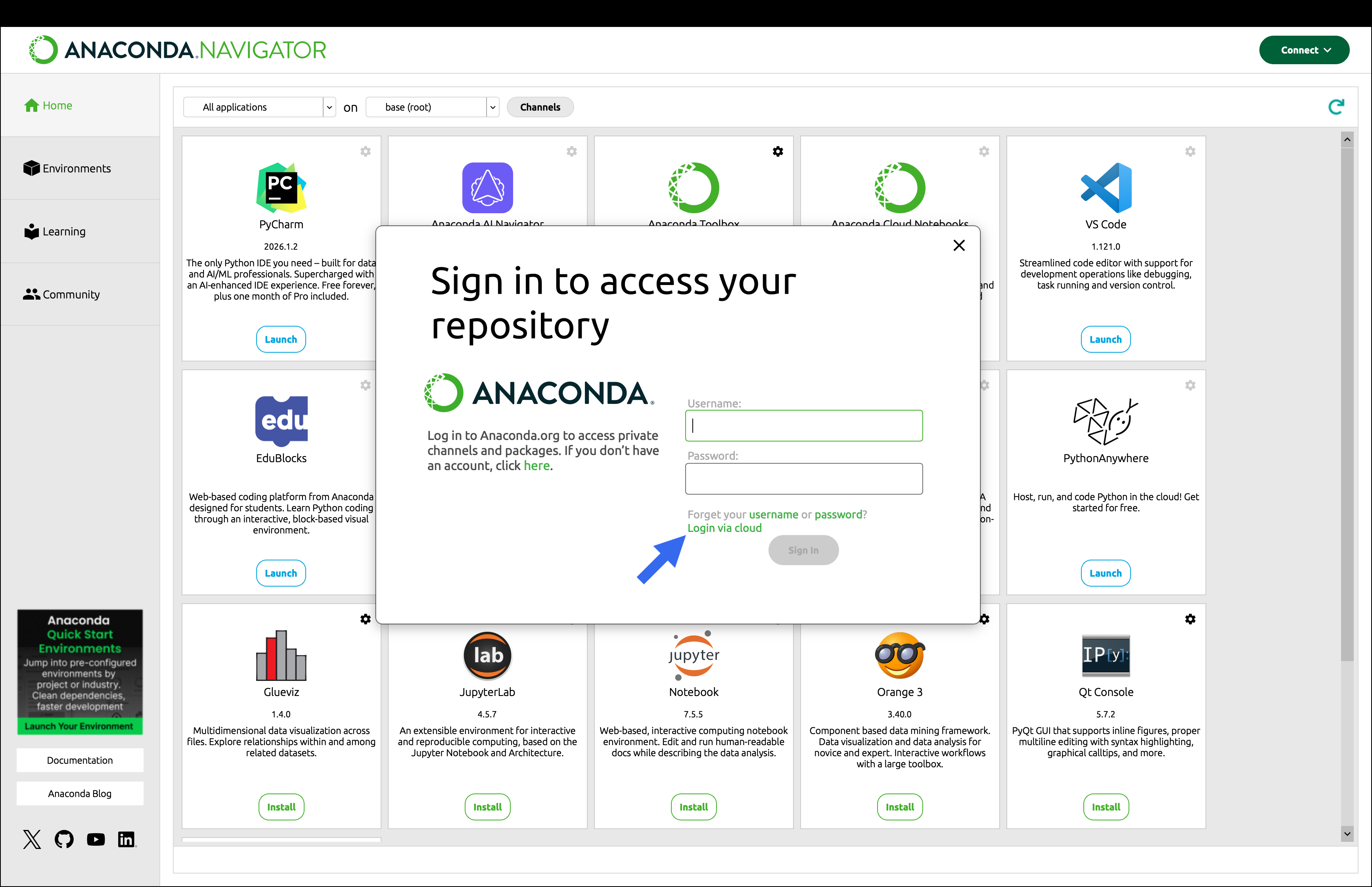
anaconda login --at anaconda.org, or use the Login via cloud option described below in the If necessary, sign into Anaconda.org dropdown.If necessary, sign into Anaconda.org
If necessary, sign into Anaconda.org
- Click Connect.
-
Click Sign in beside Anaconda.org.
If you don’t yet have an account, you can create one here.
You must verify your Anaconda.org email to use Navigator while connected to Anaconda.org.
-
Click Login via cloud.
- Open the Environments page.
- In the package list filter dropdown, select All to search all packages on anaconda.org.
- In the Search Packages field, type the name of the package you want to search for on anaconda.org.