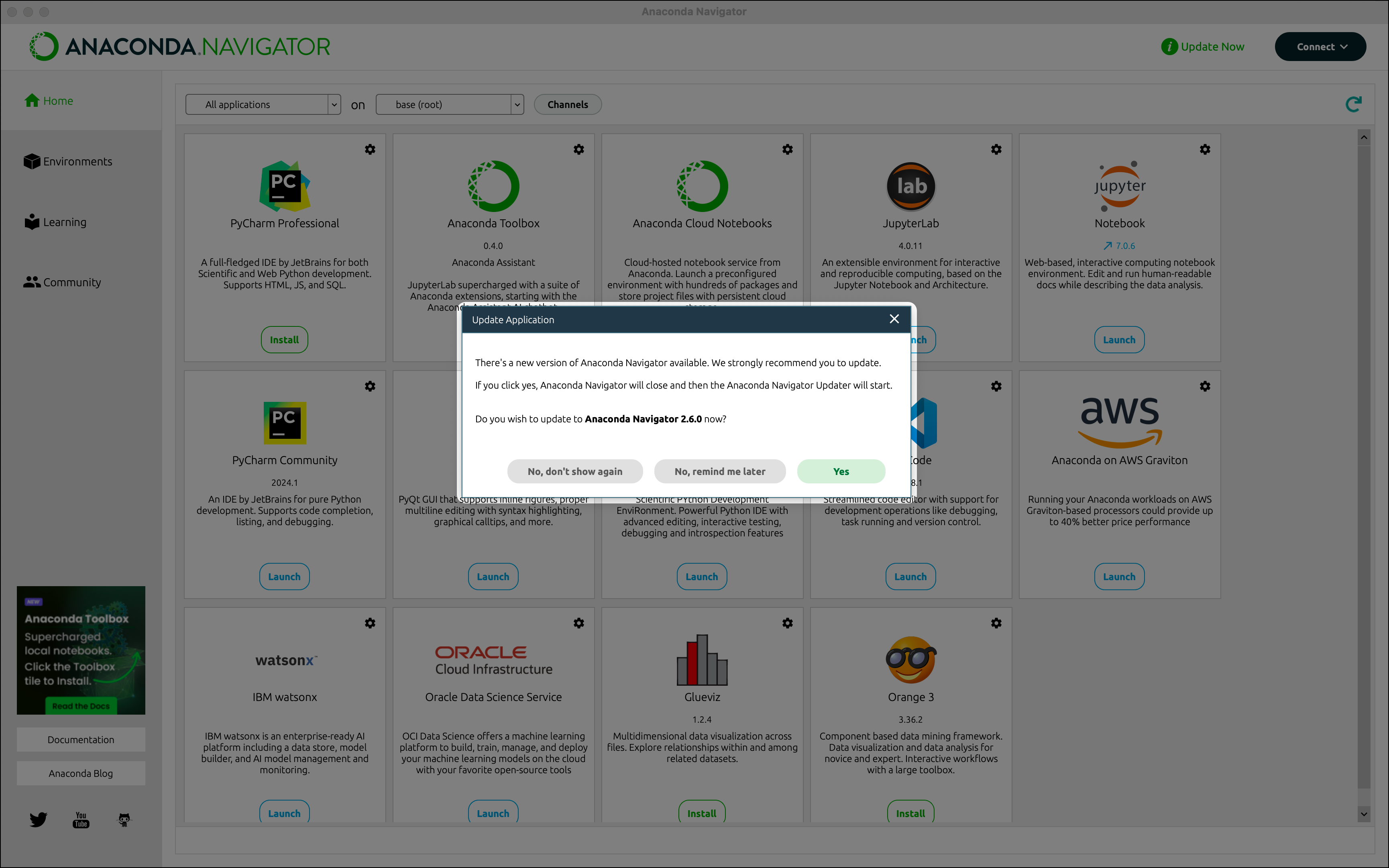
Anaconda recommends keeping Navigator updated to the latest version.

Manual update
You can also update Navigator manually through a command line interface (CLI). This can either be done with theupdate or install commands:
- Update command
- Install command
- Open Anaconda Prompt (Terminal on macOS/Linux).
-
If necessary, update the conda in your base environment by running the following command:
-
Update the
anaconda-navigatorpackage in your base environment by running the following command:
Troubleshooting

Navigator fails to update to version 2.6.4
Cause
If you are using Navigator version 2.6.3 and are unable to update to version 2.6.4, it might be because of a dependency conflict between the
anaconda-navigator package and the anaconda-toolbox package. (Each package lists incompatible versions of anaconda-cloud-auth as a dependency.)Solution
To check if you have the To solve the dependency conflict between
anaconda-toolbox package, open Anaconda Prompt (Terminal on macOS/Linux) and run the following command:anaconda-navigator and anaconda-toolbox:- Close Navigator, if open.
- Open Anaconda Prompt (Terminal on macOS/Linux).
-
Run the following command:
-
Enter
yto approve the package changes. - Reopen Navigator.
Update popup not automatically appearing
Cause
If you are not automatically prompted to update Navigator upon sign in, there can be several reasons why:
- The dialog has been hidden
- Your package index is out of sync
defaultsis missing from your channels list
Solution
The dialog has been hidden
Your package index is out of sync
Navigator fails to recognize an update is available if your package table is not properly updated. To update your package table, click Environments, then Update index….
defaults is missing from your channels list
This issue specifically impacts users without a subscription to our premium repository.
defaults added to your channels list can also cause Navigator’s Update popup to fail to appear.To add defaults to your channels list:- Click Channels on the Home or Environments page.
- Click Add.
- Enter
defaults, then press Enter (Windows)/Return (Mac) on your keyboard. - Click Update channels.
- Close and reopen Navigator.