- A Git repository
- An
obproject.tomlconfiguration file - A top-level
README.md - A CI/CD configuration that updates the project when you push changes
ob-project-empty repository, which has these elements prepopulated:
The examples on this page use GitHub Actions for CI/CD. The platform also supports GitLab CI/CD, Azure DevOps, and CircleCI. For provider-specific configurations, see the CI/CD integration guide.
Configuring a project
A project is configured by including anobproject.toml file in the root of your project’s git repository. At a minimum, the file needs the following fields:
obproject.toml
Enabling CI/CD access
To keep the project in sync with your repository, you need to allow your CI/CD system to push changes to the platform. CI/CD jobs authenticate as a machine user: a platform-managed identity that authenticates with credentials issued by your CI/CD provider instead of a person’s SSO login. Create one following the instructions in programmatic access with machine users. What each machine user requires depends on the provider type you select. Enter the values that identify your project’s repository, and leave the optional claims empty so the machine user can authenticate jobs from any branch, including pull requests.Pushing a project update
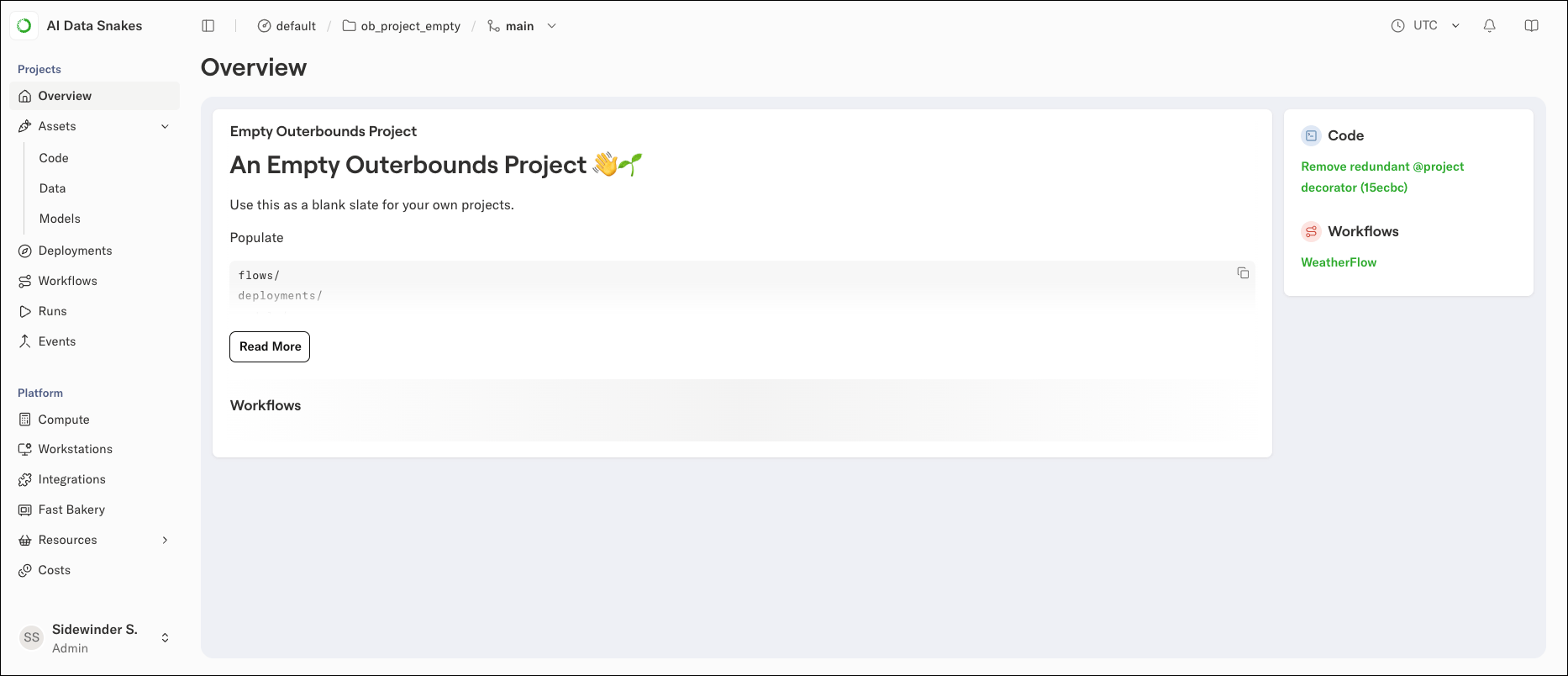
The template’s GitHub Actions workflow triggers a project update whenever you push a commit to the main branch or to a pull request. To test the CI/CD access, edit theREADME.md, or make any other commit you like, and push it. A GitHub Action runs; you can follow its progress in the GitHub Actions UI. When it completes, the project appears on the platform with an empty overview page: