anaconda-project.yml. For more information, see Developing a project.
Project components are archived into a .tar.bz2, .tar.gz, or .zip file for portability purposes, allowing you to store the project and share it with others.
Creating a new project
-
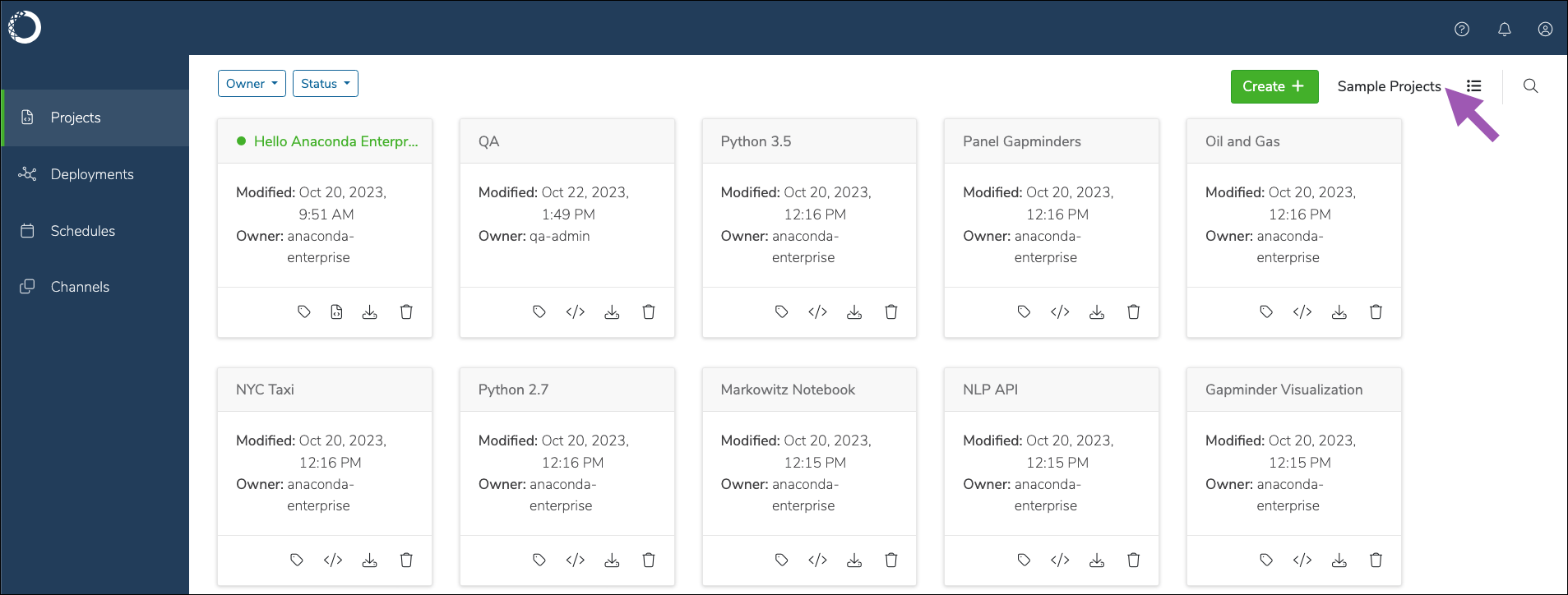
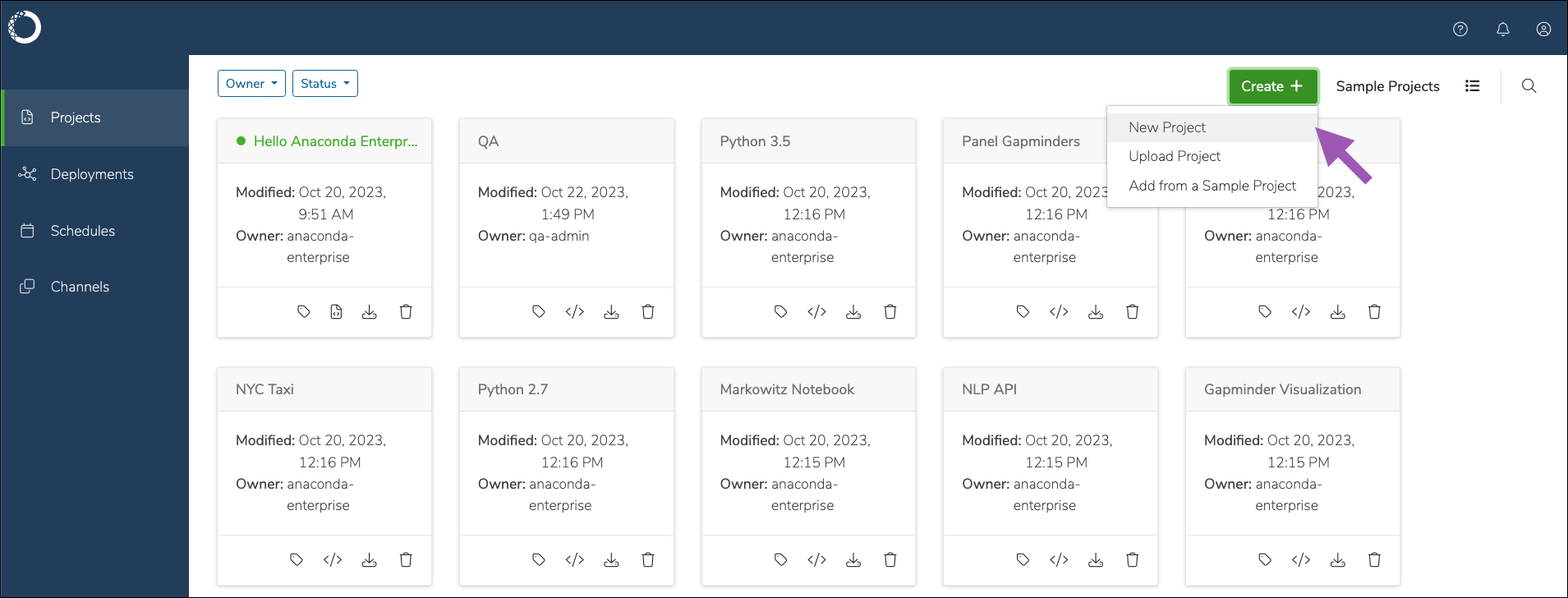
From the projects page, click Create +, then select New Project.
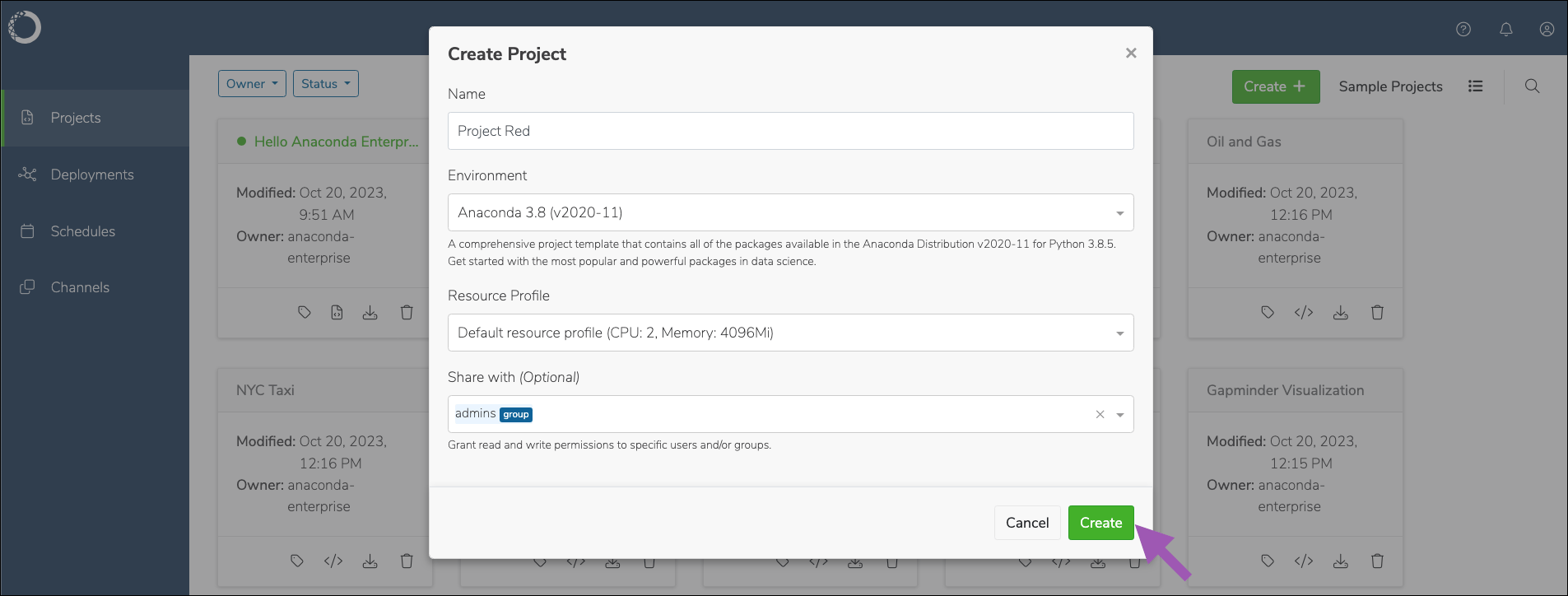
- Enter a name for your project.
- Select an environment for your project.
- Select a resource profile for your project.
- If necessary, add any users or groups as collaborators.
-
Click Create.
Uploading an existing project
-
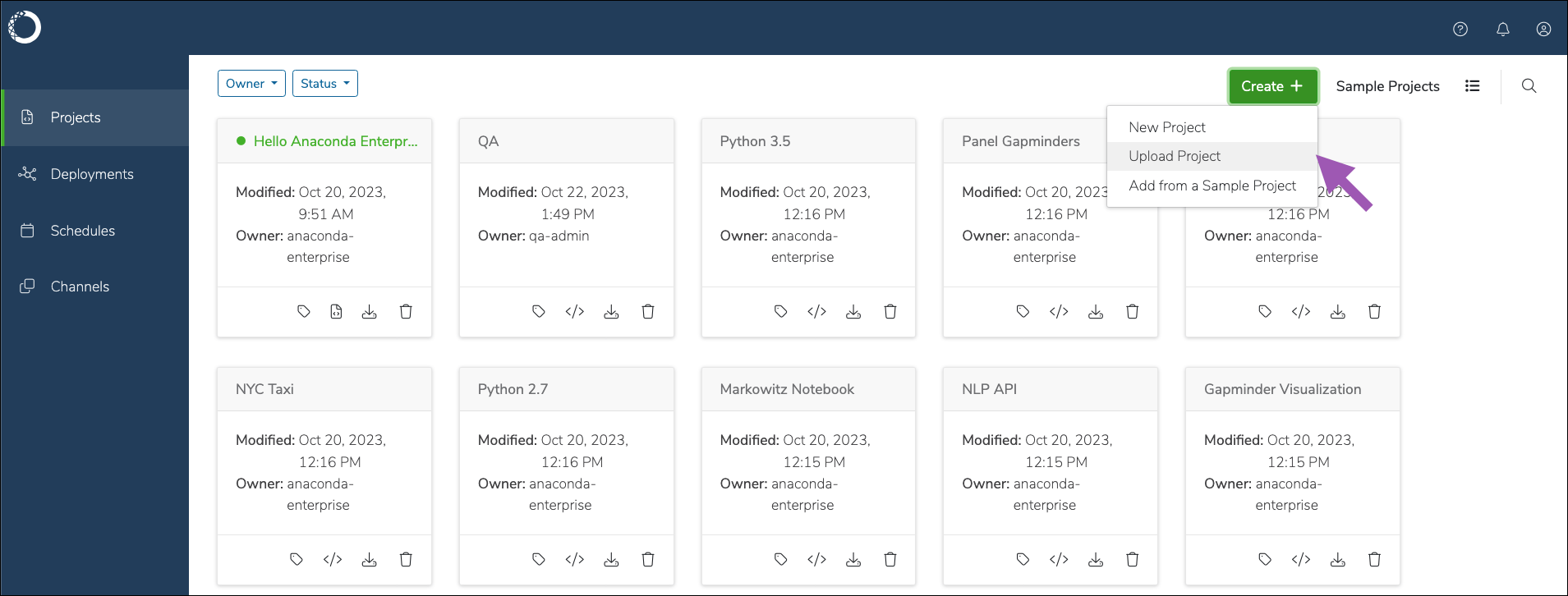
From the projects page, click Create +, then select Upload Project.
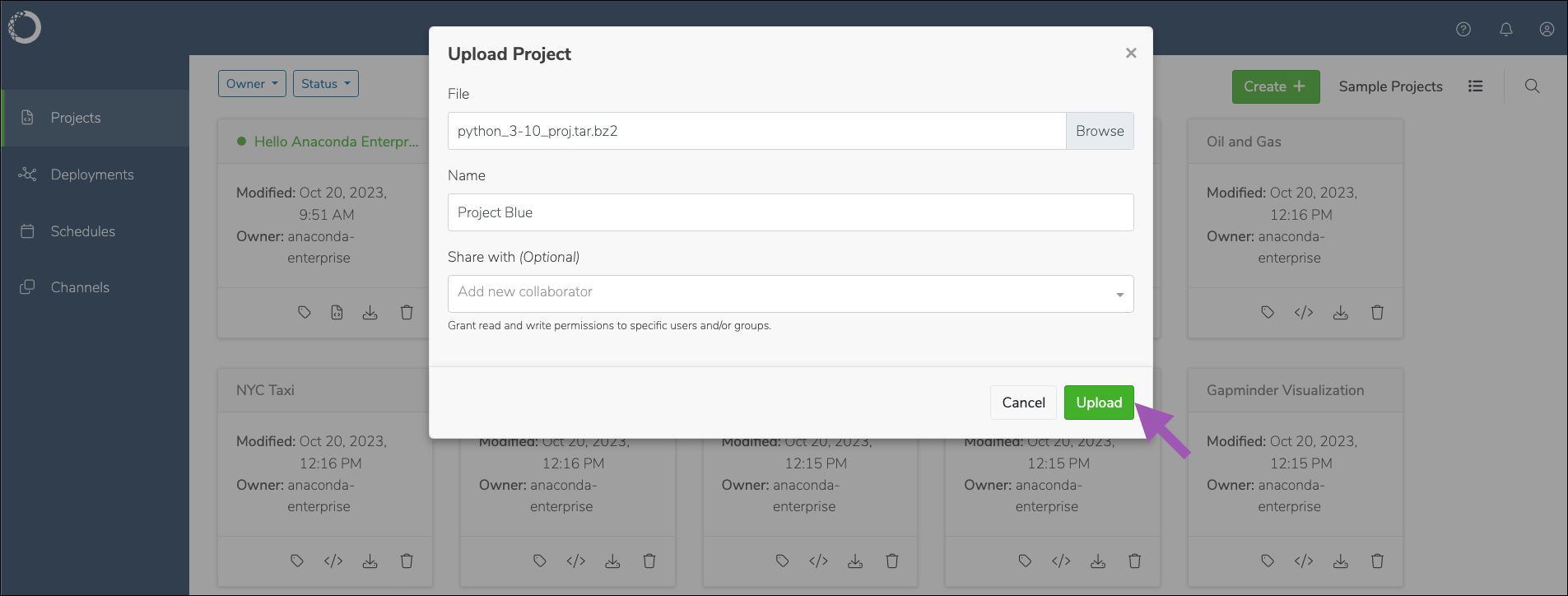
- Click Browse and upload your project archive file to Anaconda Enterprise.
- Enter a name for your project.
- If necessary, add any users or groups as collaborators.
-
Click Upload.
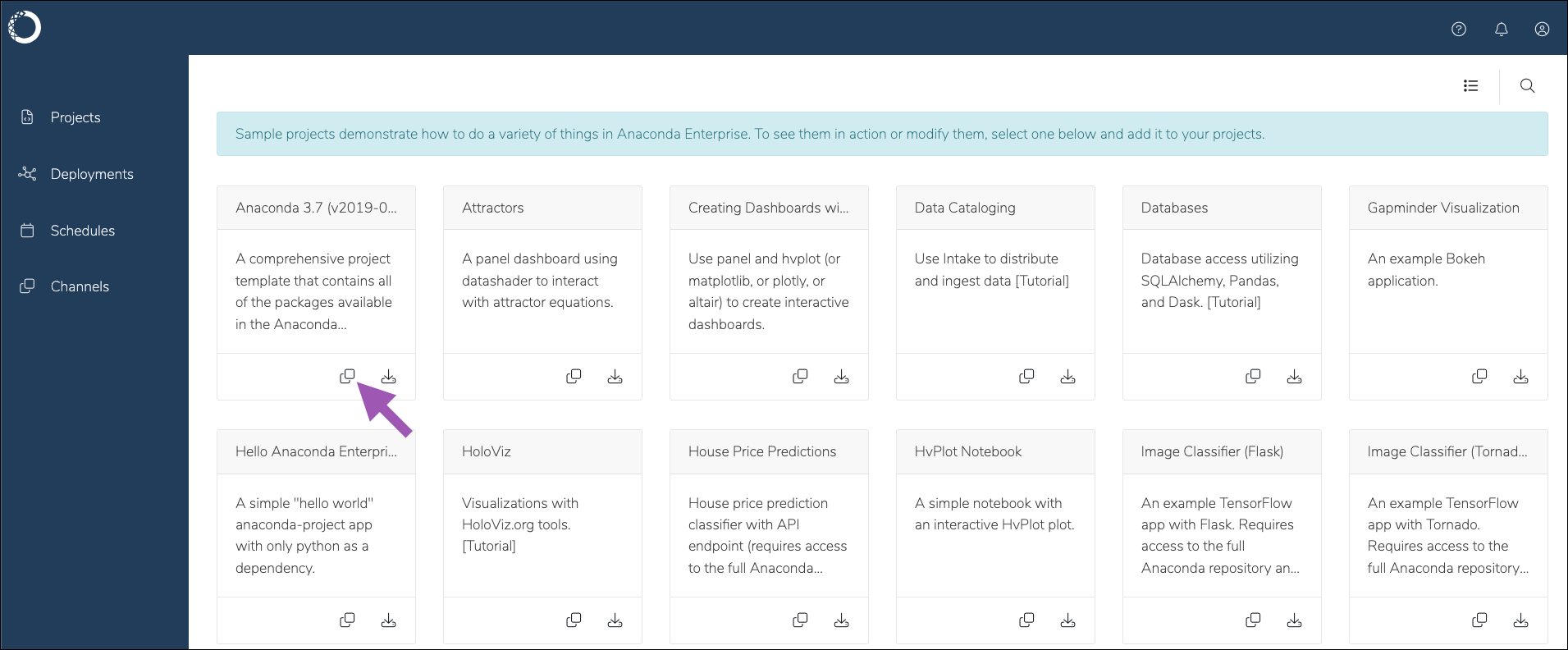
Using sample projects
Anaconda provides you with a gallery of sample projects that include:- Several base Anaconda Distribution for Python environments
- Minimal Python environments
- Simplified Jupyter Notebooks for Matplotlib and HvPlot
- Dashboards for the Gapminder dataset, oil and gas, NYC taxi, and attractor equations
- TensorFlow apps for Flask, Tornado, and MINST trained data
- And tutorial projects for:
- Using Intake to distribute and ingest data
- Database access using SQLAlchemy, Pandas, and Dask
- Visualizations with HoloViz.org tools
- Building time-series forecasting models using statsmodels