

You can separate system-level pods from user-level sessions and deployments as long as you have a multi-node setup (that is, a master node and at least one worker node). Contact support to complete this operation.
Gravity resource profiles
To add a resource profile for a resource you have installed:- Log in to Anaconda Enterprise, select the Menu icon in the top right corner and click the Administrative Console link displayed at the bottom of the slide out window.
- Click Manage Resources.
- Log in to the Operations Center using the Administrator credentials configured after installation.
- Select Configuration from the menu on the left.
- Use the Config map drop-down menu to select the
anaconda-enterprise-anaconda-platform.ymlconfiguration file. - Make a manual backup copy of this file before editing it, as any changes you make will impact how Anaconda Enterprise functions.
- Scroll down to the
resource-profilessection:
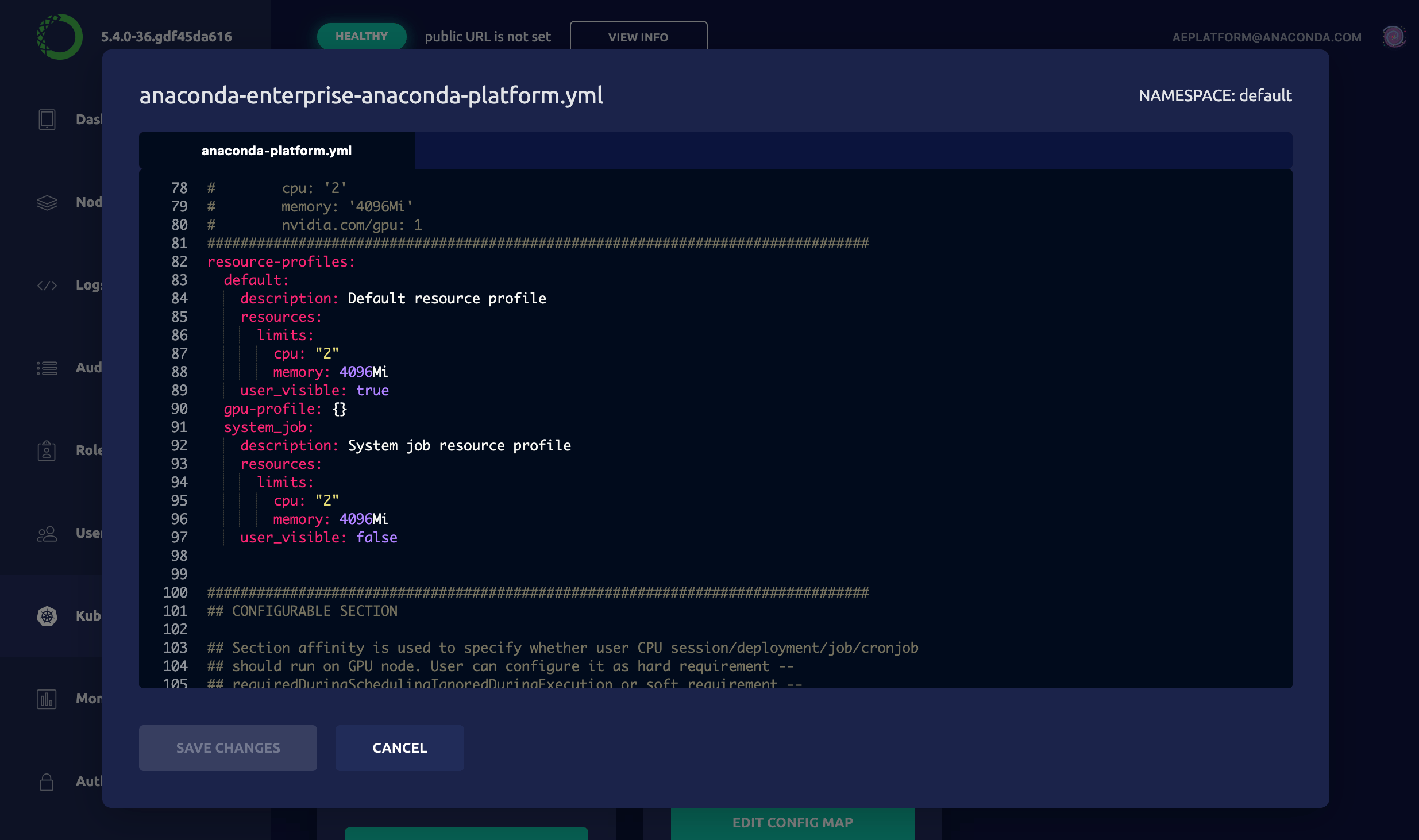
- Add an additional resource following the format of the default specification. For example, to create a GPU resource profile, add the following to the
resource-profilessection of the Config map:
gpu-profile entry:
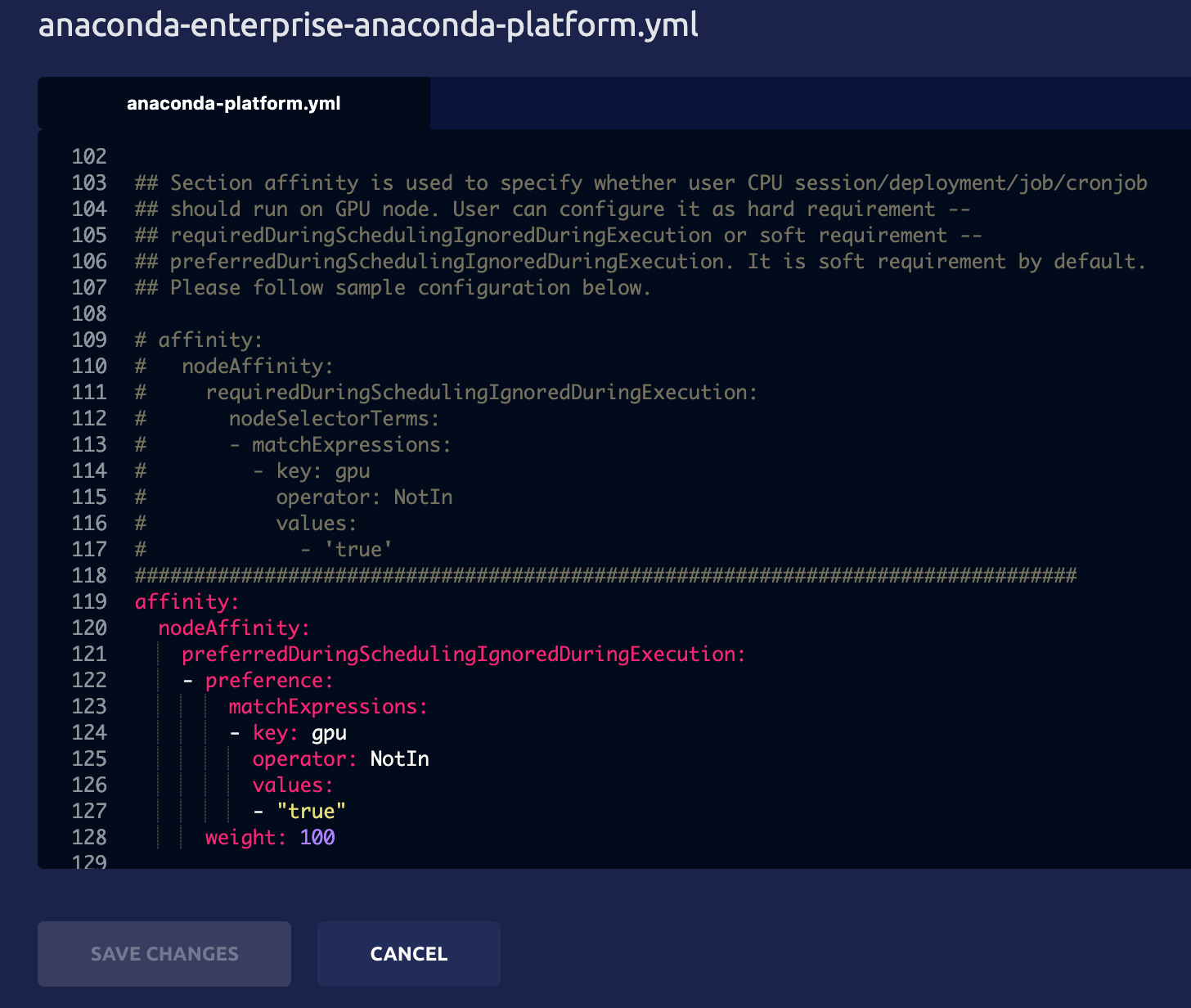
node_selector to your resource profile when you need to schedule certain user workloads on a particular node. This may be needed when running different CPU types, such as Intel or AMD; or different GPU types, such as Tesla v100 or Tesla p100. To enable, simply add node_selector to the bottom of your resource profile, with the key: value matching the label you have applied to your worker node. Please see the example below:
Resource profiles are listed in alphabetical order—after any defaults—so if you want them to appear in a particular order in the drop-down list that users see, be sure to name them accordingly.
- Click Apply to save your changes.
Bring your own Kubernetes resource profiles
As the Ops Center mentioned in the Gravity portion of this guide does not exist in a Bring your own Kubernetes (BYOK8s) cluster, you will need to customize your values.yaml at time of install. Please see this page for the unmodifiedvalues.yaml template.
Create a new section at the bottom of your values.yaml file with the following template,
customized for your environment. Please note that you can create as many resource profiles
as needed.