Adding packages to a comparison
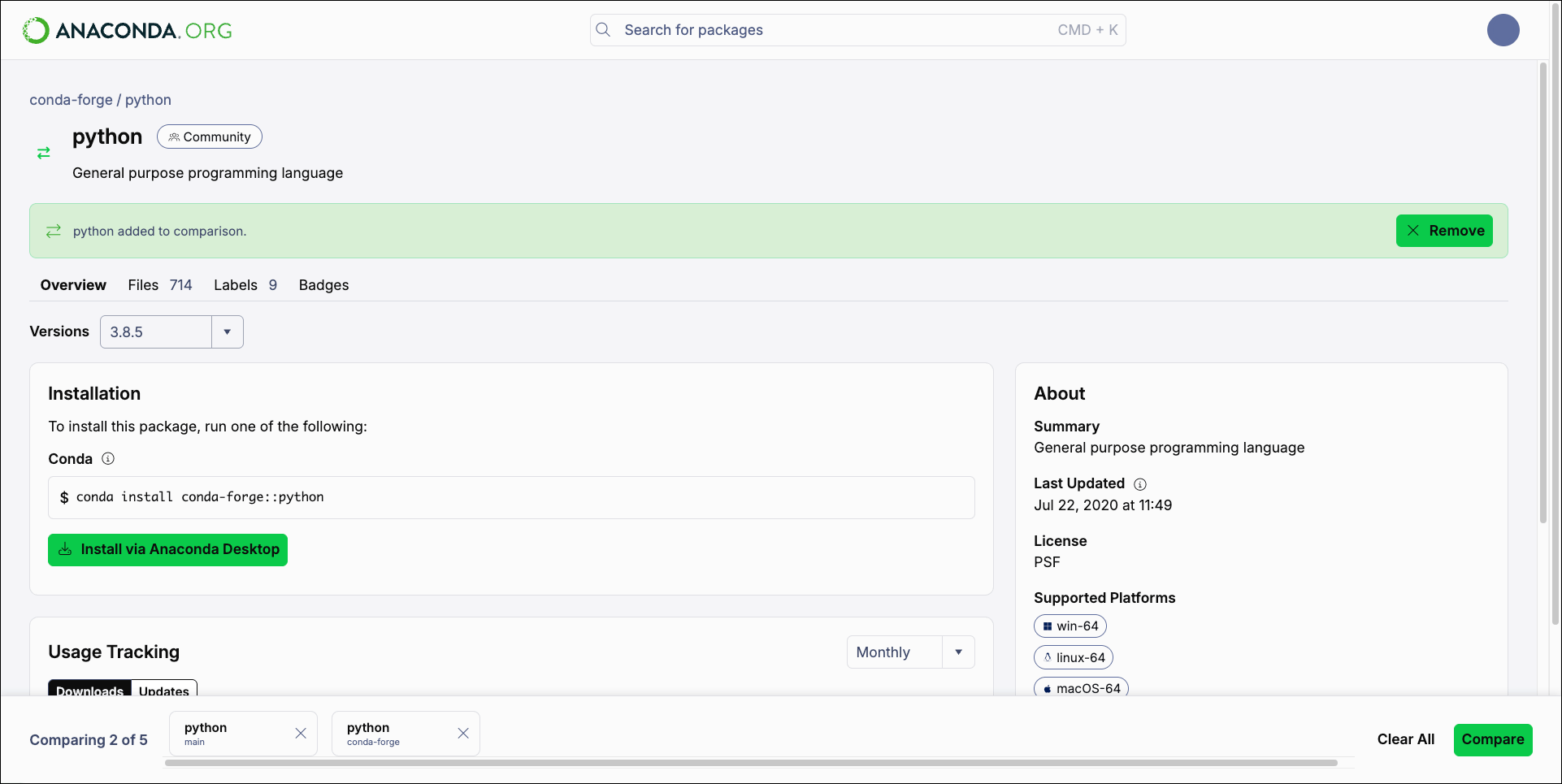
Enter Compare mode by clicking Compare in the search results page or on a package’s details page. Once you are in Compare mode, you can add up to five packages to the comparison.- If you entered Compare mode from a package details page, that package will be added to the comparison automatically.
- If you entered Compare mode from the search results page, you can add more packages by clicking Compare on each package card.
Comparing packages
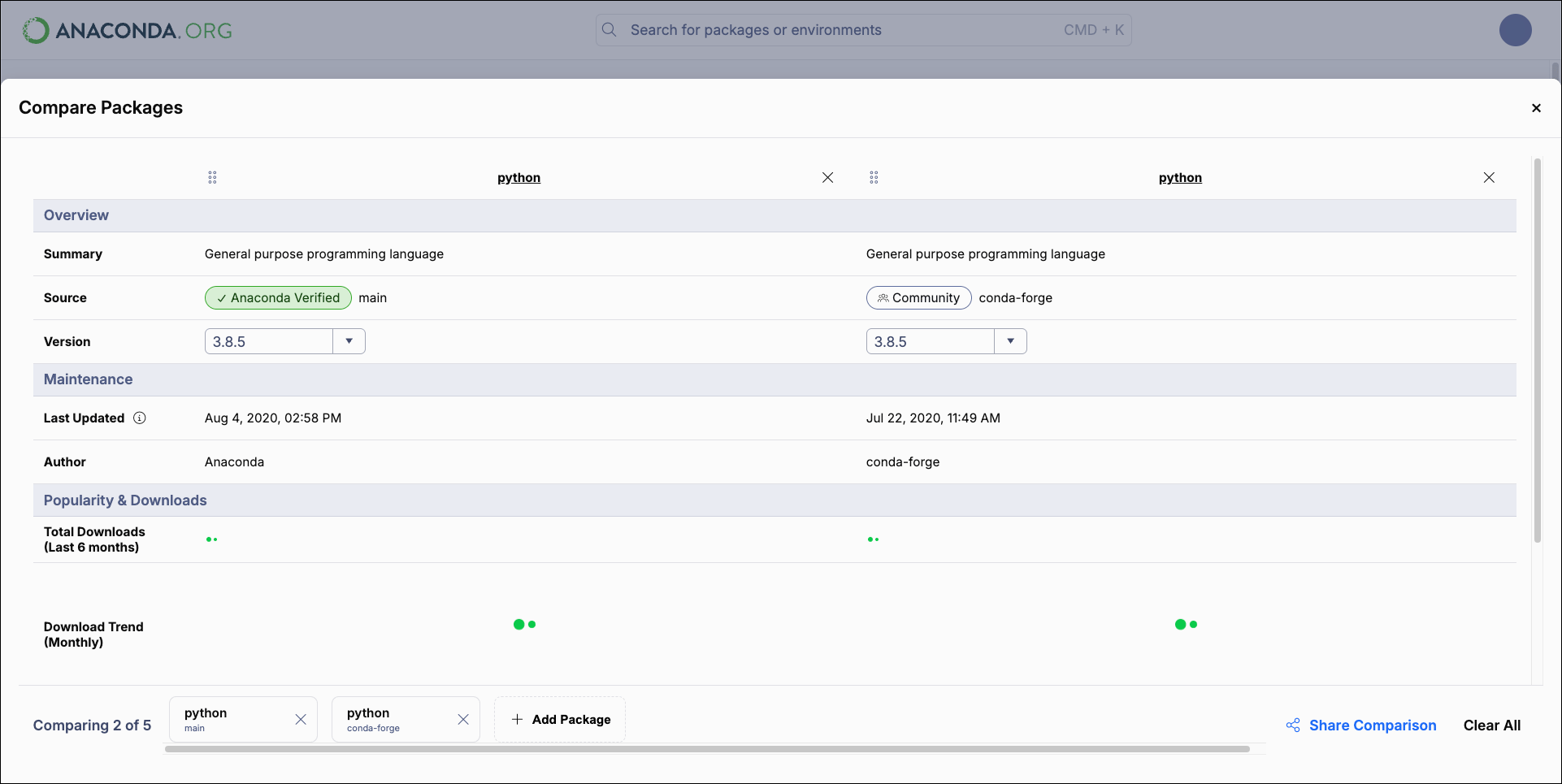
Once you are satisfied with your package comparison selections, click Compare to see the comparison results.