

- Select the channel from a package’s details page.
- Use the List view for your search results, then select a channel from the Channel column.
- Navigate to
anaconda.org/channels/<CHANNEL_NAME>, where<CHANNEL_NAME>is the name of the channel. This can be an organization or user channel.
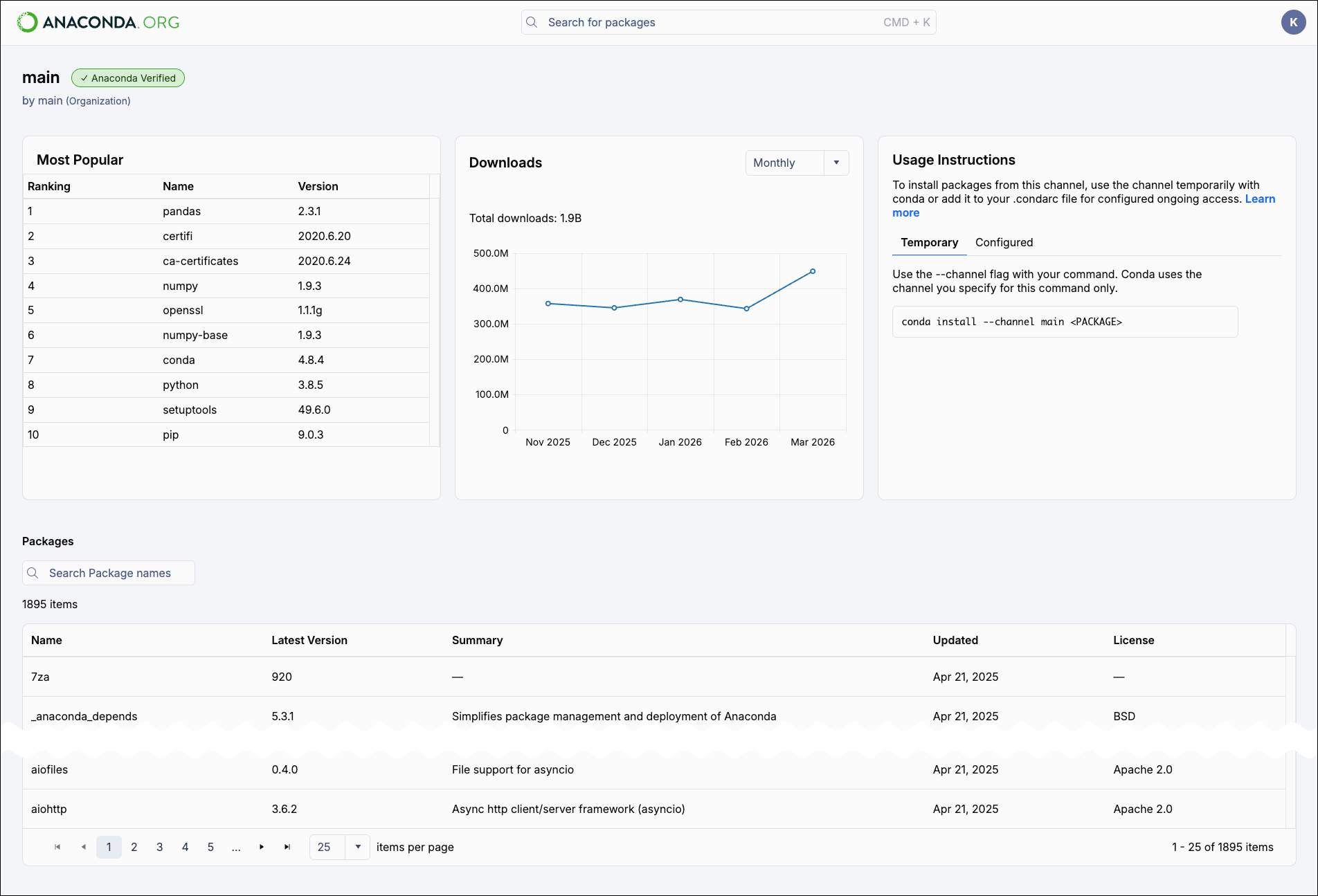
- main — Anaconda’s default channel, containing thousands of curated packages for data science and AI.
- conda-forge — A community-maintained collection of conda packages.
- conda-pypi — A channel that indexes pure Python wheels from PyPI, allowing you to install them with conda. Requires conda 26.9.x or later and the rattler solver. For setup instructions, see the official conda documentation.