

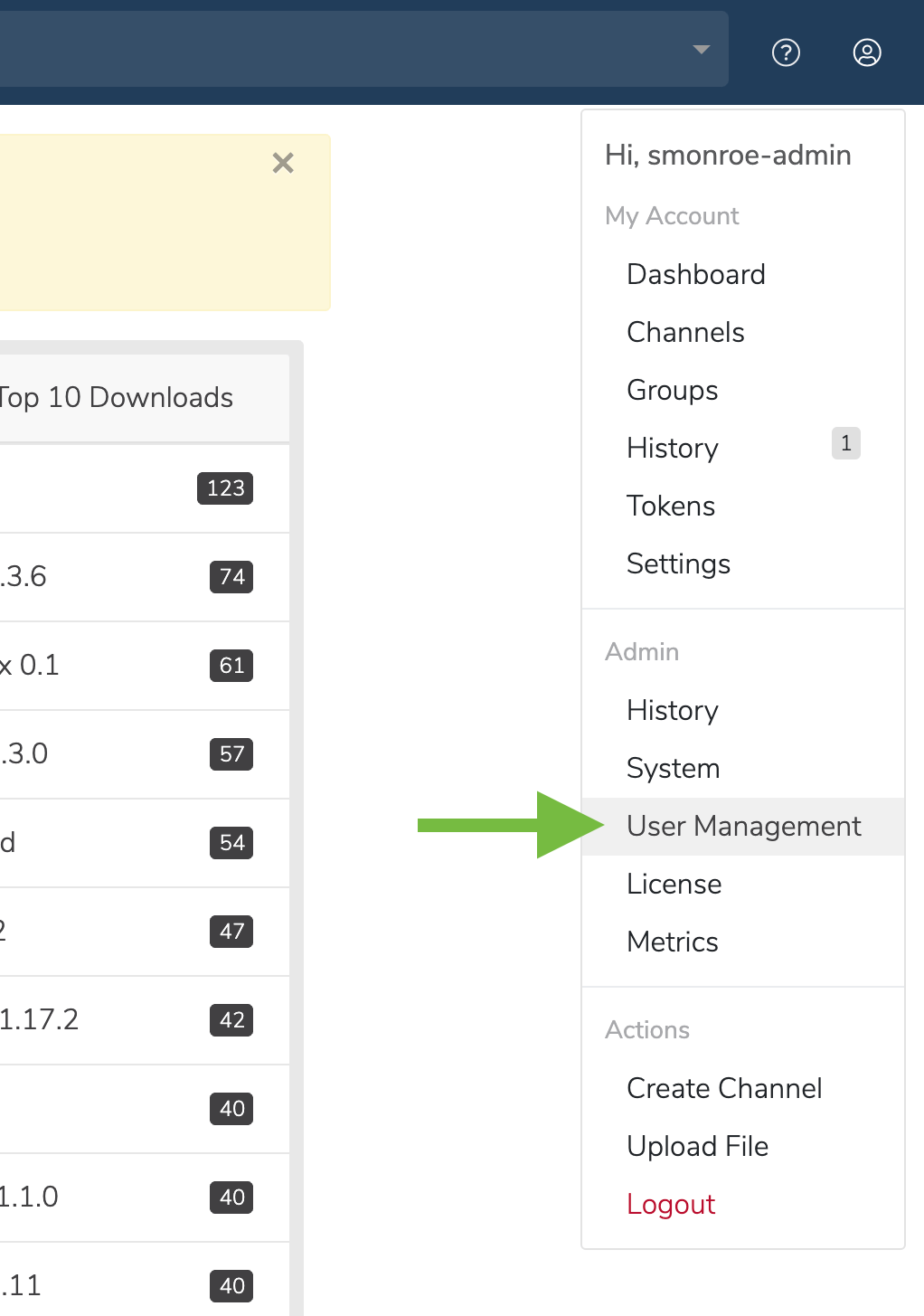
- Click on the My account button in the top right.
-
In the dropdown, under Admin, select User Management.
- On the User Management screen, click the Manage Users button. You will be directed to the Keycloak login screen.
<DOMAIN>/auth/admin to reach the Keycloak admin login page.
Additional guides for Keycloak: