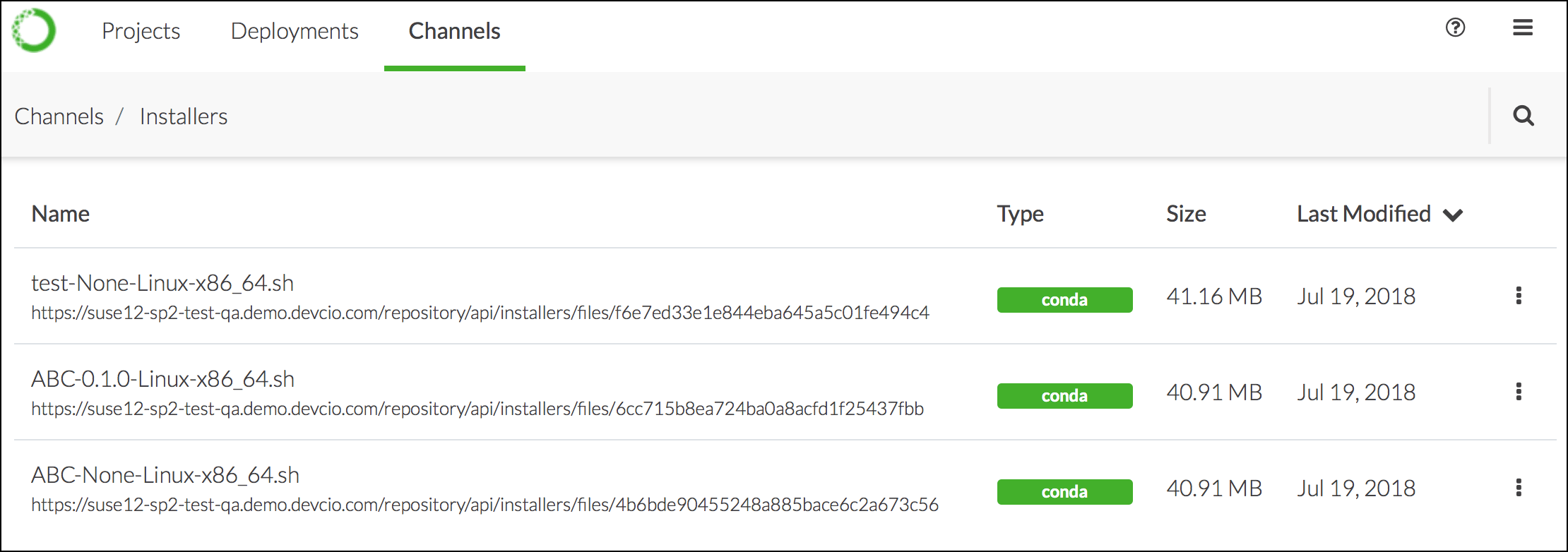
In addition to Anaconda and Miniconda installers, your administrator may create custom installers, Cloudera Manager parcels, or Hortonworks Data Manager management packs for you and your colleagues to use. They make these specific packages and their dependencies available to you via channels. To view the installers available to you, navigate to the Channels menu, then click the Installers link in the top-right corner.Documentation Index
Fetch the complete documentation index at: https://anaconda.com/docs/llms.txt
Use this file to discover all available pages before exploring further.

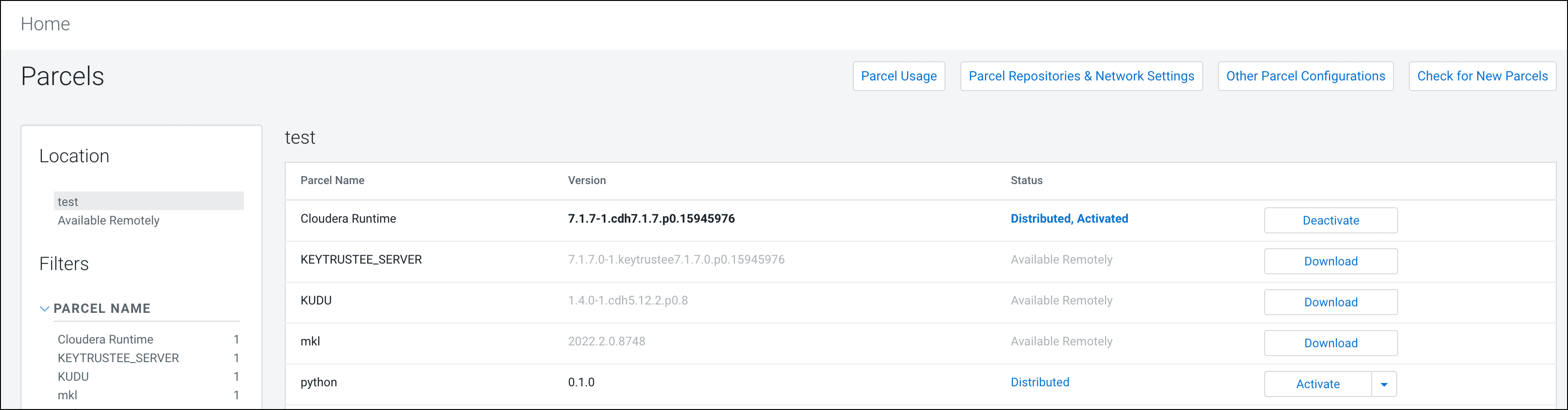
Working with Cloudera Data Platform (CDP) parcels
When working with CDP, create a parcel containing the conda environment you have created, then import the parcel into your CDP cluster.-
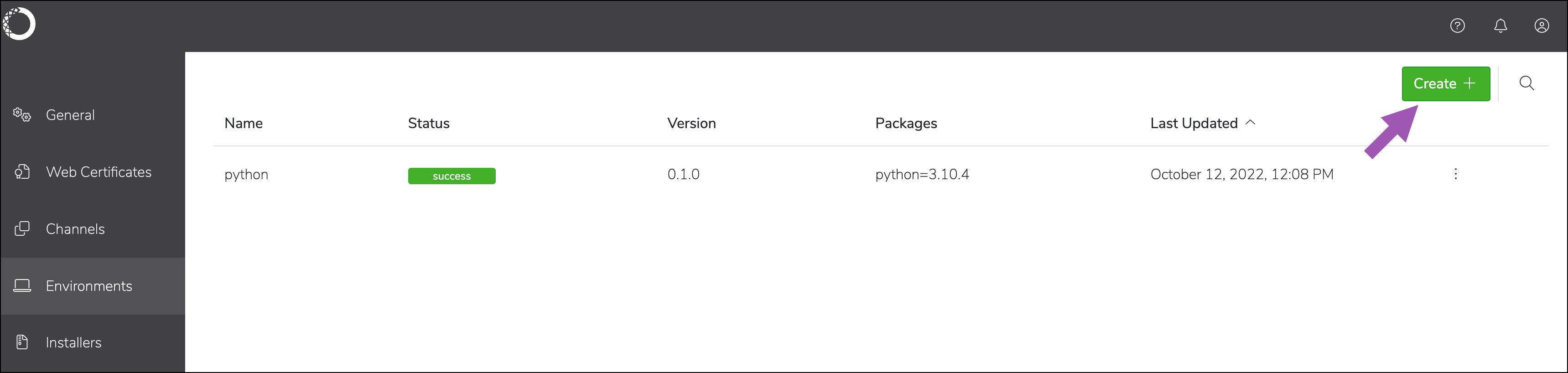
Create the environment.
-
Create the parcel.

-
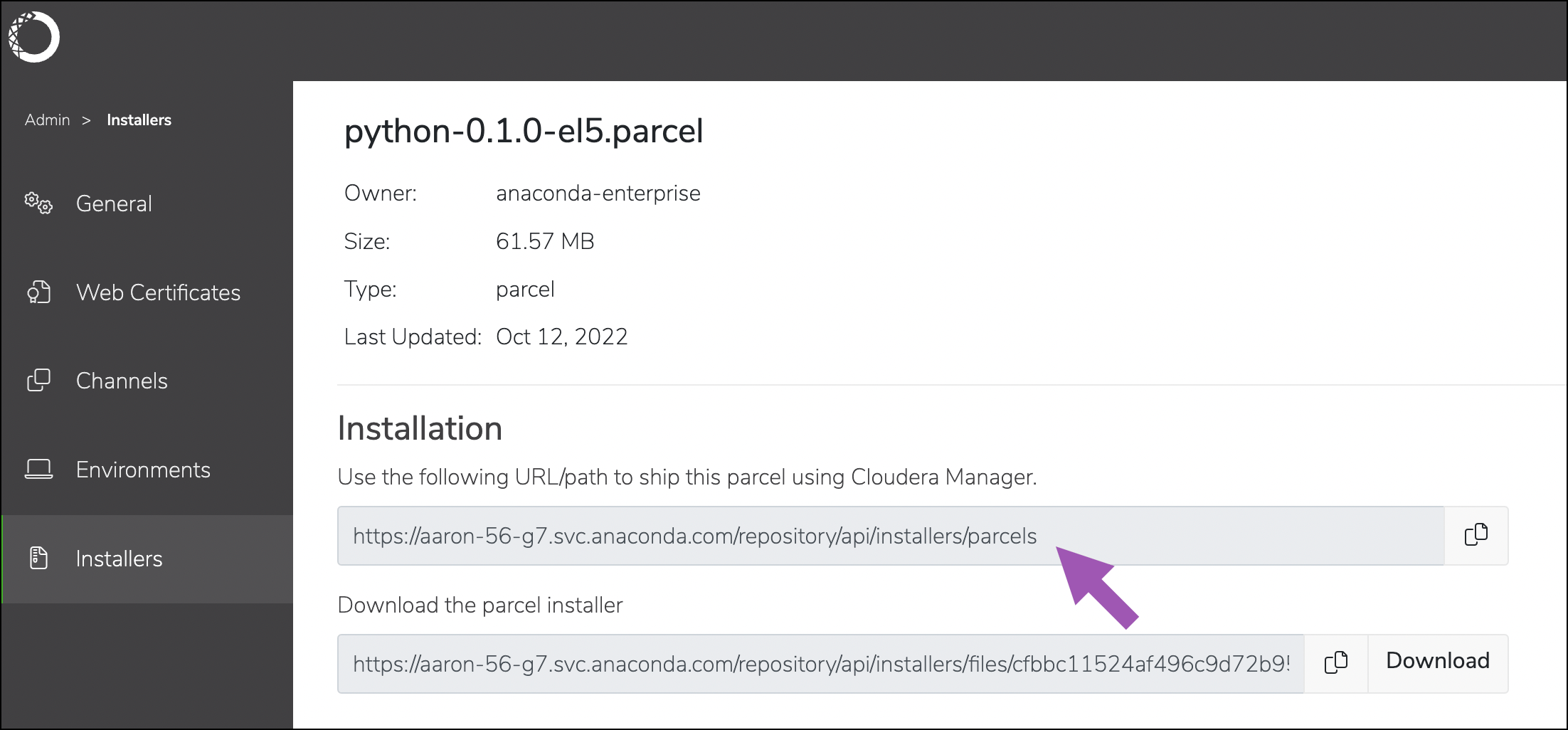
Retrieve the URL used for importing the parcel into CDP.
-
Add the URL to the CDP parcel configuration.
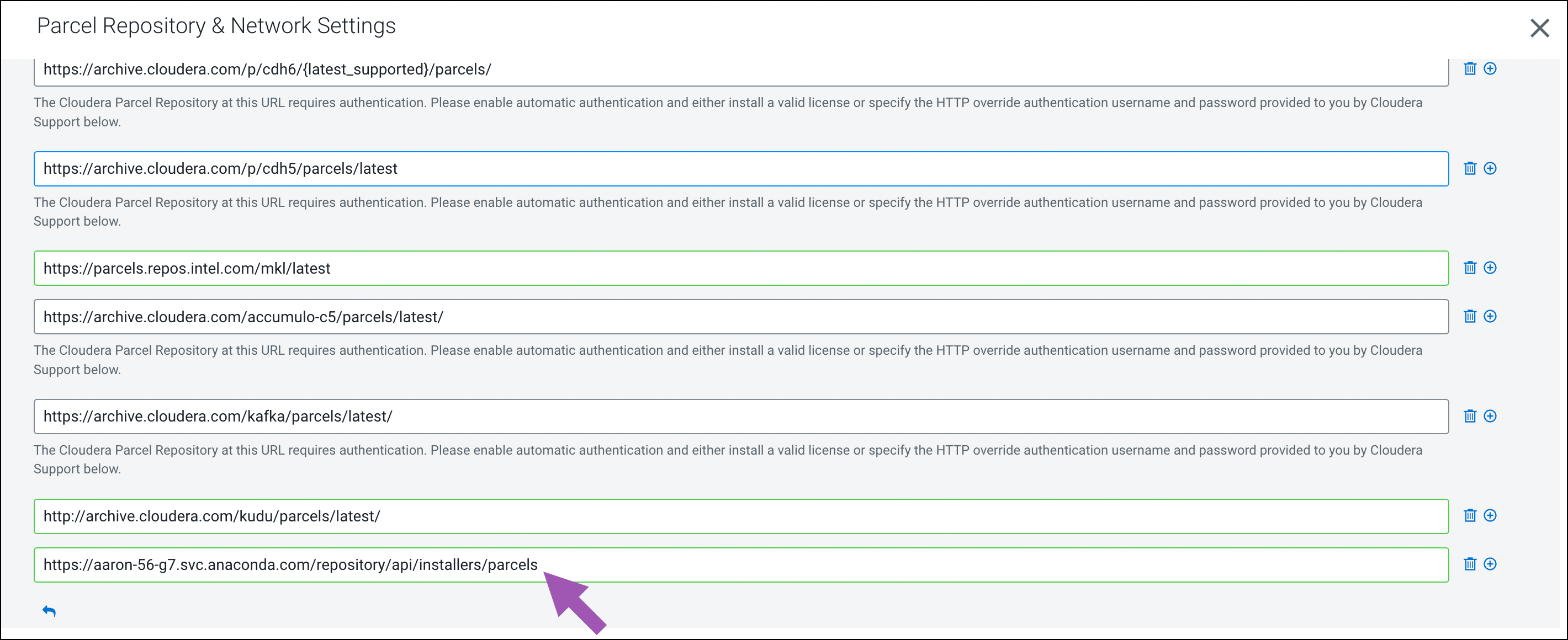
-
Save your changes, check for new parcels, and download the new parcel.