> ## Documentation Index
> Fetch the complete documentation index at: https://anaconda.com/docs/llms.txt
> Use this file to discover all available pages before exploring further.
# Artifact download report
Download an artifact report if you need to know which of your users are downloading packages, what those packages are, what CVEs are associated with those packages, and when it was downloaded.
To download an artifact report:
1. Log in to Package Security Manager.
2. Select **System** from the left-hand navigation.
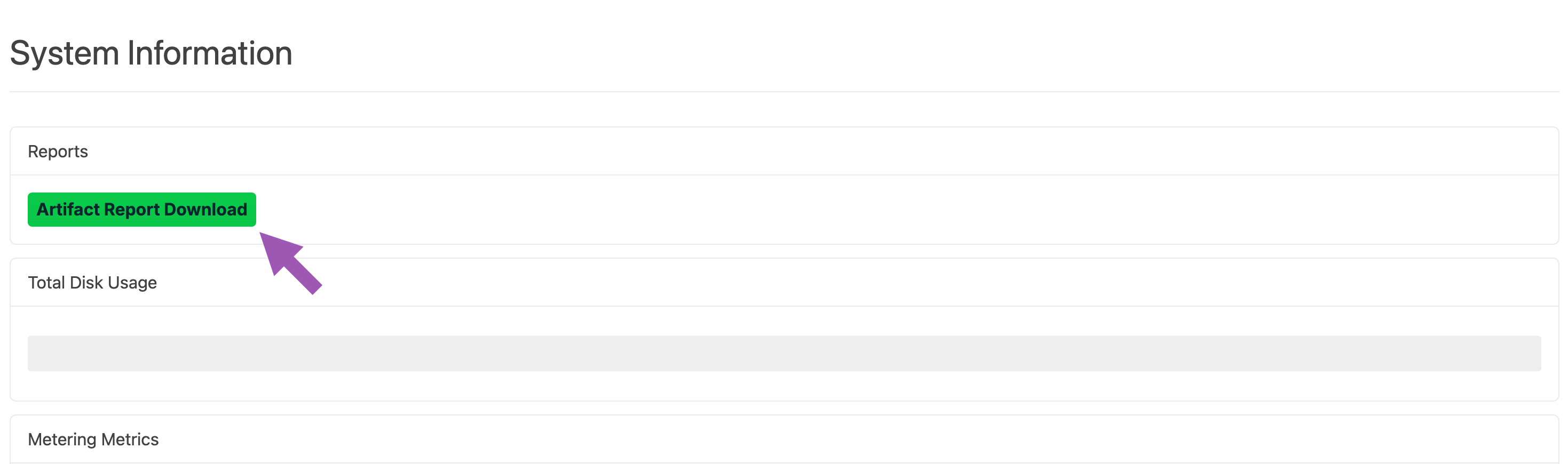
3. Click **Artifact Report Download**.
 4. Enter a date range for your artifact report.
The maximum range is one year.
5. Select a format for your report output. Available outputs are `.csv` and `.json`.
6. If necessary, specify a channel for your report.
7. If necessary, specify a user for your report.
Leave these fields empty to download a report for all channels and all users.
8. Click **Download**.
You will receive a file that you can import into your preferred data editor to view.
## Obtaining additional metrics
To include information about environment, hostname, and host username in your artifact report, your end users must install the `anaconda-ident` package in their base conda environment, then configure it to provide this information. Please reach out to your Technical Account Manager (TAM) or Anaconda support group for assistance with installing and configuring the `anaconda-ident` package.
This additional information is currently only available for reporting on conda packages.
## Downloading the report using the CLI
If you want to download your artifact report using the CLI, see [Package Security Manager CLI](/docs/psm-on-prem/6.7.2/user/cli#downloading-artifact-report).
## Downloading the report using the API
You can also use the API to perform the artifact report download.
```sh theme={null}
GET api/reports/artifact_download
```
4. Enter a date range for your artifact report.
The maximum range is one year.
5. Select a format for your report output. Available outputs are `.csv` and `.json`.
6. If necessary, specify a channel for your report.
7. If necessary, specify a user for your report.
Leave these fields empty to download a report for all channels and all users.
8. Click **Download**.
You will receive a file that you can import into your preferred data editor to view.
## Obtaining additional metrics
To include information about environment, hostname, and host username in your artifact report, your end users must install the `anaconda-ident` package in their base conda environment, then configure it to provide this information. Please reach out to your Technical Account Manager (TAM) or Anaconda support group for assistance with installing and configuring the `anaconda-ident` package.
This additional information is currently only available for reporting on conda packages.
## Downloading the report using the CLI
If you want to download your artifact report using the CLI, see [Package Security Manager CLI](/docs/psm-on-prem/6.7.2/user/cli#downloading-artifact-report).
## Downloading the report using the API
You can also use the API to perform the artifact report download.
```sh theme={null}
GET api/reports/artifact_download
```