> ## Documentation Index
> Fetch the complete documentation index at: https://anaconda.com/docs/llms.txt
> Use this file to discover all available pages before exploring further.
# History
The History page allows you to view and filter past events. You may also click on the event itself to view its metadata.
The following is a list of some events you may see captured in your History log:
* Channel created
* Channel deleted
* Channel group added
* Channel group deleted
* Group user added
* Group user deleted
* Artifact registered
* Artifact removed
* Artifact view refreshed
* Mirror registered
* Mirror updated
* Mirroring failed
* User token updated
## Viewing history
To view your history page, open the **My account** dropdown menu and select *History*.
Administrator users have access to a second history log that shows a system-wide history of the same events.
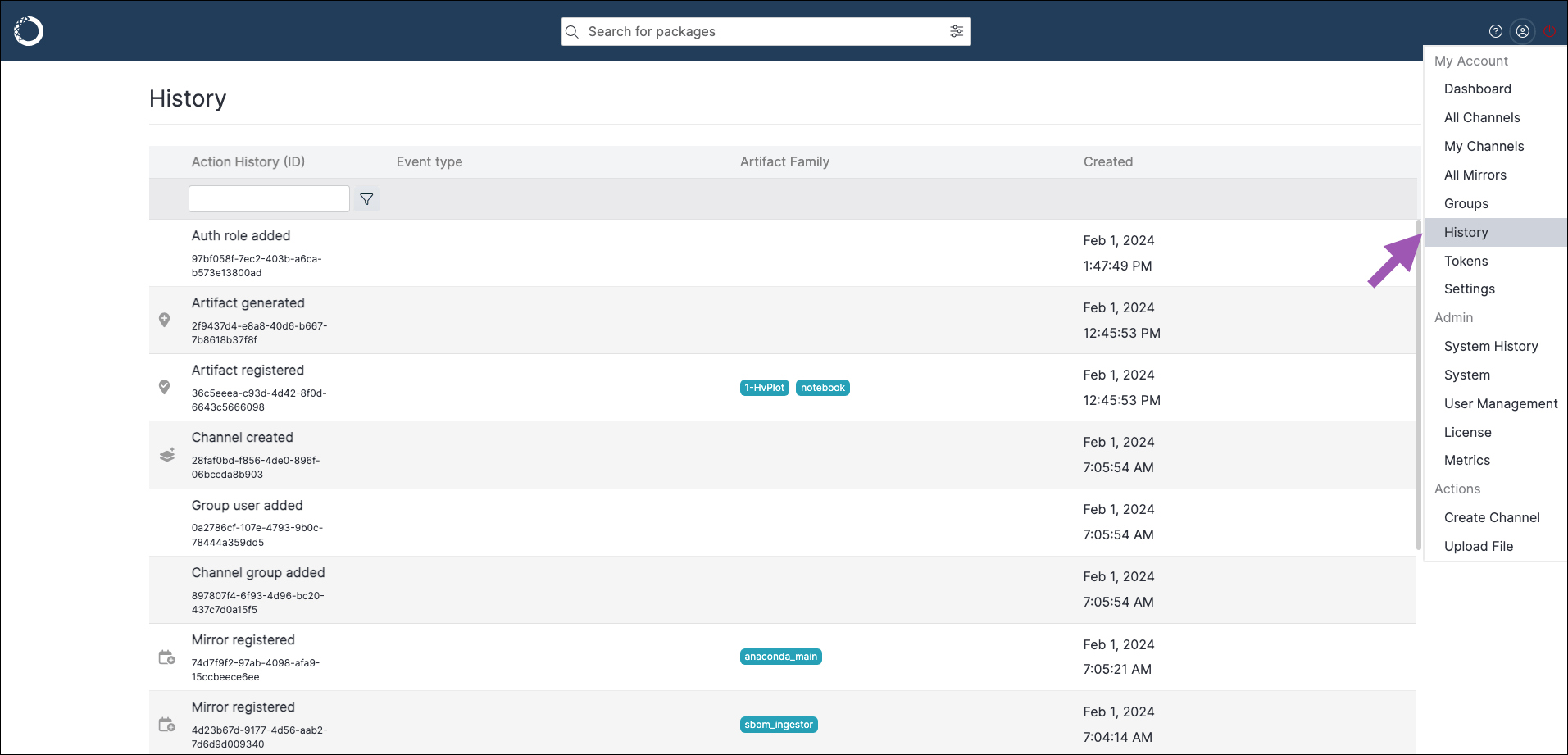 Filter your history to locate specific events using keywords, such as *channel*, *mirror*, *group*, or *user*. Select any event to view its metadata.