> ## Documentation Index
> Fetch the complete documentation index at: https://anaconda.com/docs/llms.txt
> Use this file to discover all available pages before exploring further.
# Software Bill of Materials (SBOM)
Anaconda Server provides you with the ability to download `.json` formatted SBOM files for some of the most popular packages available on the open source market today. If you purchased a license with SBOM support, a passive SBOM mirror will automatically be created for you on your first login.
Administrators can view the status of the SBOM mirror from the **All Mirrors** view.
## Downloading an SBOM
To download an SBOM for a package file:
1. Log in to your instance of Anaconda Server.
2. Open a channel from the **Dashboard** or from the **My Channels** page.
3. Find the package you need an SBOM for.
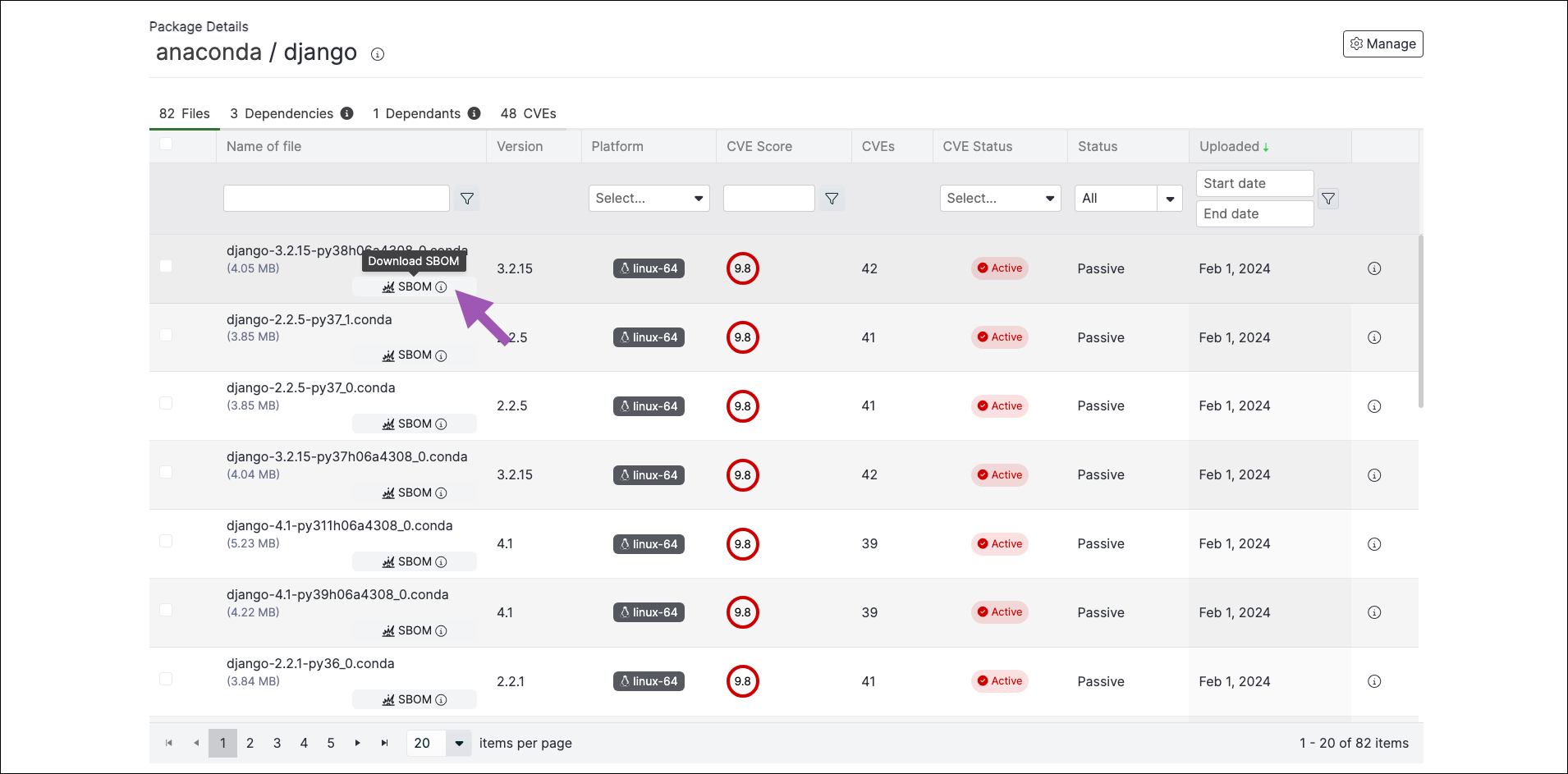
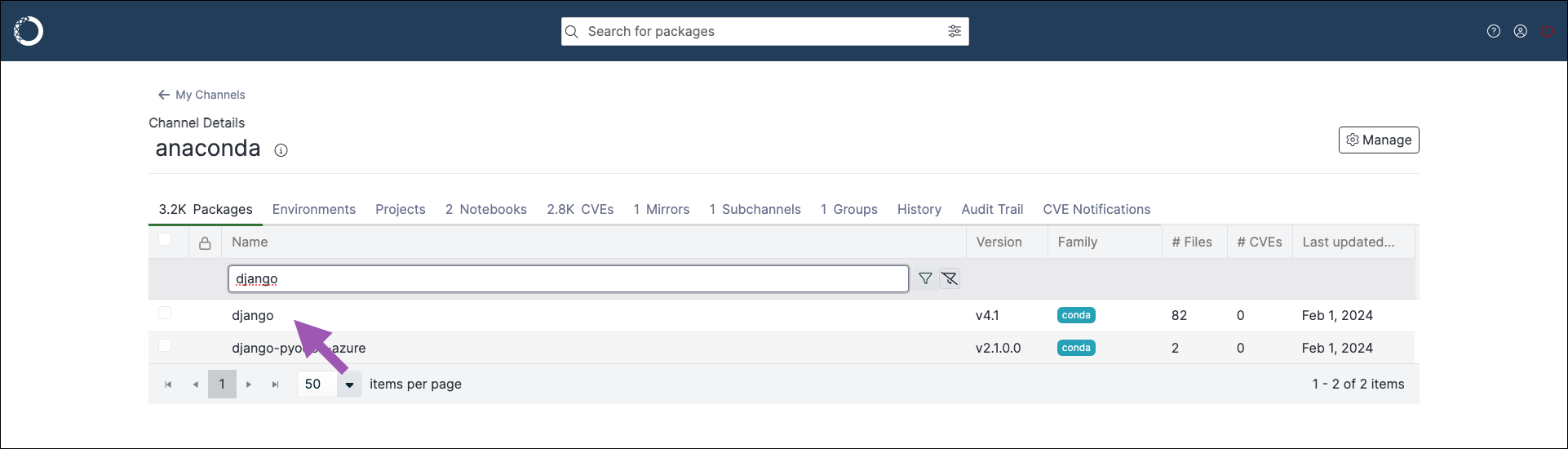 4. Click the **SBOM** badge next to a package file to download an SBOM for that file version.
 Not all packages have an SBOM associated with them. If you try to view or download an SBOM from a package that does not have one, an error message appears to inform you that an SBOM is not available. Efforts are underway to provide SBOMs for all packages present in the Anaconda maintained channels.