> ## Documentation Index
> Fetch the complete documentation index at: https://anaconda.com/docs/llms.txt
> Use this file to discover all available pages before exploring further.
# Configuring channels and mirrors
noindex: true
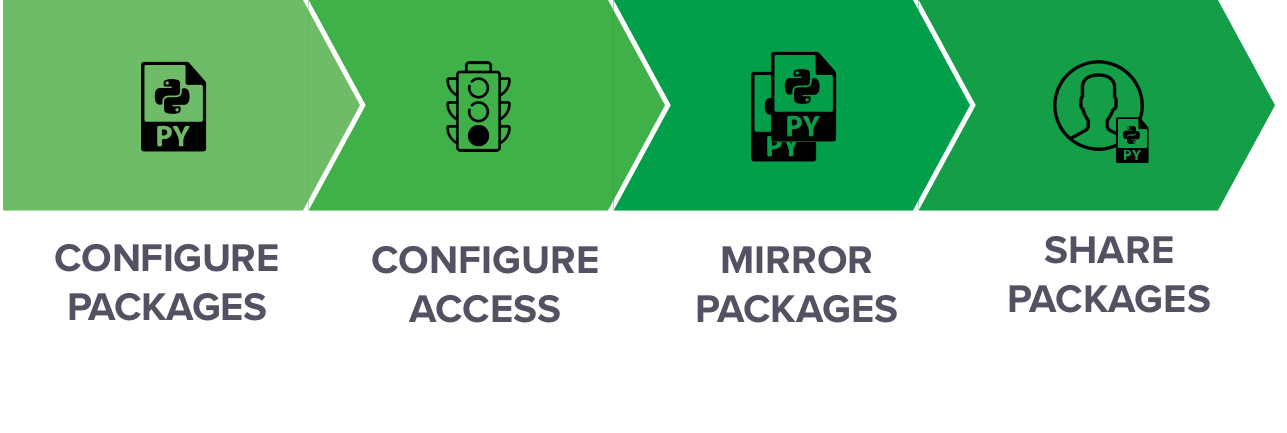
Data Science & AI Workbench facilitates software distribution through the strategic use of channels and mirrors. Channels represent locations in repositories where Workbench uses conda to look for packages. As an administrator, you can populate a channel with packages from an external repository location by creating a mirror.
Workbench supports the use of both conda and pip packages in its internal repository.
For instructions on configuring conda in Workbench, see [Configuring conda in Workbench](./conda-config).
For instructions on managing Workbench channels, see [Channels](./channels).
For instructions on mirroring repository channels into Workbench, see [Mirroring](./mirror).