> ## Documentation Index
> Fetch the complete documentation index at: https://anaconda.com/docs/llms.txt
> Use this file to discover all available pages before exploring further.
# Project templates
Data Science & AI Workbench provides several base Anaconda environments, along with [Python](./python), [R](./r), and [Spark and Hadoop](./spark-hadoop) environments, to help you get started developing your project.
Project templates are pre-solved conda environments where a number of packages have already been installed. Creating a new project from one of these templates clones the environment for use by the project. From there, you can use `anaconda-project` commands to [customize the project environment as needed](../projects/project-config). These configuration changes will persist for the project environment, but will not affect the environment template.
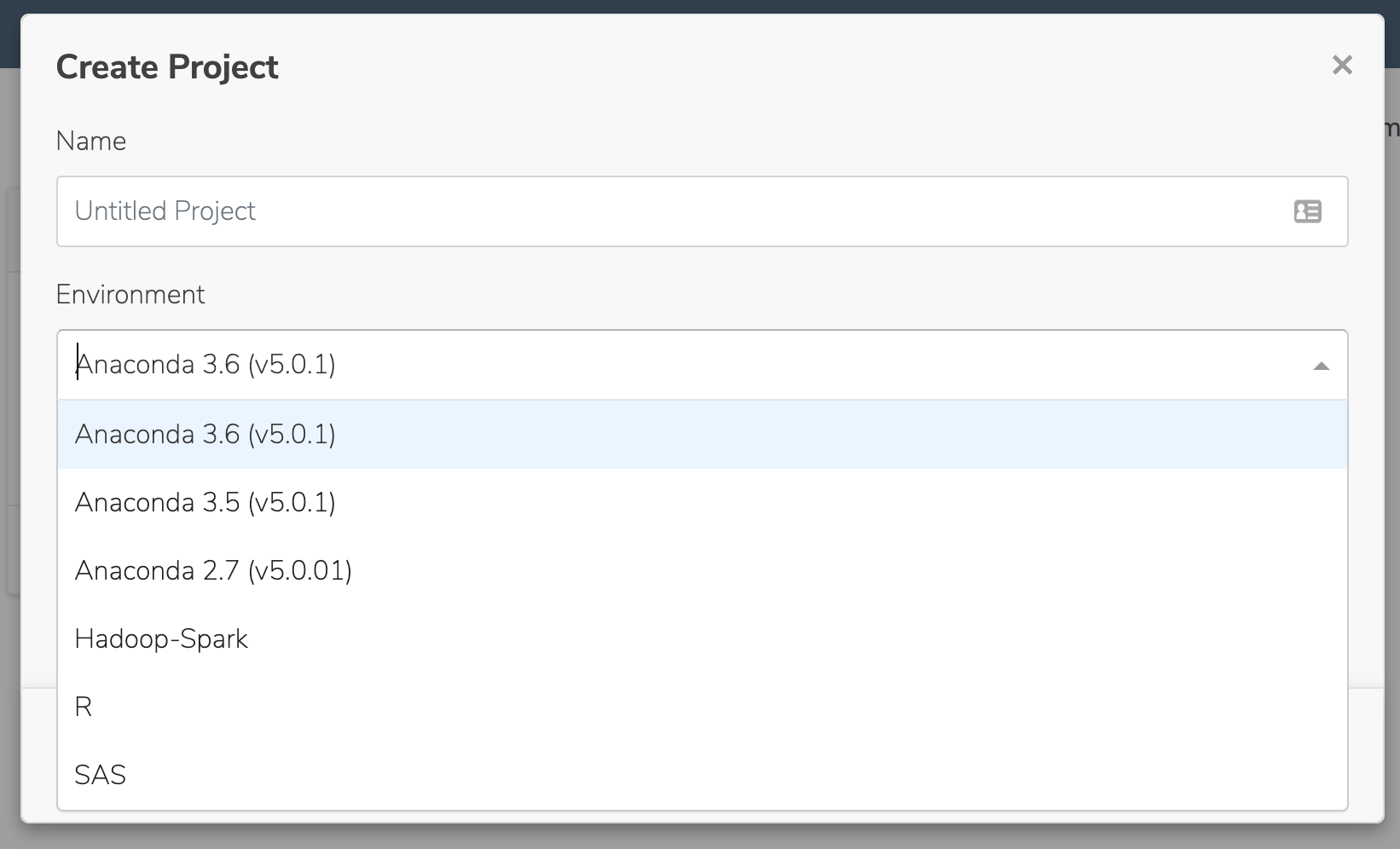
To use one of the available templates, select it from the **Environment** list when you create your project:
 If the provided template environments do not suit your needs, you can create custom environments and include them as templates for your users. For more information, see [Configuring persistent environments and sample projects](../../admin/custom_env_proj).