> ## Documentation Index
> Fetch the complete documentation index at: https://anaconda.com/docs/llms.txt
> Use this file to discover all available pages before exploring further.
# Viewing package information
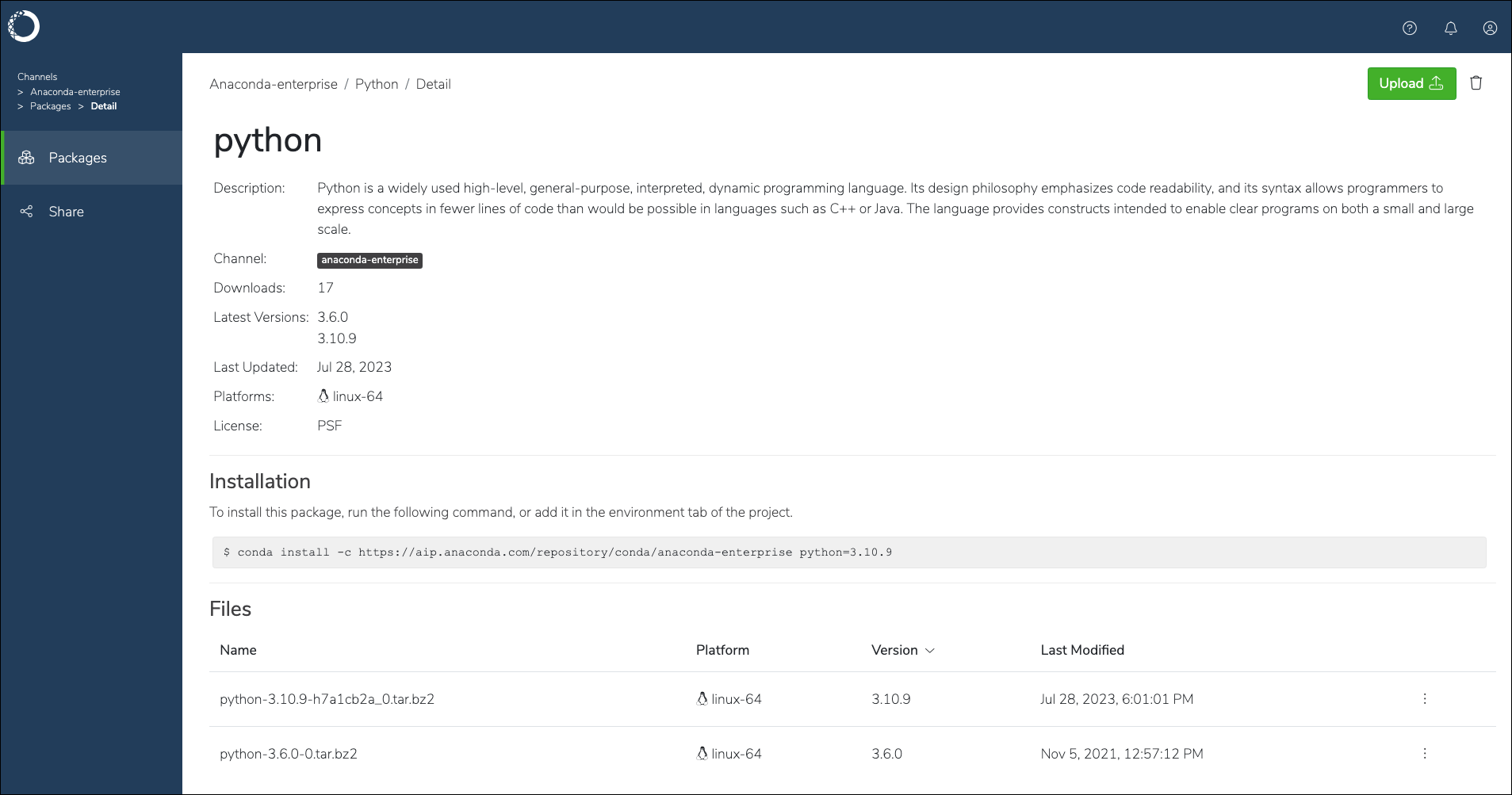
Each package in Anaconda Enterprise presents valuable information pertaining to the package, such as its platform architecture, version, license, number of downloads, and the last time the package was updated. You can also find a command on this page to assist you with installing the package in your environment.
To view a package’s information:
1. Log in to Workbench.
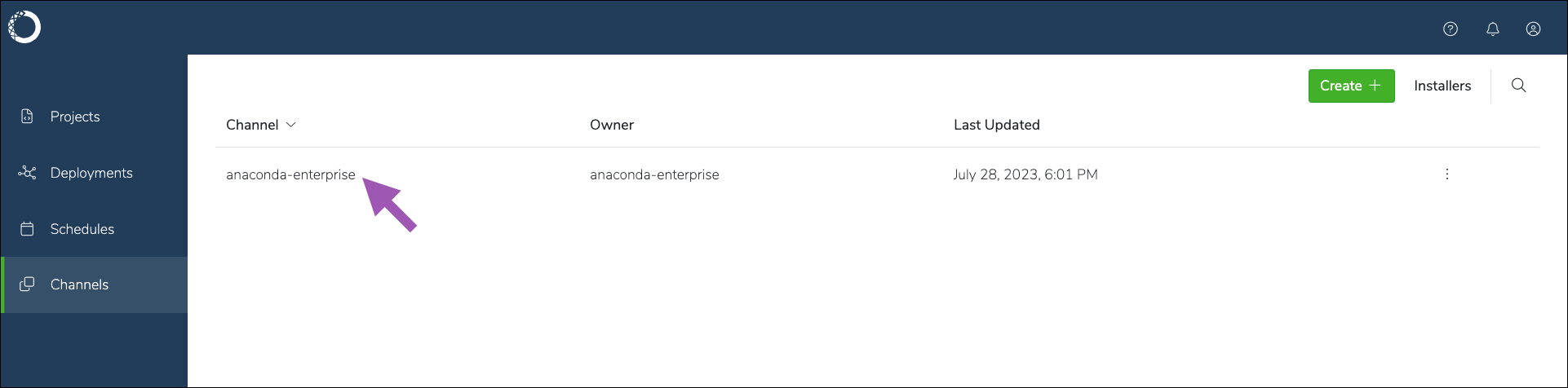
2. Select **Channels** from the left-hand navigation.
3. Select a channel from the list.
 4. Click the search icon, then enter the name of the package into the search bar.
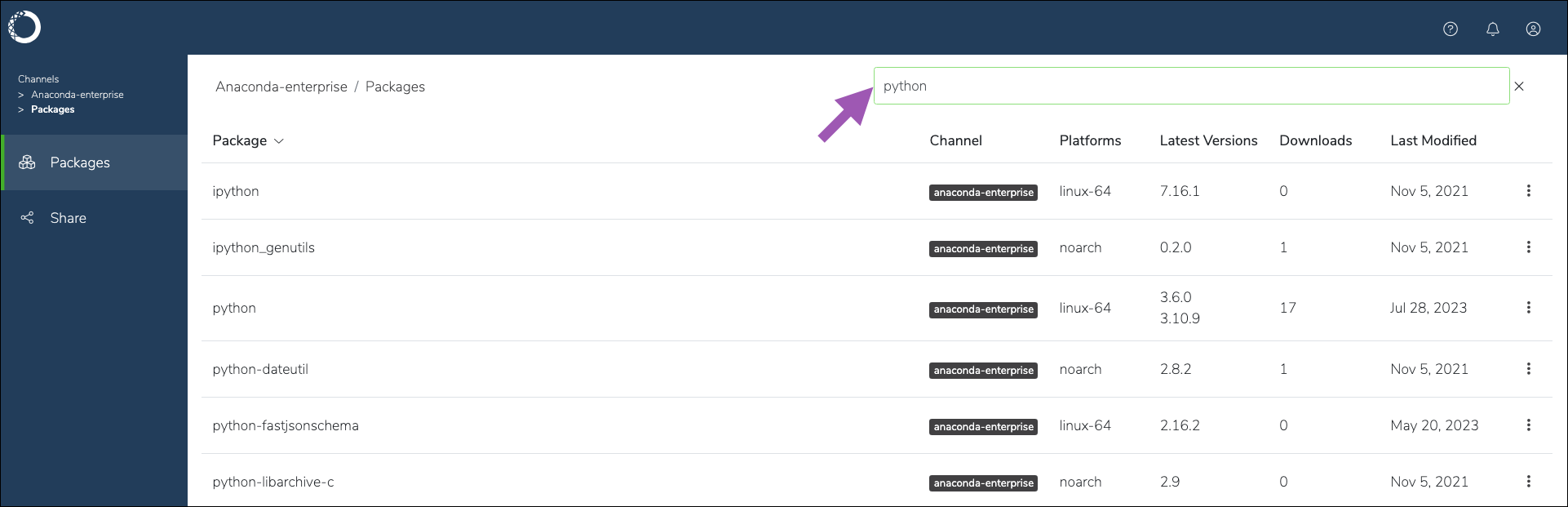 5. Select the package from the list to view its information.