> ## Documentation Index
> Fetch the complete documentation index at: https://anaconda.com/docs/llms.txt
> Use this file to discover all available pages before exploring further.
# Terminating a deployment
When a deployment is no longer required, you can terminate it to stop it from running. This will remove it from the server and free up the resources it’s currently using. Terminating a deployment does not affect the original *project* from which the deployment was created—only the deployment. It does make the deployment unavailable to [any users you had shared it with](./share), however.
**To terminate a deployment:**
1. Click the top-level **Deployments** menu item to display all of your deployments.
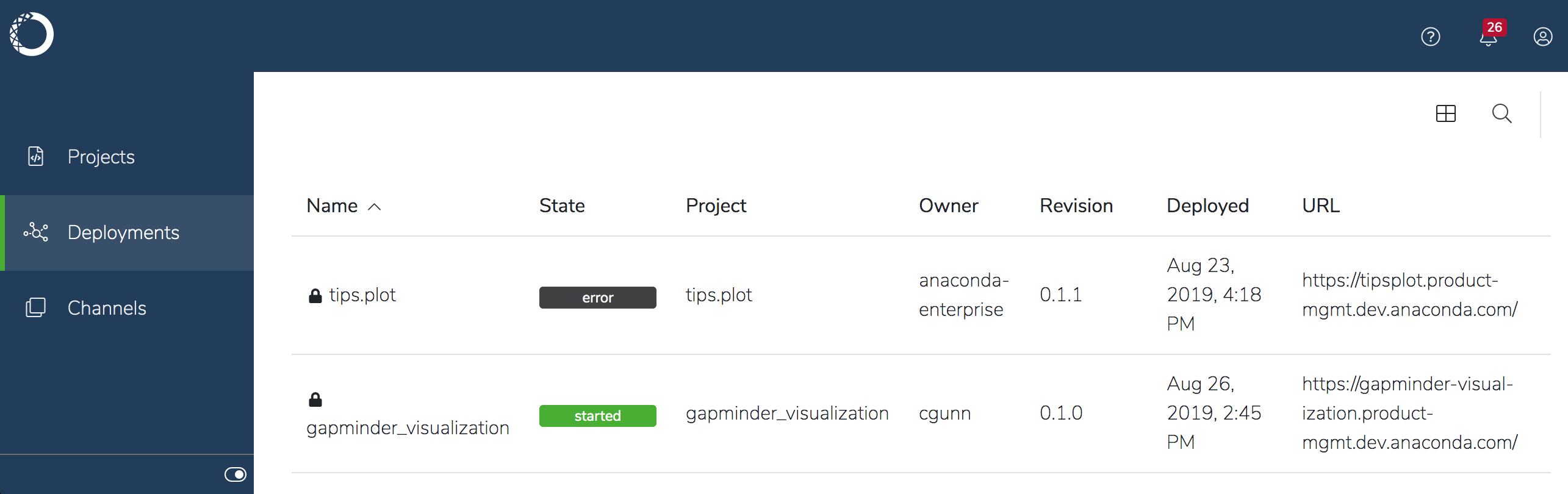 2. Click the specific deployment you want to terminate, and click **Settings** in the menu on the left.
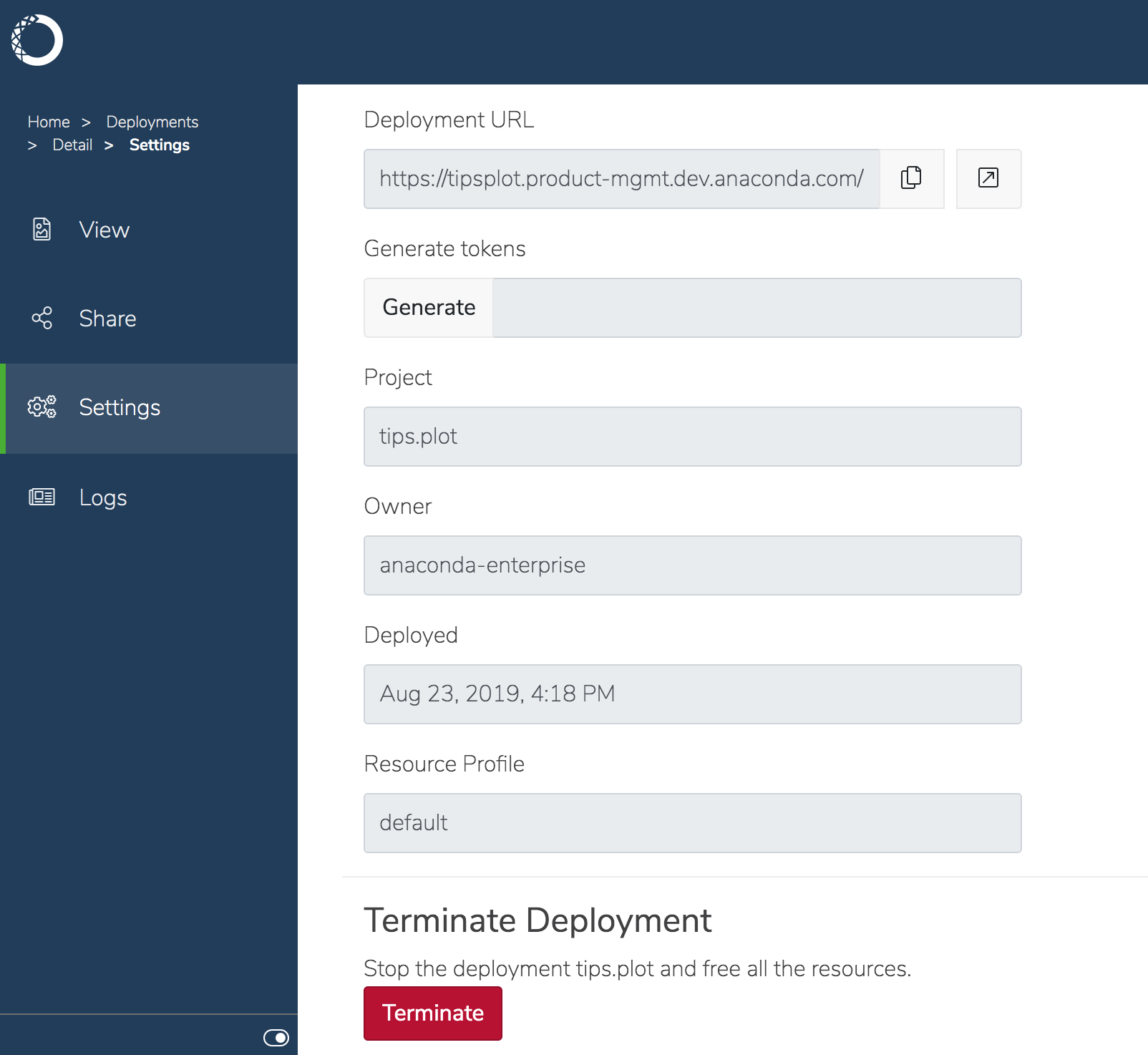 3. Scroll down until the **Terminate** button is visible, and click it. 4. Confirm
that you want to stop the deployment. The deployment stops, and is removed from the
list of deployments.
3. Scroll down until the **Terminate** button is visible, and click it. 4. Confirm
that you want to stop the deployment. The deployment stops, and is removed from the
list of deployments.