> ## Documentation Index
> Fetch the complete documentation index at: https://anaconda.com/docs/llms.txt
> Use this file to discover all available pages before exploring further.
# Using project templates
In addition to sample projects, Anaconda Enterprise provides project *templates*
to help you get started with configuring and developing in your project.
Project templates provide pre-built conda environments in your project editor
session where a number of packages have already been installed.
Templates are provided for common environments such as [Python](./python),
[R](./r), and [Spark and Hadoop](./spark-hadoop).
Each template environment includes many of the post popular data science
packages You can use `anaconda-project` commands to
[customize them as needed](../projects/dependencies).
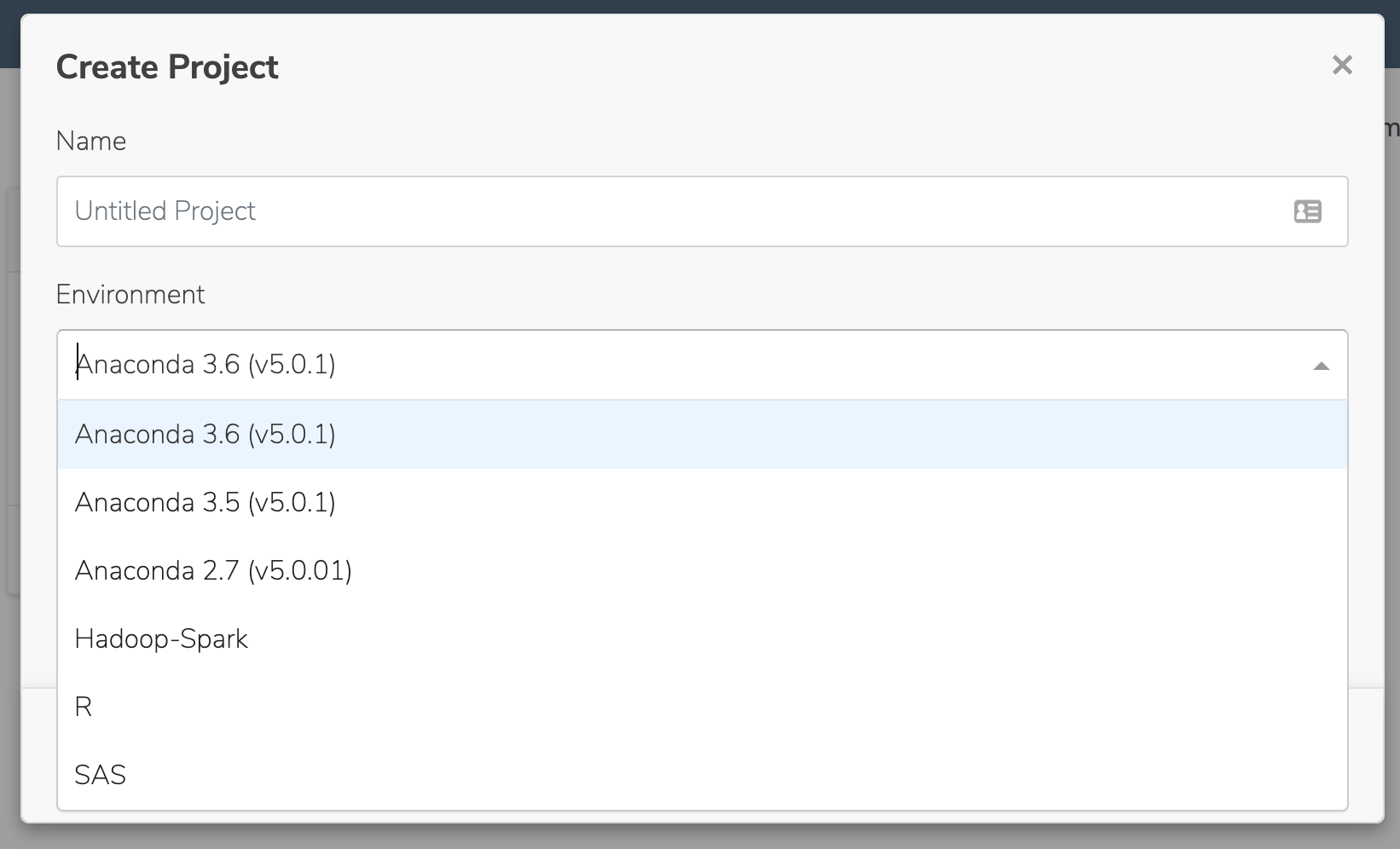
To use one of the available templates, simply select it from the
**Environment** list when you create your project: