> ## Documentation Index
> Fetch the complete documentation index at: https://anaconda.com/docs/llms.txt
> Use this file to discover all available pages before exploring further.
# Managing cluster resources
After you’ve [installed an Anaconda Enterprise cluster](../../install/on-prem),
you’ll want to continue to manage and monitor the cluster to ensure that it
scales with your organization as needs change. These on-going management and
monitoring tasks include the following:
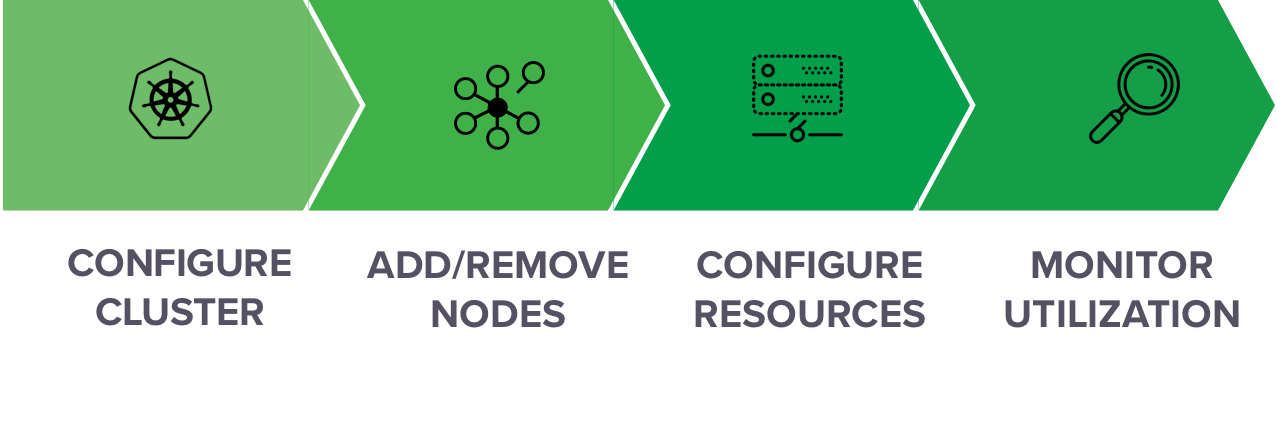
* When you’ve outgrown your initial Anaconda Enterprise cluster installation,
you can easily [add new nodes](./add-remove-node)—including GPUs. To make
these nodes available to platform users, you’ll
[configure resource profiles](./resource-profile).
* To help you manage your organization’s cluster resources more efficiently,
Anaconda Enterprise enables you to [track which sessions and deployments
are running on specific nodes or by specific users](./monitor-sessions-deps).
You can also [monitor cluster resource usage](./monitor-cluster) in terms
of CPU, memory, disk space, network and GPU utilization.
* To help you gain insights into user services and troubleshoot issues,
Anaconda Enterprise provides [detailed logs](./logging) and debugging
information related to the Kubernetes services it uses, as well as all
[activity performed by users](./activity). See [fault tolerance in
Anaconda Enterprise](./fault-tolerance) for information about what to do if a
master node fails.